HT2800T_en_c.doc Page 42 of 275
The grey area shows a notification/confirmation message. The lower part of the screen shows
the action buttons.
These include:
•
“SAVE” to store the editing,
•
“CANCEL” to exit without saving,
•
“CONTINUE” to confirm,
•
“STOP” or “ABORT” to interrupt the procedure
•
etc...
Tap the relevant command to perform the task.
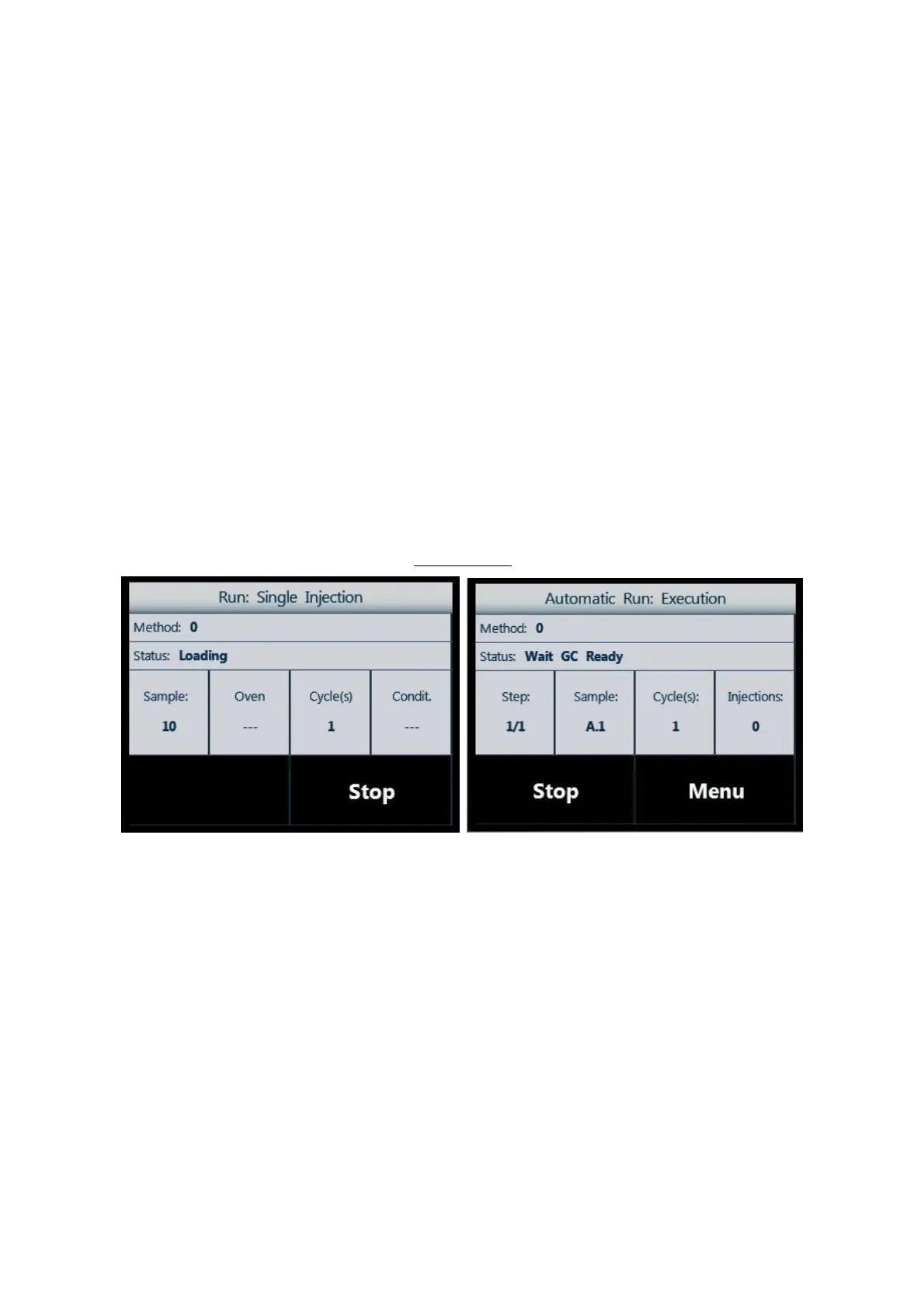
2.4.1.6 Screen type 6: Status Information
Screen type 6
Figure 41: Screen type 6_example A Figure 42: Screen type 6_example B
This screen type describes the status of the autosampler when it is running (injection or
wash). The buttons in the lower part of the screen can show:
•
“STOP” to stop the running operation;
•
“MENU” to access additional options.
2.4.2 Limited Warranty
Due to technology constrains, the touch screen display may have a minor defect. A minor
defect refers to a defect which is not considered to be able to substantially
degrade the product application or a defect that deviates from existing standards almost
unrelated to the effective use of the product or its operation, such as black spot, white



 To Next Page