HT2800T_en_c.doc Page 75 of 275
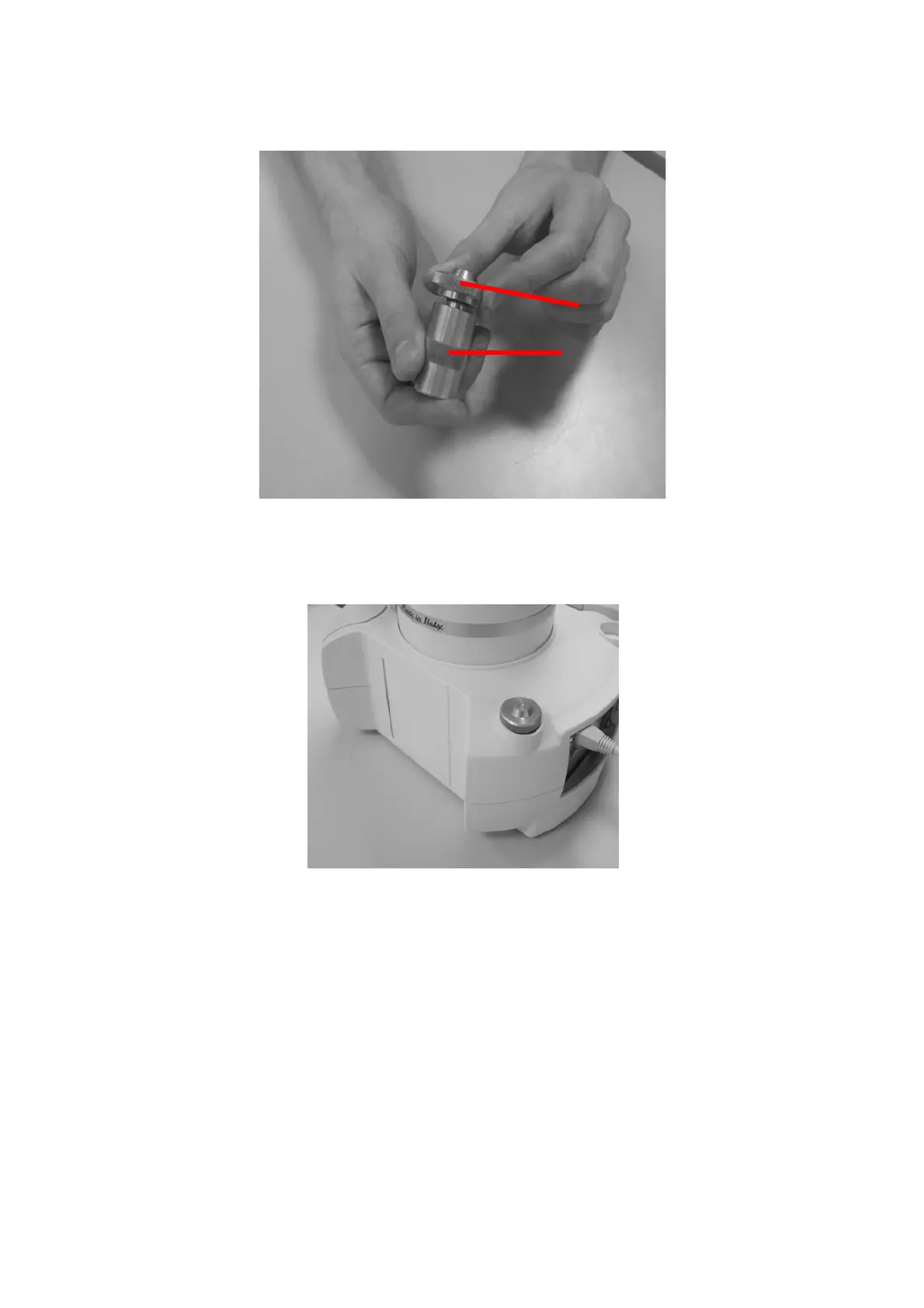
Figure 86: System integrity tool installation_3
7) Place the System integrity tools in position number 6 of
Figure
1.
Figure 87: System integrity tool installation_4
3.6.4 Vial Locator: Installing and removing (Liquid mode)
You may need to change the vial locator when enabling/disabling Barcode Reader option (see
paragraph 0 “Select “Exit” to exit from this screen and return to the “Setup Configuration””
screen (see paragraph 4.2.6 “Setup: Configuration”):
Setup configuration: BCR“)



 To Next Page