HT2800T_en_c.doc Page 76 of 275
The vial locator with gripper (see paragraph 2.1.2.2 “Syringe location for Liquid Mode” to be used in
case of Barcode Reader option enabled, is included inside the Barcode Reader Module HT2800T (see
1.7.2 “Options”).
The standard vial locator without gripper (see paragraph 2.1.2.2 “Syringe location for Liquid Mode”),
can be used when Barcode Reader option is disabled.
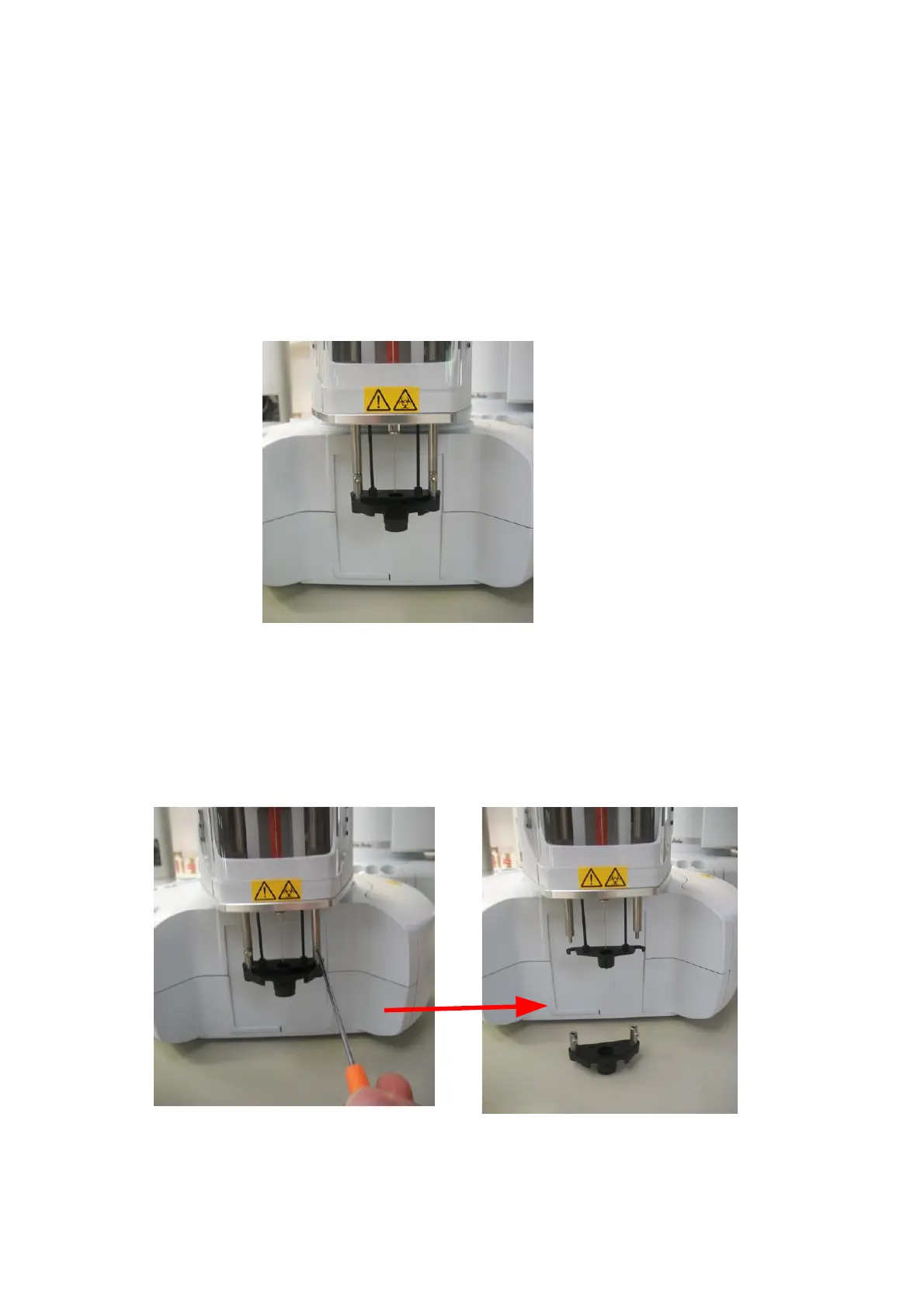
The autosampler has the possibility to change the vial locator in a quick way:
Figure 88: Vial locator positioning
8) Enter the Manual Operations menu (see paragraph 4.2.5 “Setup: Manual operations“); Move
turret and needle to a position that assures easy access to the vial locator. For example
move the vial locator over the injection area as shown in the picture below:
9) Use the dedicated allen key (supplied with the Bar code Reader Module HT2800T) to remove
the vial locator as shown in the pictures below:
Figure 89: Vial locator removing



 To Next Page