HT2800T_en_c.doc Page 241 of 275
9.1.6 Fiber replacement in the Fiber holder (SPME mode)
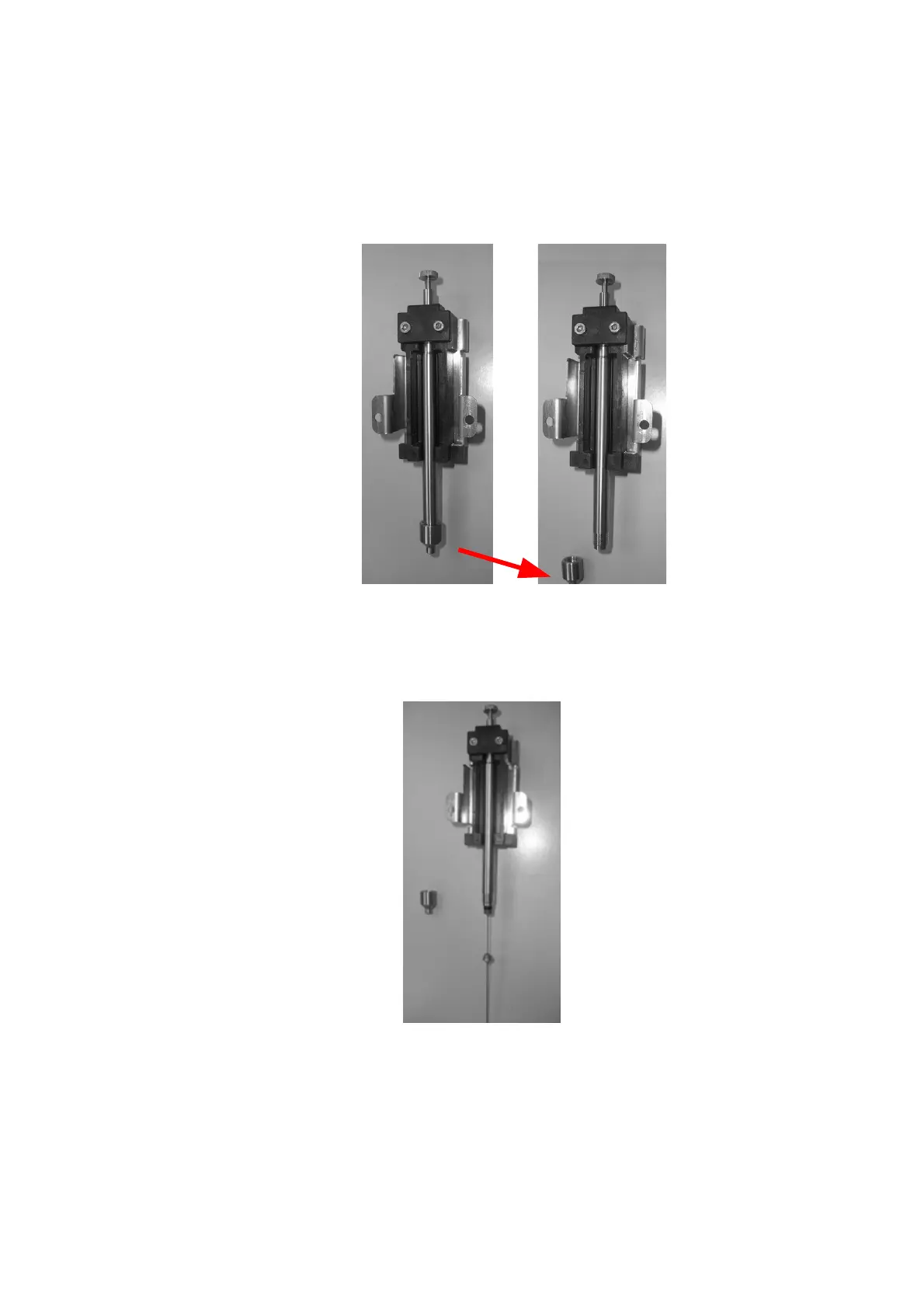
1) Unscrew the Fiber block from the Fiber holder as shown in the figure below:
Figure 199: Fiber mounting in the Fiber holder_1
2) If there is an old Fiber to be removed, unscrew and remove it. Insert the new Fiber in
the Fiber holder and screw it:
Figure 200: Fiber mounting in the Fiber holder_2



 To Next Page