HT2800T_en_c.doc Page 164 of 275
7.1.2 Home screen: Quick Start User Interface
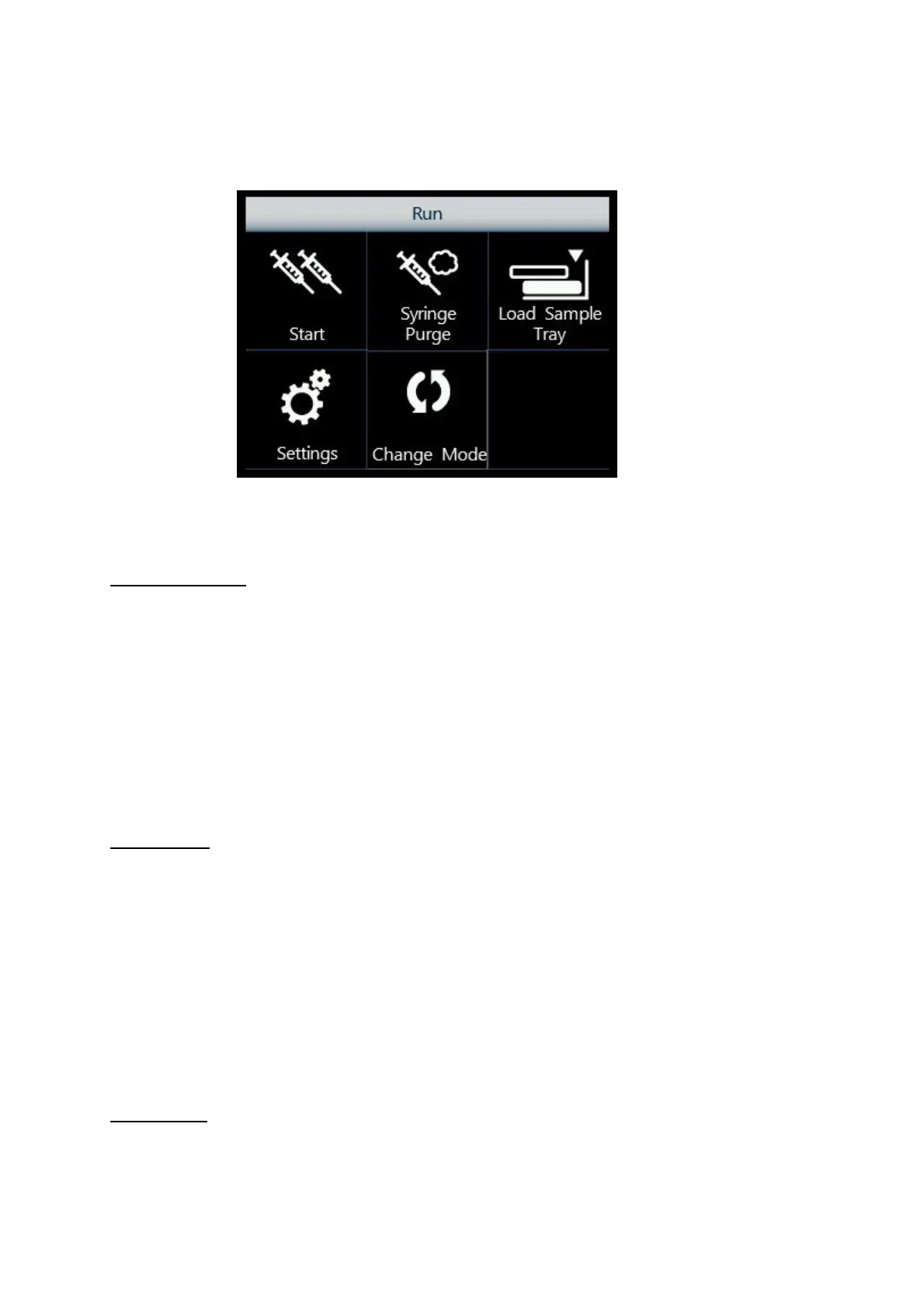
Figure 143: Home screen: Quick User Interface
From here, it is possible to access the following functions:
Headspace mode:
•
Start: the autosampler will run all the stored sequence steps (see paragraph 6)
processing all the vials set in each sequence step (note that after detecting two empty
positions it will automatically stop).
•
Syringe Purge: flushes the syringe with gas (see paragraph 7.4);
•
Load Sample Tray: opens the tray to load/unload the samples (see paragraph 7.7);
•
Settings: accesses other autosampler functionalities and menus (see paragraph 7.9).
•
Change mode: to change the current autosampler mode (Headspace, Liquid, SPME)
(see paragraph 7.10).
Liquid mode:
•
Start: the autosampler will run all the stored sequence steps (see paragraph 6)
processing all the vials set in each sequence step (note that after detecting two empty
positions it will automatically stop).
•
Syringe Wash: washes the syringe with solvent (see paragraph 7.5);
•
Load Sample/Solvent: opens the tray to load/unload the samples and open the oven
cover to load/unload the solvent vials (see paragraph 7.7 and 7.8);
•
Settings: accesses other autosampler functionalities and menus (see paragraph 7.9).
•
Change mode: to change the current autosampler mode (Headspace, Liquid, SPME)
(see paragraph 7.10).
SPME mode:



 To Next Page