HT2800T_en_c.doc Page 222 of 275
•
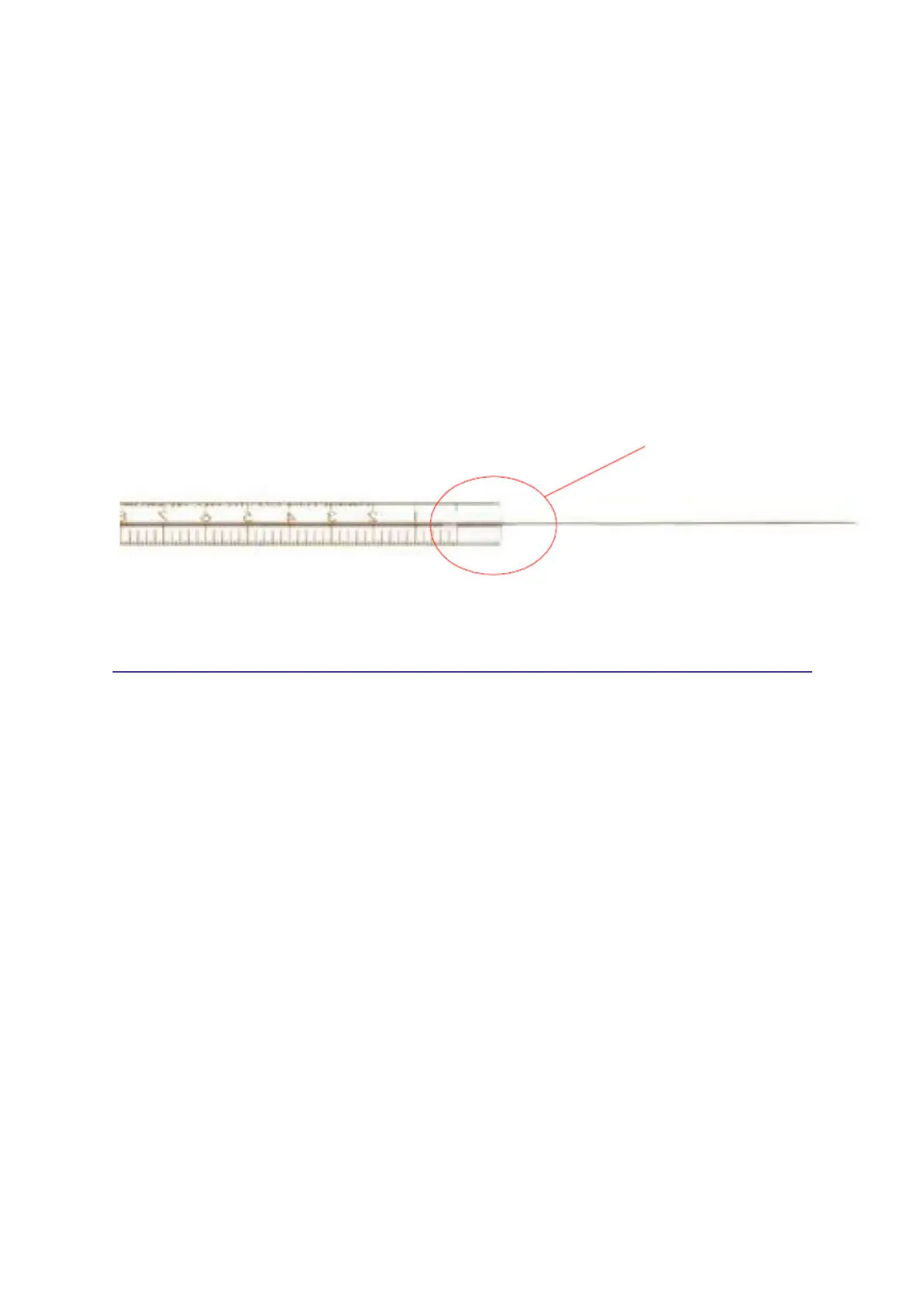
Roll the syringe over a clean flat surface. If the tip of the needle moves in a circle,
straighten it by bending it carefully near the connection point to the barrel and check it
again (see figure below).
•
Check the needle to ensure it is free from burrs and ridges. These can abrade pieces of
the septum and leave particles inside the vial. The ridges can be see under 10X
magnification. If there are ridges, polish the needle by pulling it through a folded piece of
fine emery paper between your finger and thumb until the ridges are gone. Ensure the tip
of the syringe is not damaged.
•
Check the syringe plunger by sliding it up and down a few times. It should move easily
without sticking or binding. If it sticks, remove it and clean it using a suitable solvent.
Figure 184: Syringe inspection
8.17 Tray emergency release
If the tray doesn't open automatically (and samples are inside), please proceed as follows:
•
Switch autosampler OFF;
•
Wait 30 sec;
•
Switch it ON again;
•
Try to open the tray by selecting the “Load sample tray” icon in the home screen. If it is
not possible to access the home screen, try to access the manual operation screen;
•
If this fails, switch autosampler OFF;
•
Disconnect it from the mains power;
•
Pull the tray gently out by hand (see paragraph 8.17.1 “Tray opening by hand”). Do
not pull the tray out with the power switched on.
8.17.1 Tray opening by hand
The tray opening must be performed by hand only if it is strictly necessary.
Do not pull the tray out with the power switched on.
Bend here if necessary



 To Next Page