HT2800T_en_c.doc Page 41 of 275
Select “EXIT” (red circle) to exit from this screen. “EXIT” is always the last option on the list; if the list
includes a large number of items you may be required to press the “DOWN arrow” several times to
reach the “EXIT” option.
2.4.1.4 Screen type 4: Parameter editing
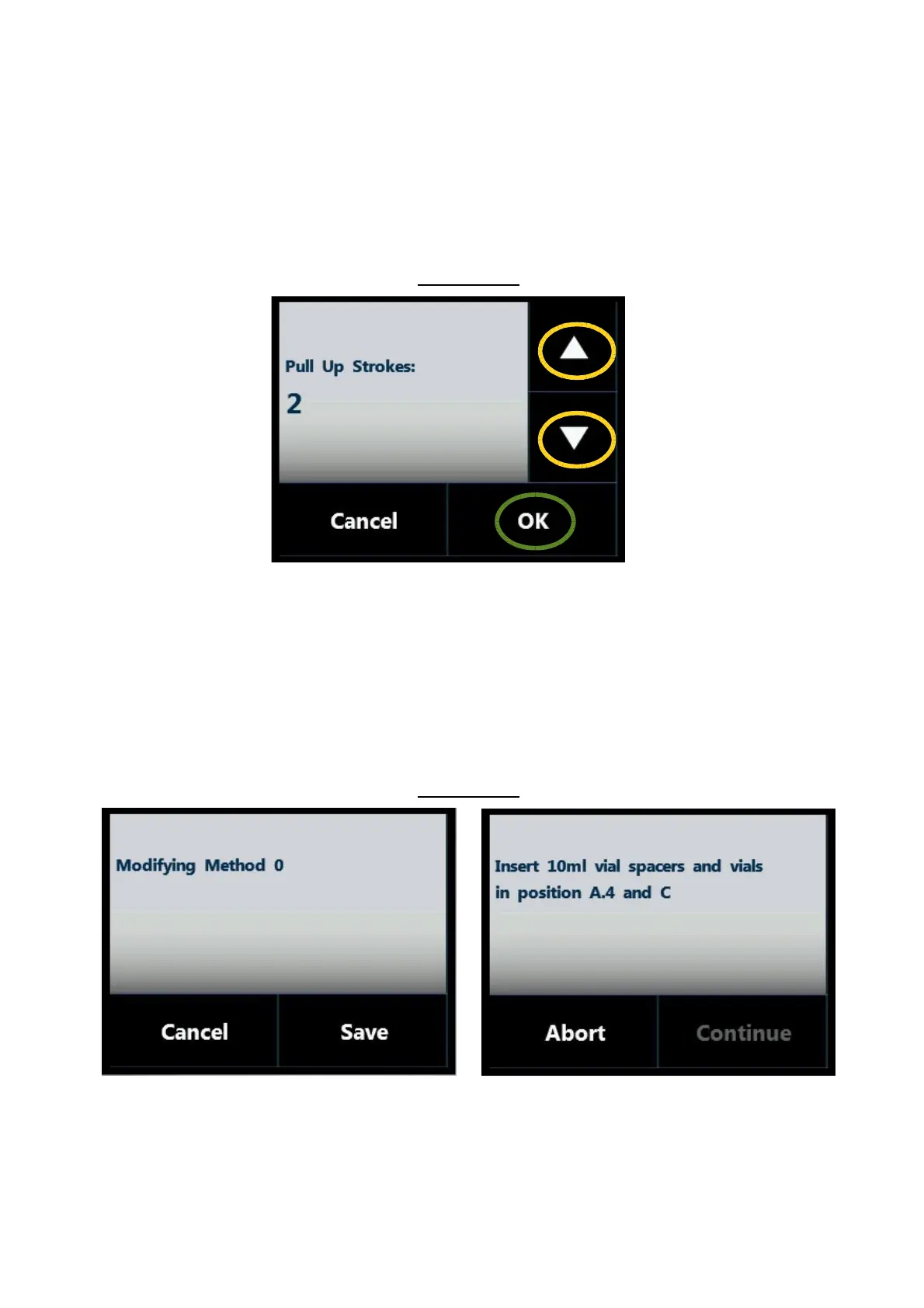
Screen type 4:
Figure 38: Screen type 4
This screen type is used for parameter editing. Use the arrows on the right (yellow circles) to change the
value of the parameter.
Tap “OK” or “SAVE” (not present in this particular example) to confirm the modification, otherwise
“CANCEL” .
2.4.1.5 Screen type 5: Pop-up Message
Screen type 5:
Figure 39: Screen type 5_example A Figure 40: Screen type 5_example B



 To Next Page