HT2800T_en_c.doc Page 112 of 275
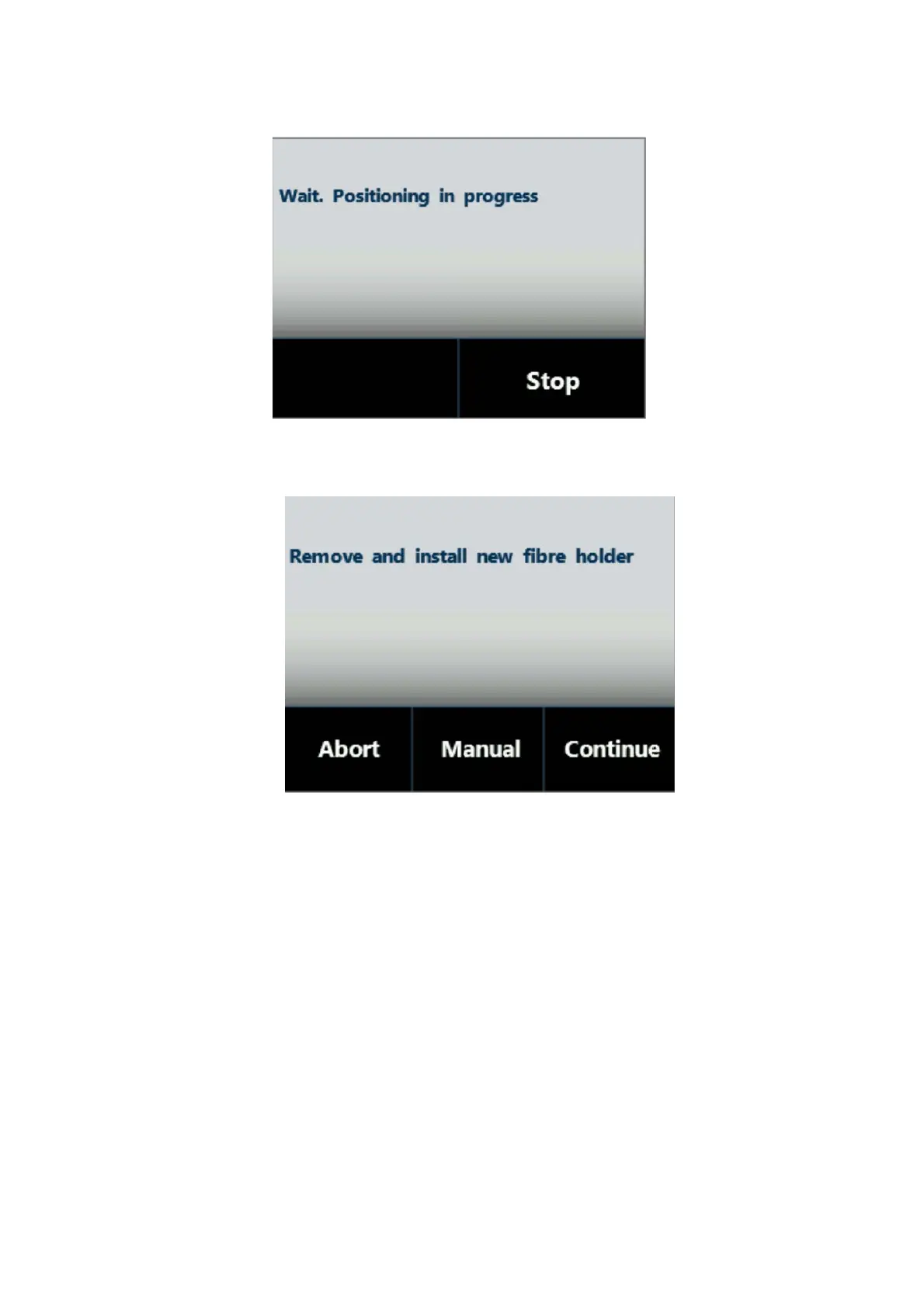
Figure 129: Fiber holder positioning screen
3. When the autosampler is ready, the following screen appears:
Figure 130: Fiber Holder removal and installation screen
The autosampler should be automatically positioned in a convenient position to allow the
old Fiber holder to be removed. If this is OK proceed to step 5.
4. If the positioning is not convenient tap “MANUAL” to display following screen. From here,
it is possible to move the plunger, tower (turret) and needle in order to reposition
autosampler to your desired position.



 To Next Page