HT2800T_en_c.doc Page 118 of 275
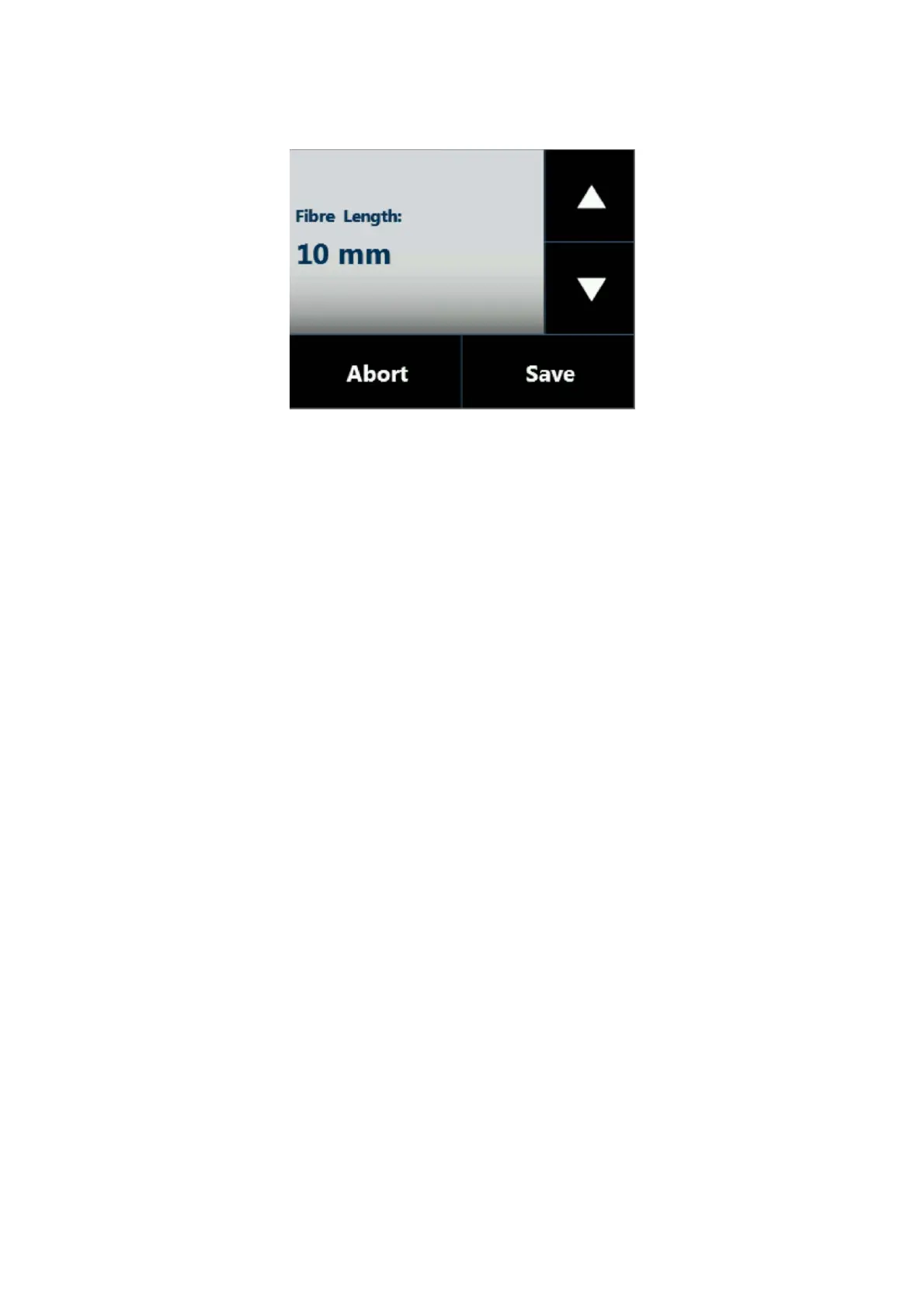
Figure 139: Fiber lenght setting screen
7. Set the Fiber lenght and then tap “SAVE” to store the information. If the Fiber length has
been modified, please check compatibility with injector depth values (see paragraphs
4.2.1.2 “Alignment: Front Injector“ and 4.2.1.3 “Alignment: Rear Injector”).
8. The autosampler will start “Plunger zero” automatically to complete Fiber holder
installation.



 To Next Page