HT2800T_en_c.doc Page 181 of 275
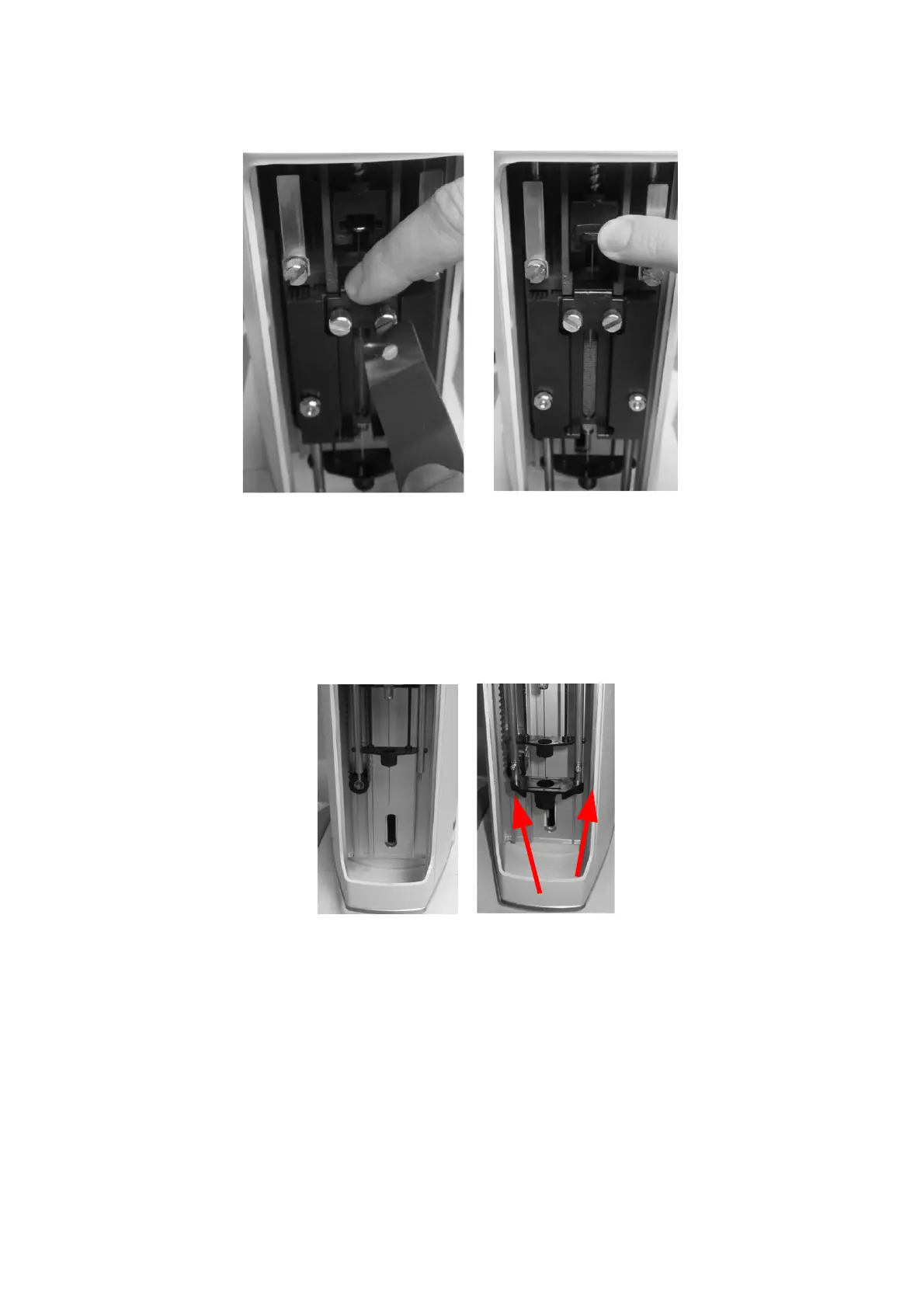
Figure 150: Liquid syringe installation (syringeID system purchased and enabled)
d) Tap “CONTINUE”.
3) “Mount vial locator” screen: install the vial locator for liquid configuration using the
supplied allen key to fix the fixing screws (see paragraph 2 . 3 ” Tool kit“) and tap
“CONTINUE”.
Figure 151: Mount liquid vial locator
4) “Select syringe volume” screen: select the volume of the installed syringe and press
“SAVE”. The syringe volume is automatically detected if syringeID system has been
purchased and enabled (see 1.7.2 “Options” and 4.2.6.8 “Setup configuration:
SyringeID“).



 To Next Page