HT2800T_en_c.doc Page 248 of 275
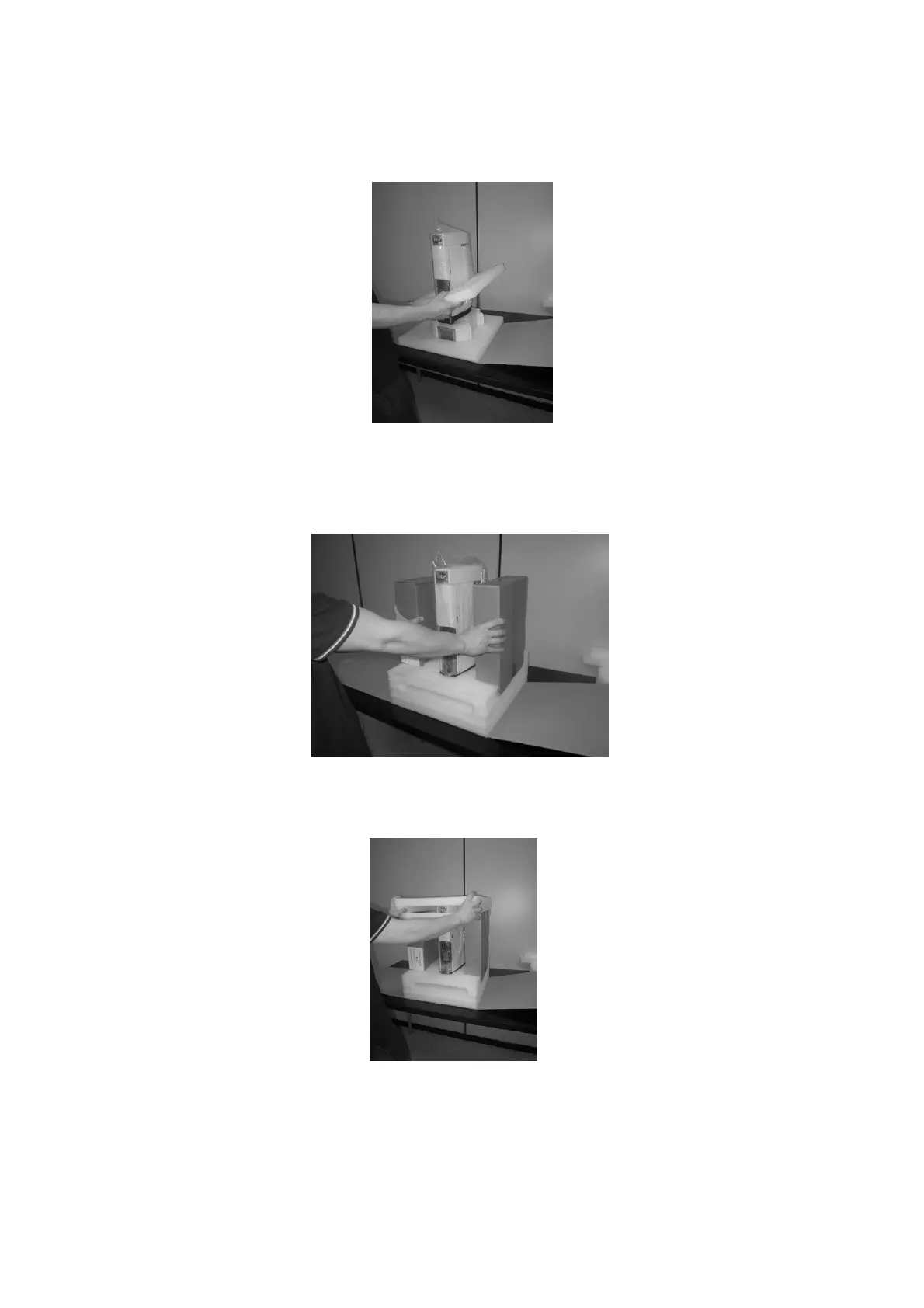
5. Apply the lower protective cushions.
Figure 206: Position the lower cushions
6. Position the sealed accessory boxes on the autosampler sides.
Figure 207: Position the accessory boxes
7. Position the upper protective cushions.
Figure 208: Position the upper cushions



 To Next Page