101
10.3 USING THE FRONT PANEL
LISTENING FORMAT SELECTION
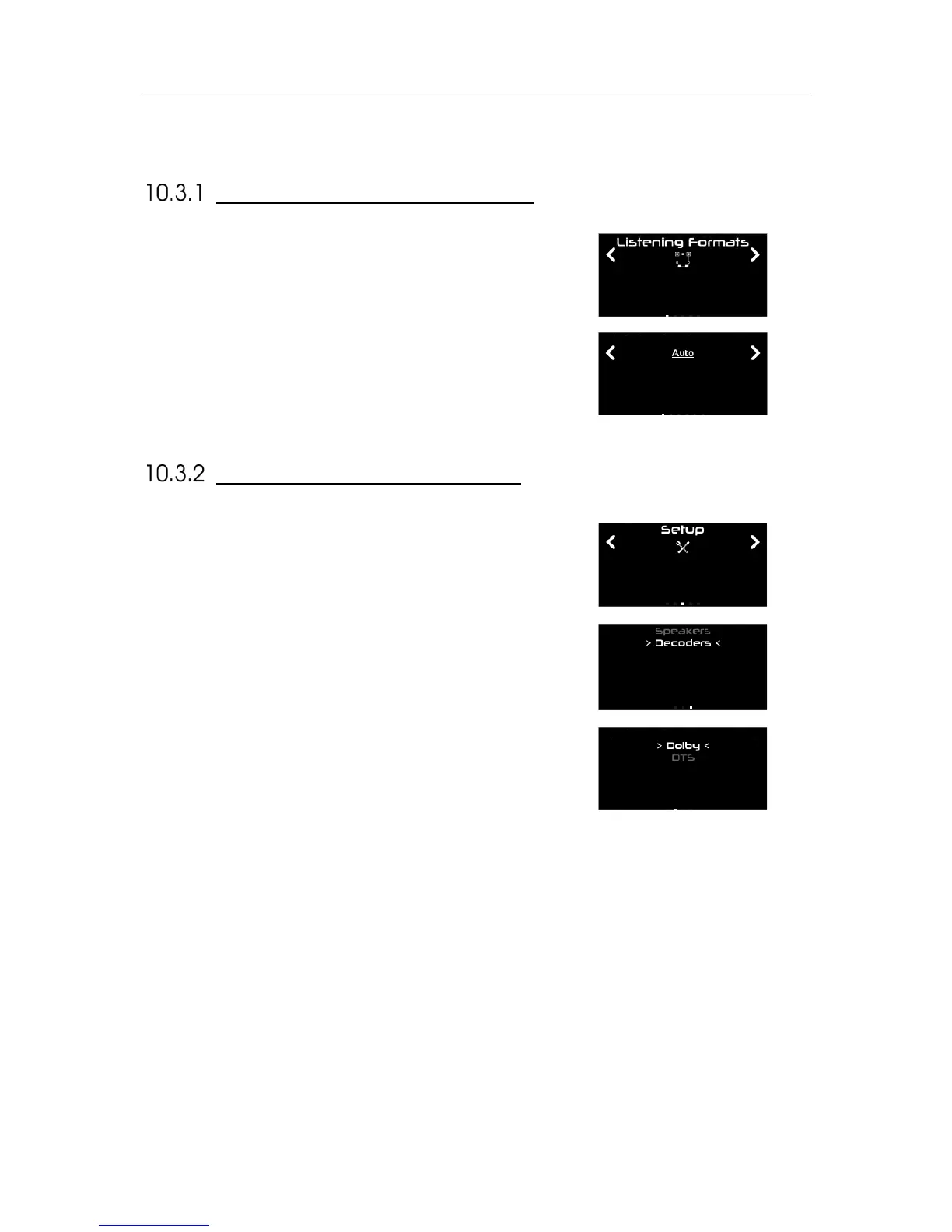
From the front panel of the SDP-75, press the Menu button. Using the
Select knob, navigate to the “Listening Format” menu, confirm using the
Enter button.
Then choose the desired listening format, still using the Select knob, and
confirm using the Enter button. The current listening format is
underlined.
To configure the Decoders from the front panel, press the Menu button.
Using the Select knob, go to the Setup menu. Confirm using the Enter
button.
Then, using the Select knob, go down the list and select Decoders, and
confirm with the Enter button.
Finally, select the decoder you want to configure, and confirm with the
Enter button. .



 To Next Page