21
THE TOP MENU BAR
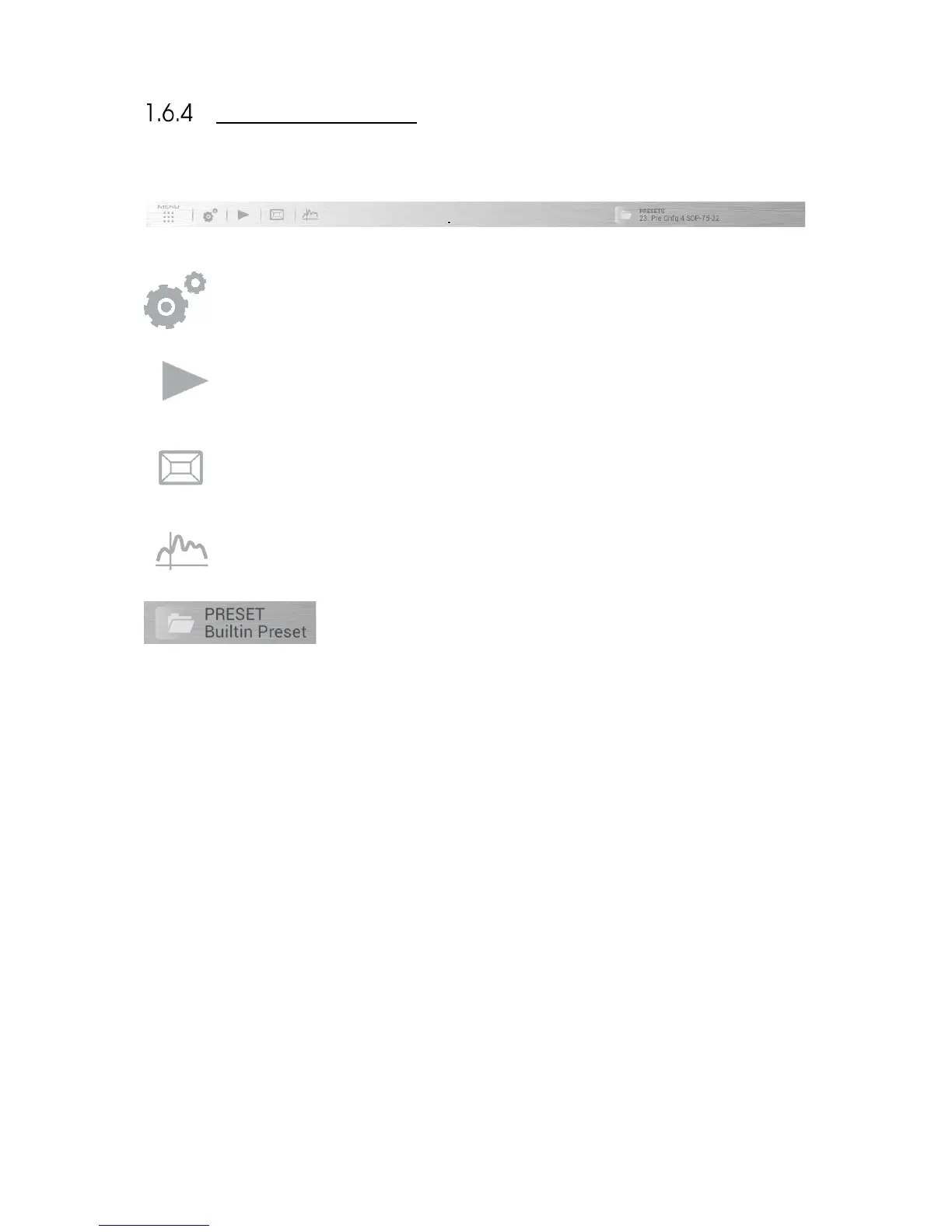
The Top Menu provides access to the main features of the SDP-75.
Opens the Advanced settings graphical user interface, used for configuring your sources, level and delay
alignment, advanced processor settings, network setup, etc. Most of its functionality is explained in the
chapters Calibrate the Speakers in the Room and Tuning the Optimization Settings.
Opens the lateral Play menu used for daily operation: level adjustment, source selection and general
information. See the chapter Daily Operations.
Opens the Speakers/Room setup tool, used for setting up your speaker system and for routing the
channels to the speakers. See the chapter Specify the Speaker Layout.
Opens the Fine Tuning page, which includes the Bass Management and the Advanced Settings. See the
chapters Setup Bass Management and Tuning the Optimization Settings.
is a drop-down menu useful for quickly selecting a preset.



 To Next Page