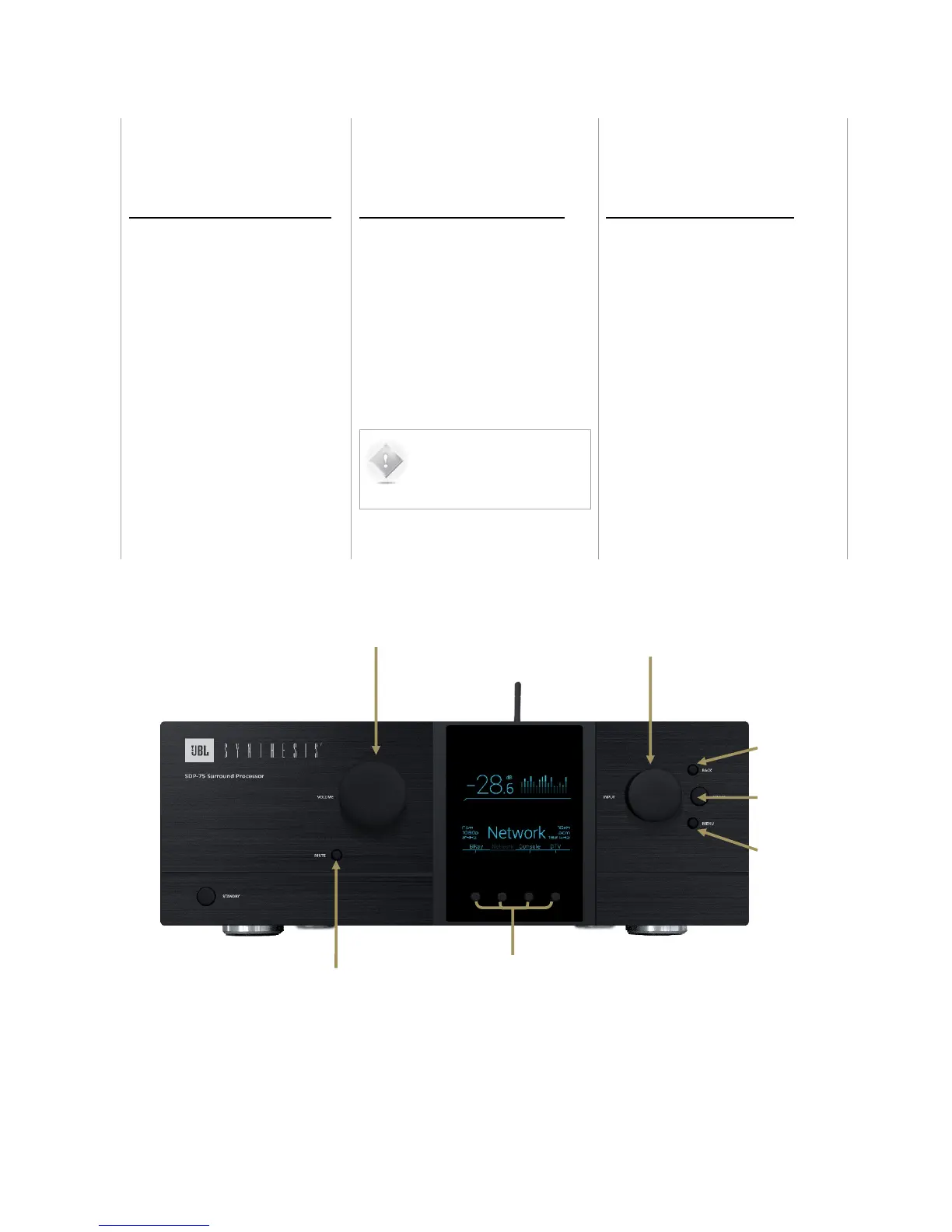
VOLUME CONTROL
• Turning the Volume Control knob to
the right or left will respectively turn
the volume up or down.
• Push the Mute button to mute all audio
outputs of the SDP-75.
SOURCE SELECTION
There are two methods to select sources
from the front-panel on the SDP-75:
• Turn the source selection knob
to scroll through sources and
push the select button.
•
• Use one of the direct selection
buttons to choose among the
first four sources (also available
on the remote control).
NOTE: With factory
settings, the last-used
source is recalled on start-
up.
PRESET SELECTION
In order to select a preset through the
front-panel menus:
1. Push the Menu button, scroll until Presets
and push the Select button.
2. Select the required preset using the
Source Selection Knob and push the
Select button.



 To Next Page