19
1.6 THE SOFTWARE
AVAILABLE OPTIONS TO ACCESS THE GRAPHICAL USER
INTERFACE
The SDP-75 offers multiple options to display and control the user interface:
• Directly with a physical display, a mouse and a keyboard connected to the PC connectors of the SDP-75.
• Remotely with a VNC Client over the network, from any computer or tablet to access the full user interface
in order to operate and/or setup the SDP-75.
• Remotely with an internet browser, with a limited access to the user interface allowing to operate the SDP-
75 but without all the setup menus.
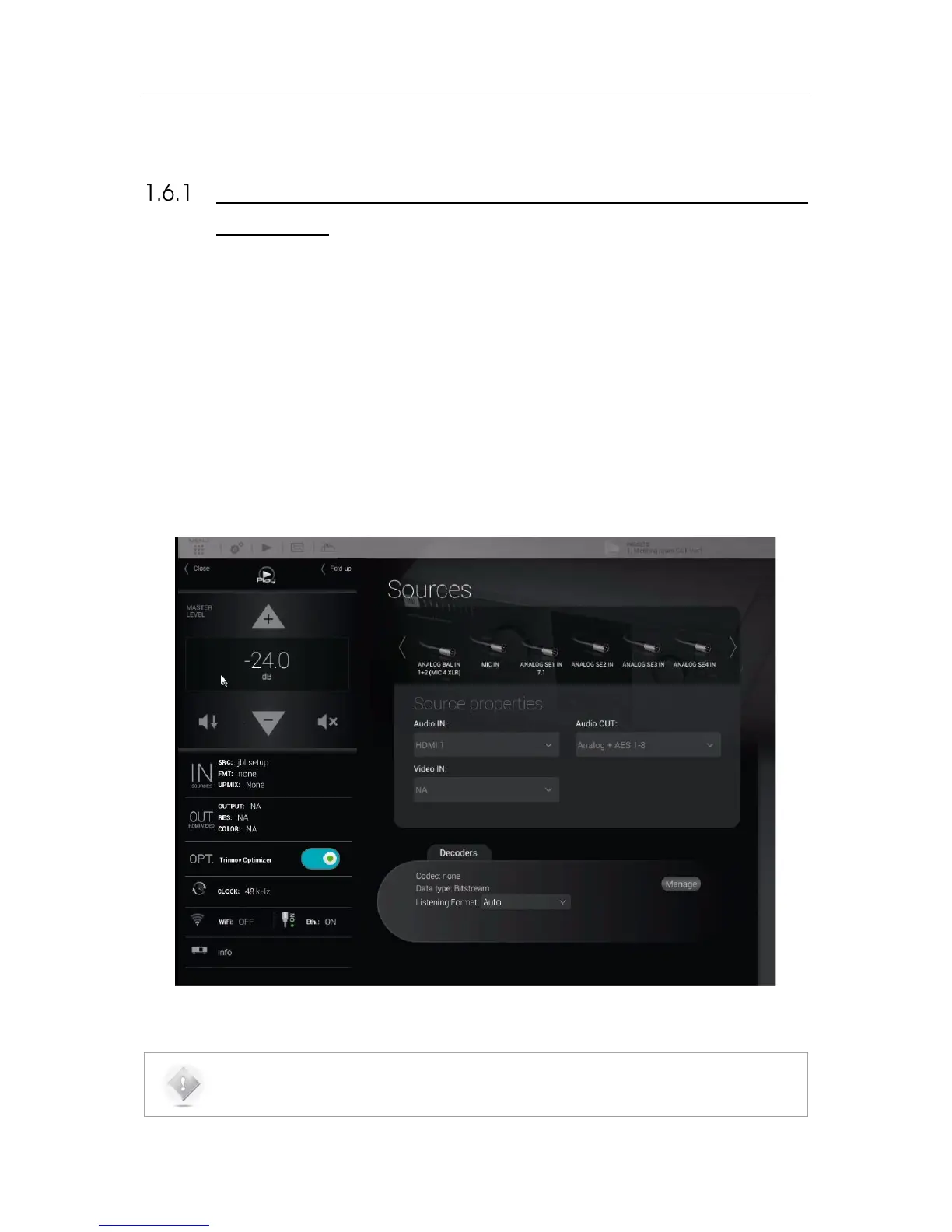
The Graphical User Interface of the SDP-75 is specifically designed for touch screen use but it is just
as easy to use with your laptop’s trackpad or with a mouse.
Figure#2:#graphical#us er #in te rfa c e#o f #th e #SDP-75#
NOTE: The design and the user experience of the SDP-75’s Graphic User Interface are constantly
improved with software updates.



 To Next Page