55
CHECKING THE FORMAT OF INCOMING AUDIO
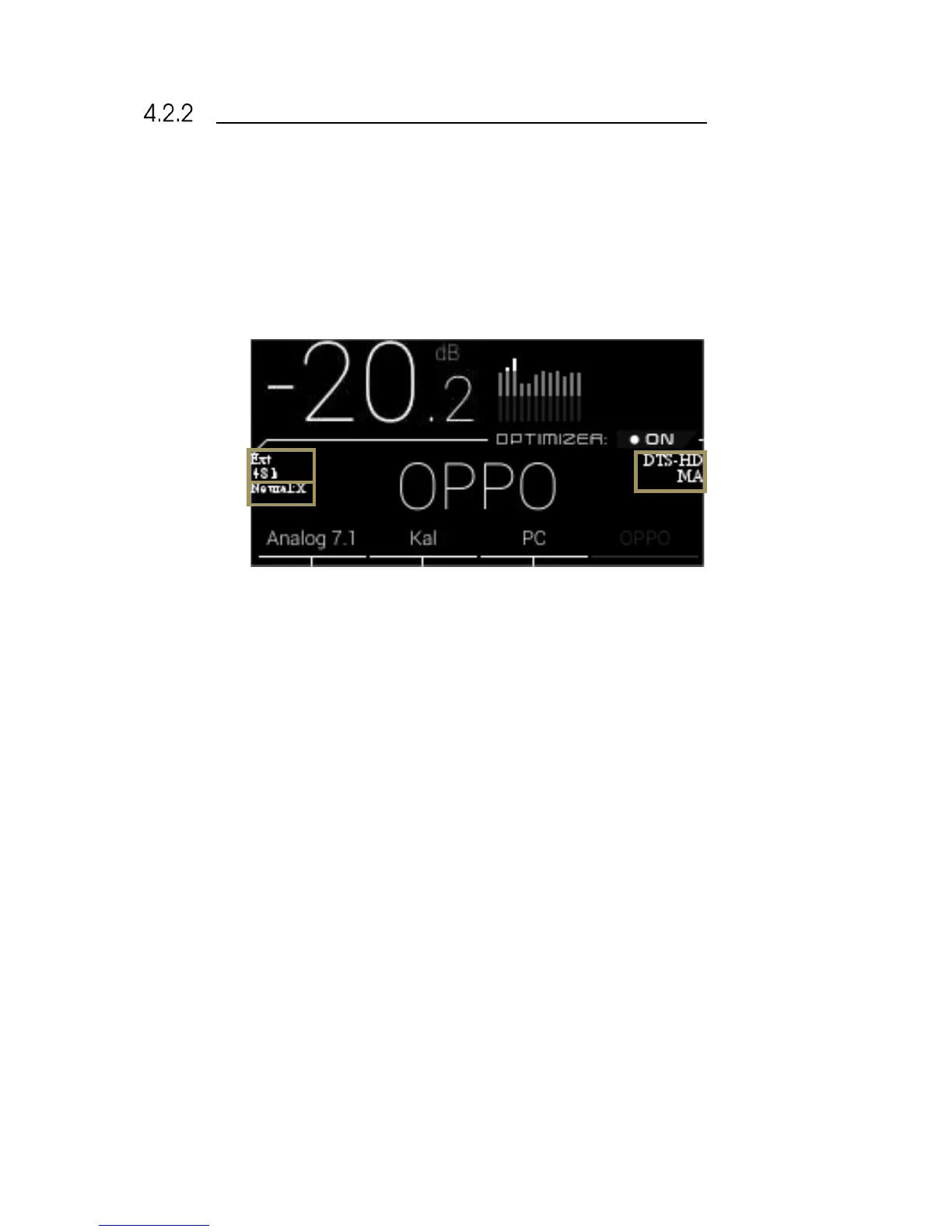
The format of the incoming audio of the currently selected source is displayed on the front panel
display of the SDP-75 below the Optimizer status.
The Sampling Rate of the audio being played is indicated on the left side of the front panel display of
the SDP-75.
The current up-mixer used is displayed on the front panel display on the SDP-75 below the sampling
rate.
Figure#37:#SDP-75#front#panel#display#
Clock source &



 To Next Page