46
2.5 CHANGING THE ETHERNET SETTINGS
THROUGH THE GUI
This subchapter explains how to change the Ethernet settings of the SDP-75 to meet the
requirements of your home theatre’s technical environment.
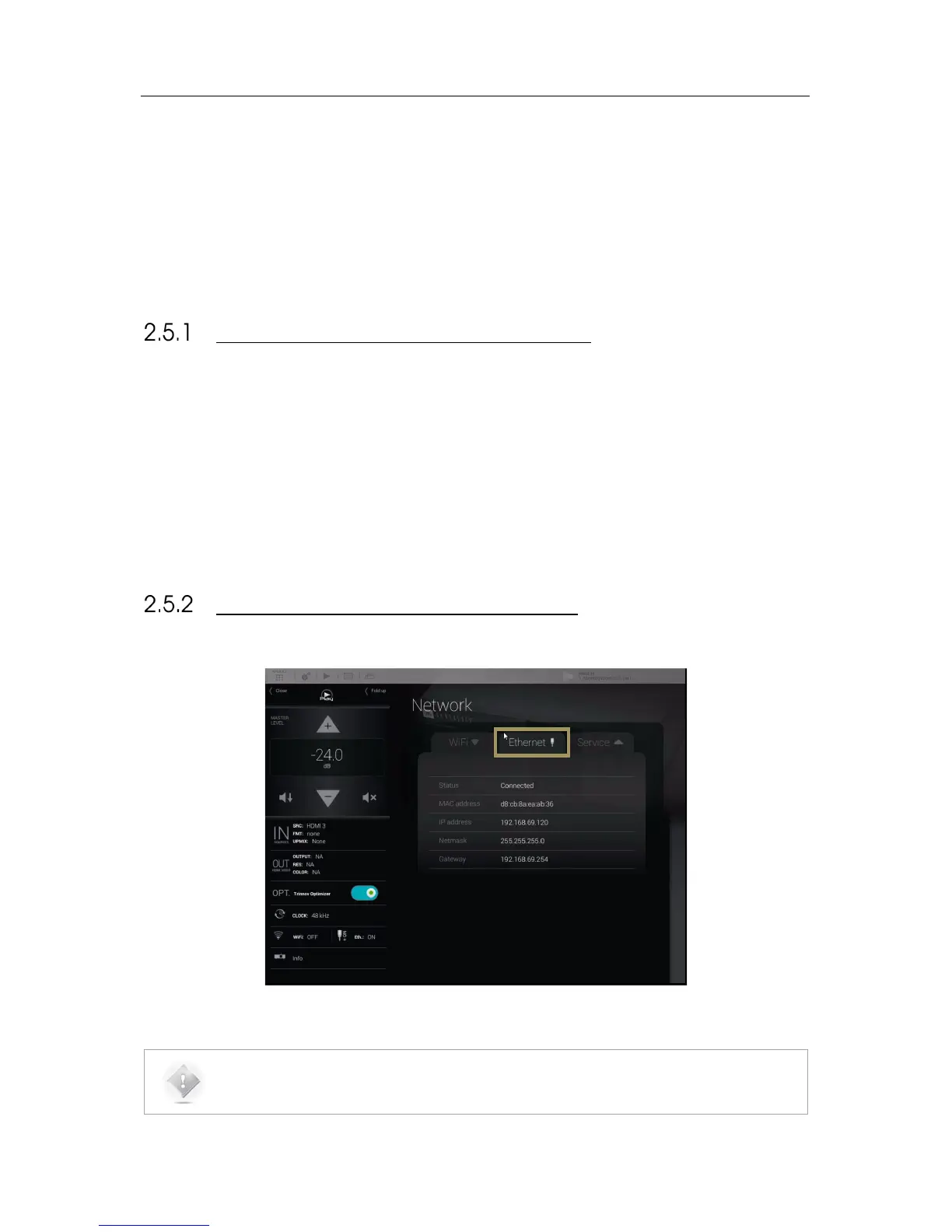
ABOUT THE ETHERNET INFORMATION
The following Ethernet information is available in the SDP-75:
• Status: indicates the connection status of the Ethernet interface of the SDP-75
• MAC address: indicates the MAC address of the network interface of the SDP-75 (required to remotely switch
the SDP-75 on with a Wake-on-Lan command).
• IP address: indicates the IP address of the Ethernet interface of the SDP-75.
• Netmask: indicates the netmask of the local area network joined as a DHCP client via Ethernet.
• Gateway: indicates the address of the Gateway for network interconnection.
CHECKING THE ETHERNET SETTINGS
The network information can be retrieved from the Graphical User Interface of the SDP-75:
Figure#33:#Ethernet#Netw o rk #In te rfa c e#Information #
NOTE: Network settings can only be changed through the Advanced Settings interface of the SDP-75.
Go to the Setup/Network page to change the Ethernet and Wi-Fi settings.



 To Next Page