95
By clicking on a value, you also can manually enter a gain. In this case, a virtual numerical keyboard is displayed.
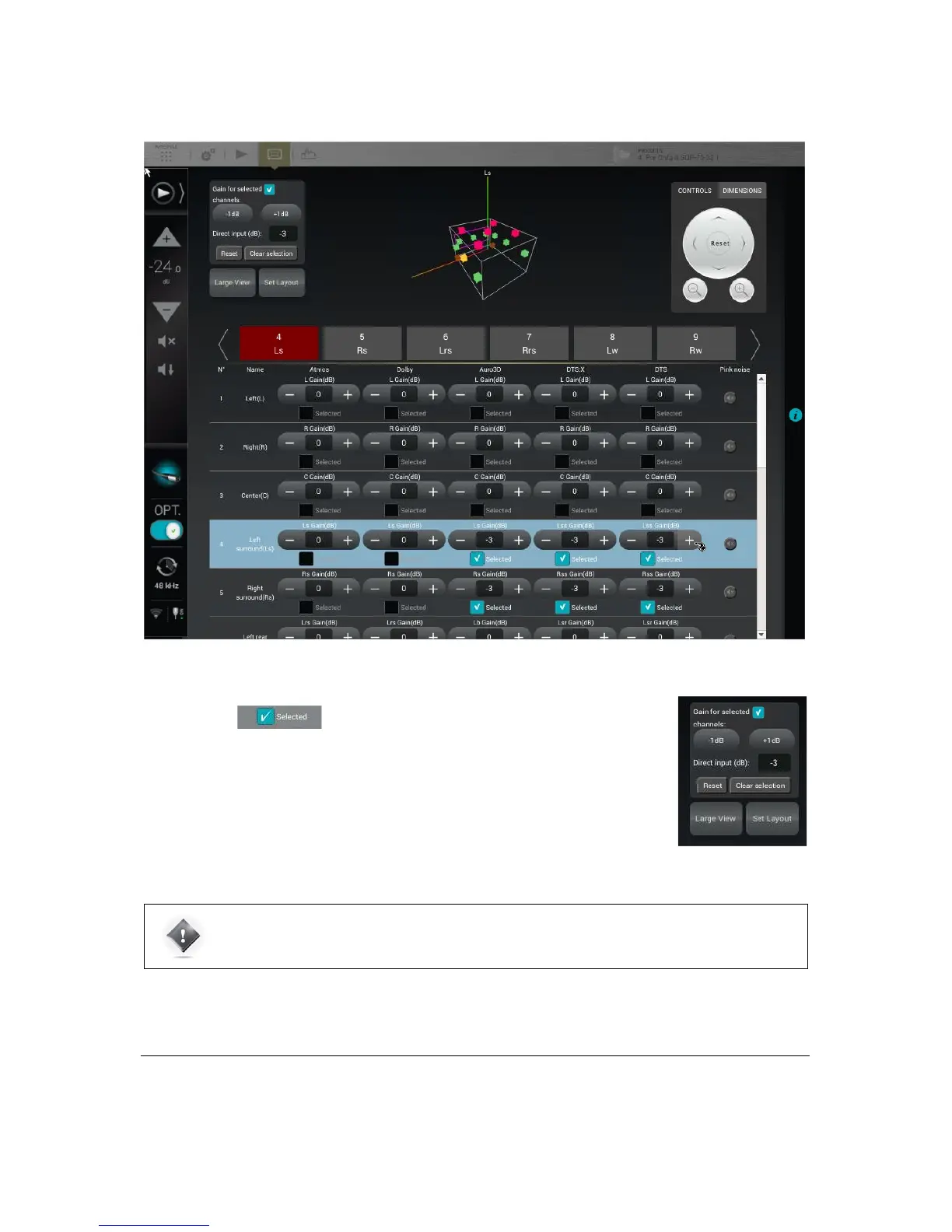
Figure#66:#Set#gain#contro l#p a n e l#
9.4 SAVE THE PRESET
Last but not least, don’t forget to save the preset to make sure the settings of your arrays of speakers won’t be lost.
The Selected speakers can all be modified simultaneously using the
control panel in the top left corner.
You can add or decrease gain using -1dB or +1dB buttons, or by using the Direct input and
its numerical keyboard.
The Reset button clears any modification and sets the default value of 0dB.
The Clear selection unselects every speaker, keeping the modified values.



 To Next Page