66
o A Save button to save current parameters as a preset in the memory slot.
o A Lock checkbox to protect the preset: disables the Clear & Save buttons.
o A Def (for default) checkbox to automatically load the preset as default after start-up.
As an example, the recommended procedure to duplicate a preset and copy it in a different memory slot would be to:
1. Reload the preset to recall the exact configuration you want to duplicate.
2. Use the Save button of an empty preset to copy it.
NOTES:
• The Built-in preset is locked and cannot be overwritten.
• A specific preset can be linked to each source. Please refer to the Basic Settings chapter.
• Presets can be backed-up and restored to/from a USB key. Please refer to the Basic Settings
chapter.
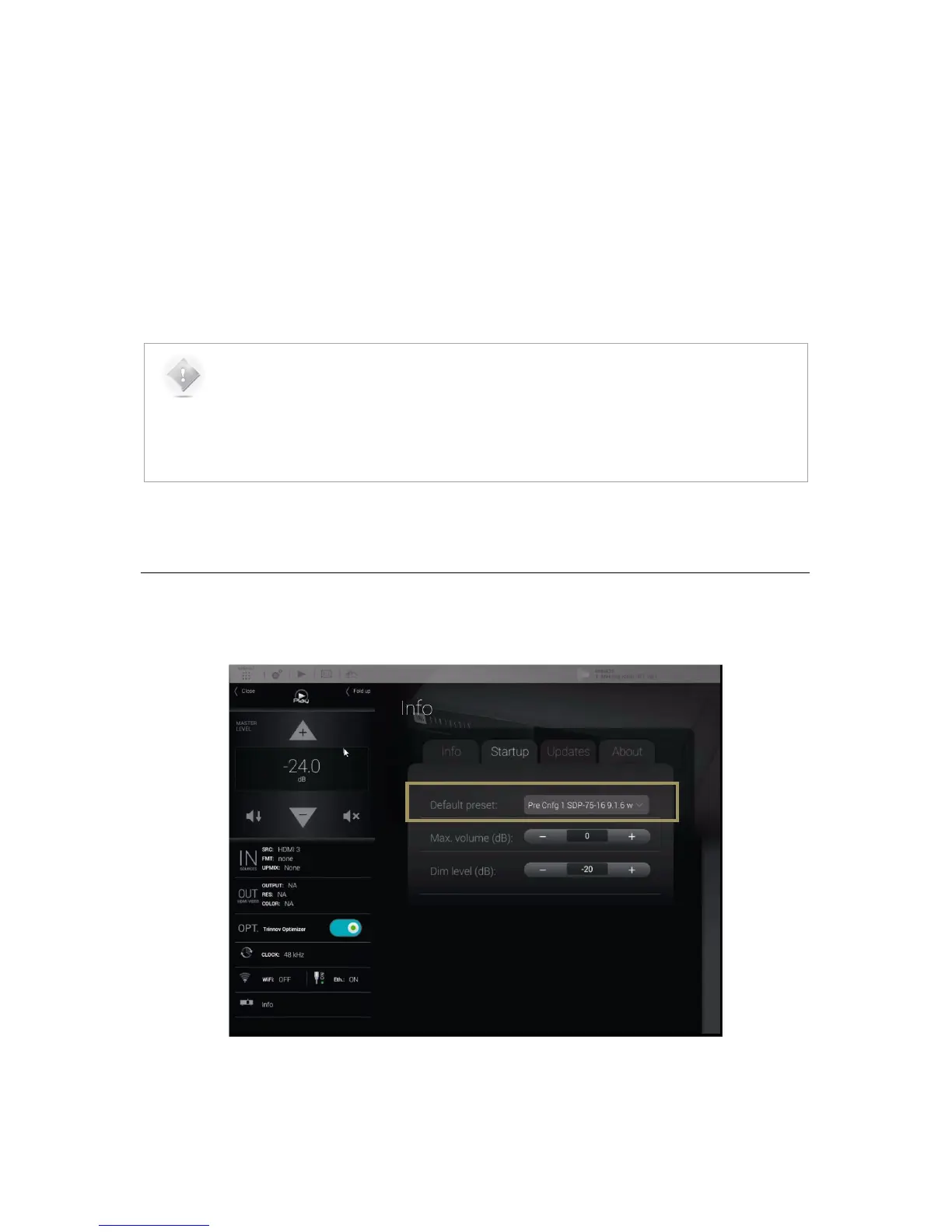
5.6 DEFAULT PRESET
The default preset can be selected in the Startup option page of the product information menu:
Figure#45:#the#Info/Startu p #p a ge ,#d e fa u l t#p r e se t#



 To Next Page