13.3 NORMAL CALIBRATION SEQUENCE
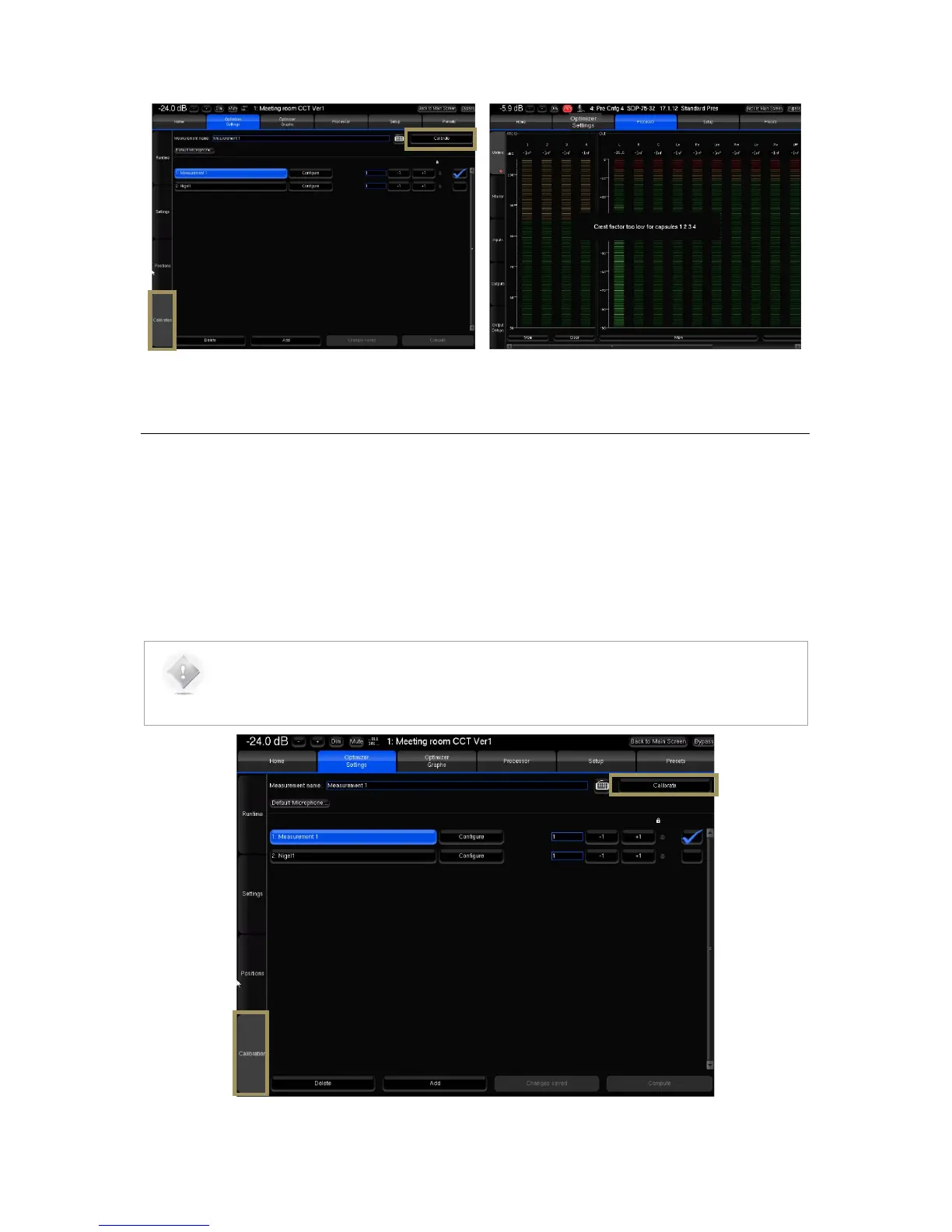
Remain in the Optimizer Settings/Calibration page of the Advanced Settings interface to perform the final calibration:
• Follow the microphone placement instructions (see previous chapter);
• Make sure the measurement environment is silent;
• Press the Mute button to cut the outputs (this step must ALWAYS be performed before pressing the Calibrate
button);
• Press the Calibrate button in the top right corner of the page;
• Follow the on-screen instructions regarding the microphone.
NOTES:
• The calibration tool plays three bursts for every speakers and subwoofer;
• The calibration page indicates which speaker is being calibrated.



 To Next Page