63
5.3 DEFAULT SOURCE CONFIGURATION
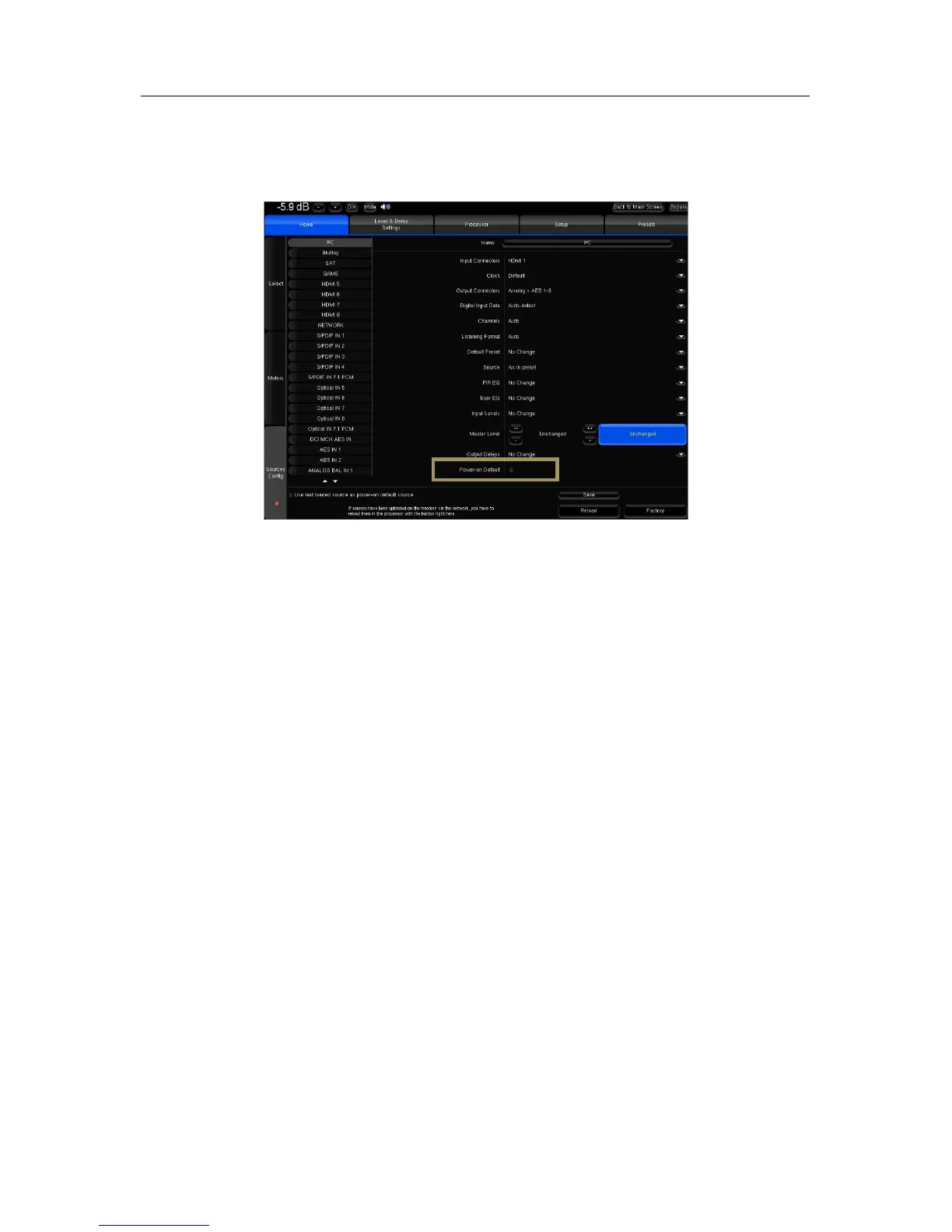
When using the factory preset, the SDP-75 uses the last loaded source as power-on default source. This can be
modified in the Home/Sources Config page of the Advanced Settings Interface:
Default#Source#
Select the vertical tab of the source you want to use as default source. Tick the Power-on Default checkbox. Press the
Save button to apply the new parameter of the source.



 To Next Page