97
10.2 LISTENING FORMATS
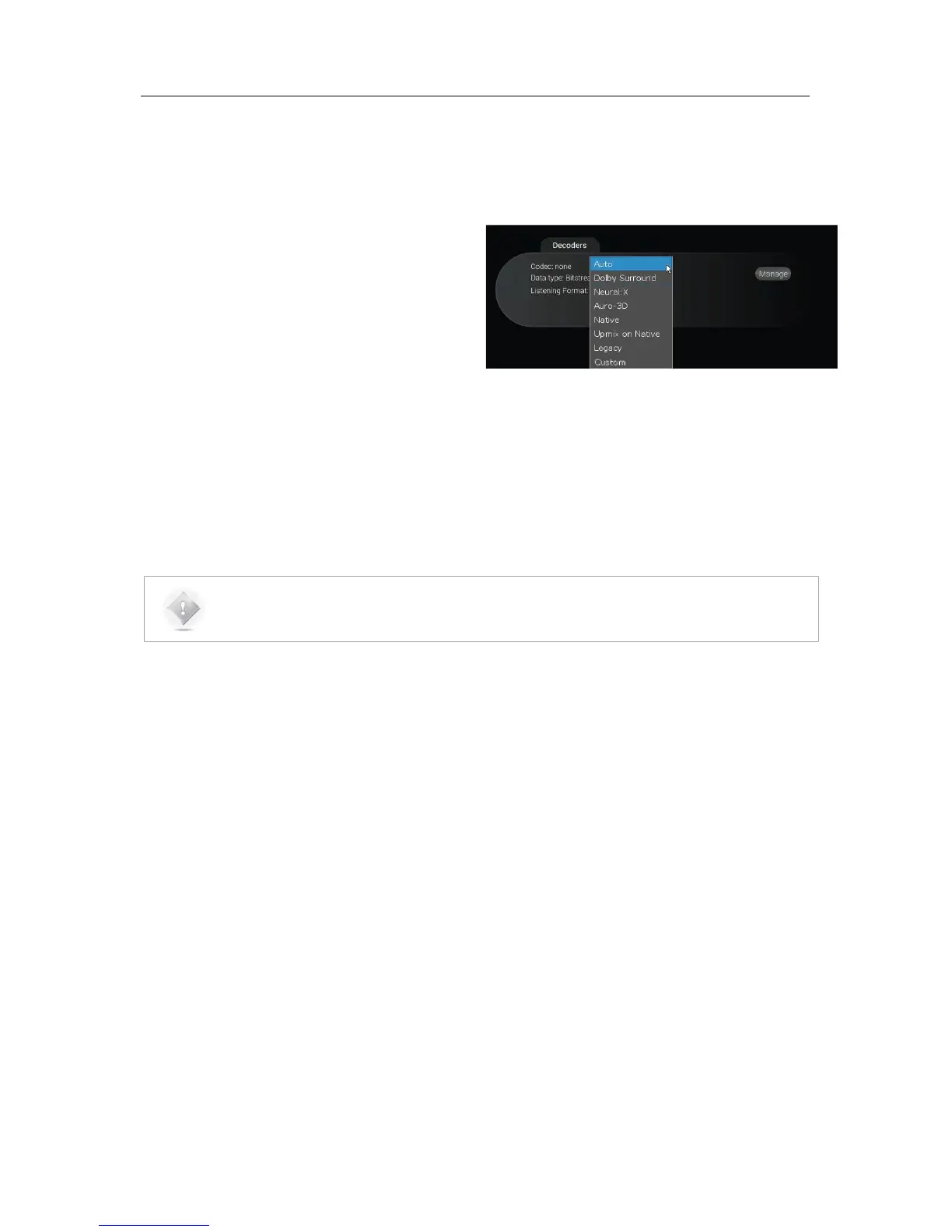
The Listening Format dropdown menu provides you several options. Some of them may sound familiar to you, while the
others could be unknown. The list gives you:
• Auto: The incoming encoded content will be played
with the corresponding up-mixer.
• Dolby Surround: The incoming content will be
played using the Dolby Surround up-mixer.
• Neural:X: The incoming content will be played using
the DTS Neural:X up-mixer.
• Auro-3D: The incoming content will be played using
the Auro-3D up-mixer.
• Native: The incoming content won’t be modified and will be played as it is.
• Up-mix on Native: The incoming content will played using the corresponding up-mixer, but with the Legacy
speaker layout (Dolby or DTS column).
• Legacy: This listening format will only play the “bed” layout of the content (5.1 or 7.1) and will ignore the 3D
layout.
• Custom: You are not able to select this mode manually, but it is automatically selected as soon as you change
any of the decoder’s settings.
NOTE: Depending of the incoming format decoded by the SDP-75, the listening format listed above will
exhibit different behaviors. Please read the chart below carefully, which indicates the behavior of each
listening format relative to the source format.



 To Next Page