53
4.2 USING THE FRONT PANEL
POWER ON-OFF SEQUENCE
IMPORTANT NOTE: don’t forget that the amplifiers should always be powered-on last.
Turn On the main power switch on the rear panel to supply the SDP-75 with power, then press the front panel power
button to start the SDP-75.
NOTE: The system doesn’t start instantly and takes about 60 seconds to complete its start-up.
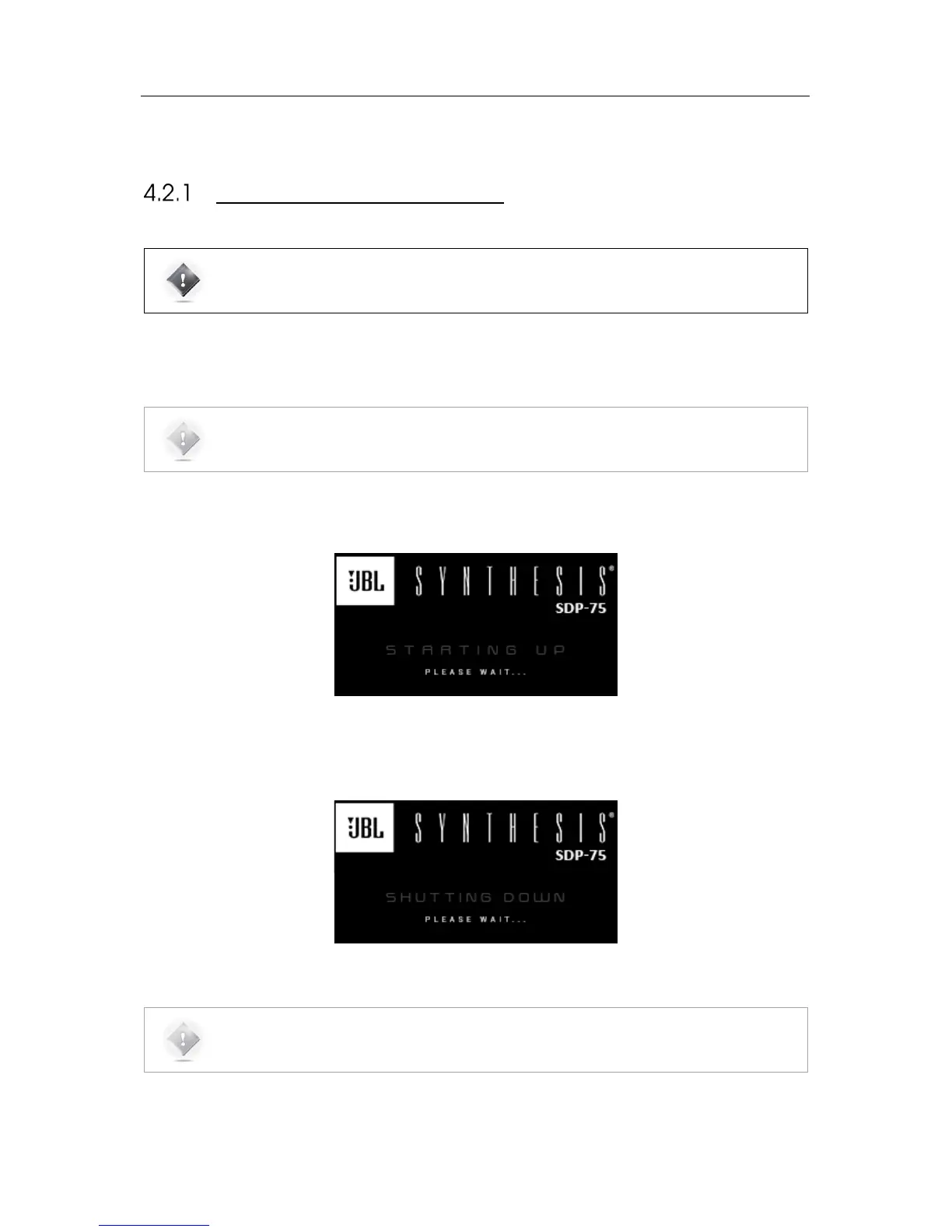
While the system starts, the front panel screen displays the following image:
Figure#35:#Front#panel#startup#imag e #
To shut the SDP-75 down, press the front panel power button once. The front panel screen will then display the
following image until a complete shutdown.
Figure#36:#Front#panel#shut#dow n#im ag e #
NOTE: It is not recommended to cut the AC Power via the main power switch on the rear panel, as the
system saves several “last-used” settings while shutting-down.



 To Next Page