47
CHANGING THE ETHERNET SETTINGS
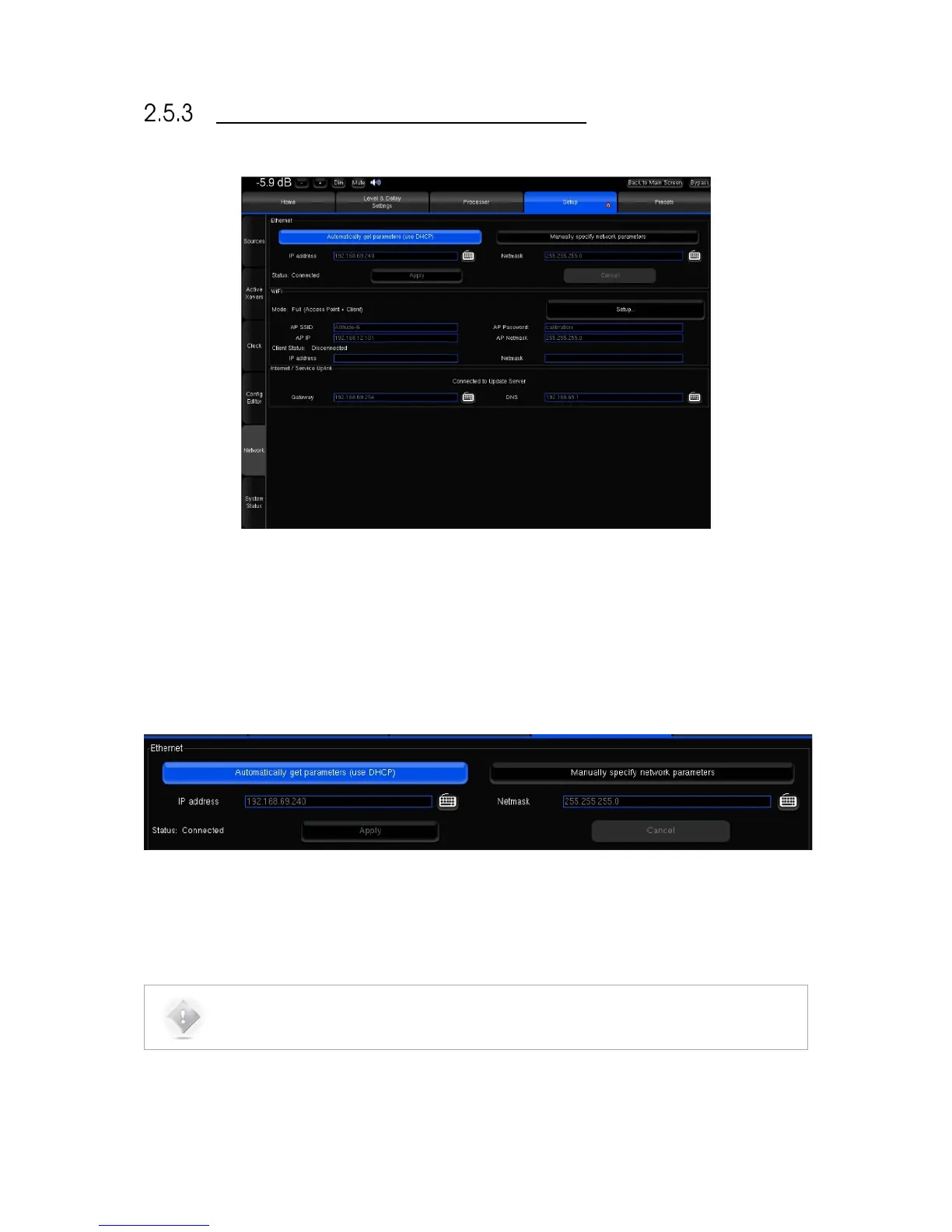
Figure#34:#Network#Setu p #in #th e #A d v a n ce d #S e ttin g s#menu#
The default mode of the Ethernet interface of the SDP-75 is DHCP, meaning that the SDP-75 will automatically be
detected and configured by the router, provided that the router runs a DHCP server. This is the case in most domestic
environments.
To configure the Ethernet connection manually, select the Manually specify Network parameters option and hit the
Apply button.
The IP address, Netmask, Gateway and DNS option can then be edited manually.
Applying new settings with the Apply button is required for every change.



 To Next Page