5.2 CONFIGURING YOUR SOURCES
In addition to an editable name, each Source Configuration includes several parameters to specify all the settings related
to a specific configuration requirement for your system.
Source configurations can be used for different purposes:
• to switch between your different sources. For example: one Blu-ray player, one Network player and a
Digital TV.
• to switch between different outputs. For example: a pair of 2.0-channel loudspeakers and a 5.1 home
cinema setup.
• to switch between sources and outputs simultaneously. For example: play a vinyl record on the two-
channel loudspeakers and a Blu-ray disc on the 5.1 home cinema system.
• to recall different processing settings such as acoustic optimization filters, decoding modes or bass
management modes.
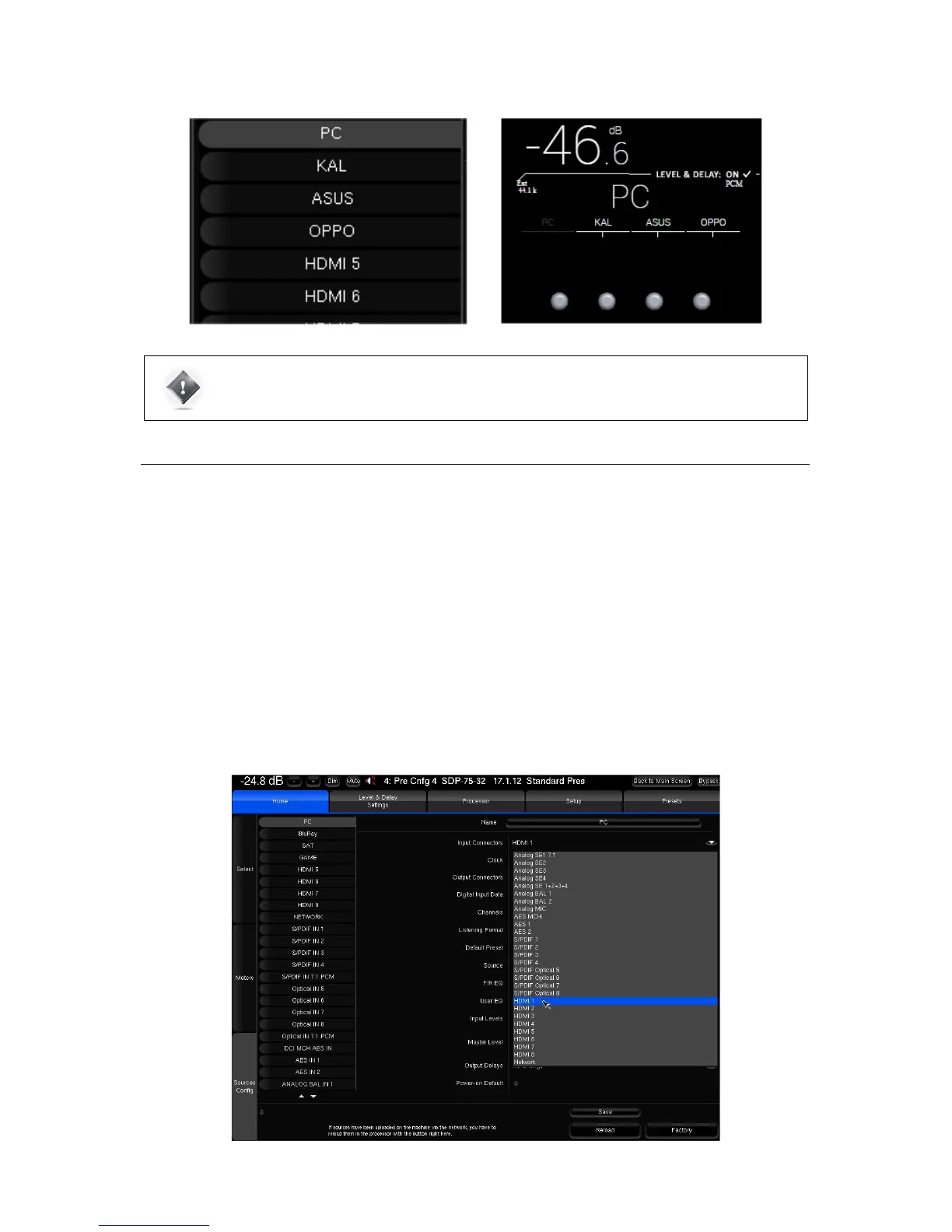
In order to change one of the parameters of the selected source configuration, click on the corresponding arrow:
Figure#42:#Editing#a#source#configuration#



 To Next Page