113
12.3 ADJUST THE MASTER OUTPUT LEVEL
The SDP-75 requires a minimum Sound Pressure Level for proper calibration of the active crossovers. Until that
minimum SPL is reached, the test signal will keep playing through the same driver.
First, be sure that you selected the proper microphone input: Analog MIC
• Set a safe output level:
1. Decrease Master Level to -40 dB;
2. Press the Mute button to cut the outputs (this step must ALWAYS be performed before pressing on
the Calibrate button to avoid a feedback loop);
3. Switch on the microphone preamp;
4. Press the Calibrate button in the Setup/ActiveXovers page of the Advanced Settings interface.
• Adjust output level:
1. Increase the master level until the test signal moves to the second driver;
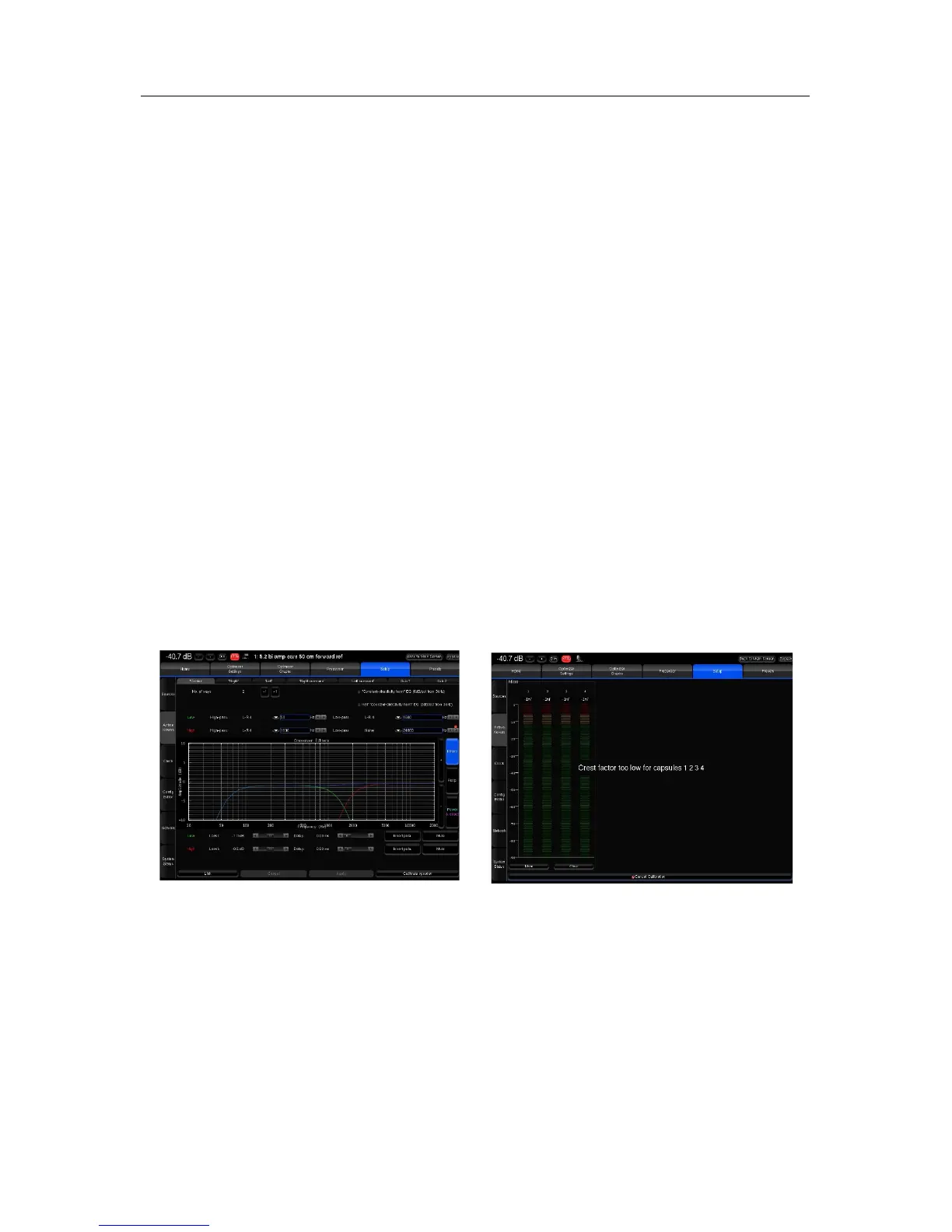
2. Use the SDP-75’s metering tools, which are automatically displayed on screen to check the level of
the microphone inputs;
3. Use your ears to evaluate the perceived SPL of each driver and, if possible, increase the master
output level to ensure that an optimal SPL is reached for all the drivers. This will also improve the
quality of your measurements;
4. Use the Cancel button to stop the calibration (optional).



 To Next Page