121
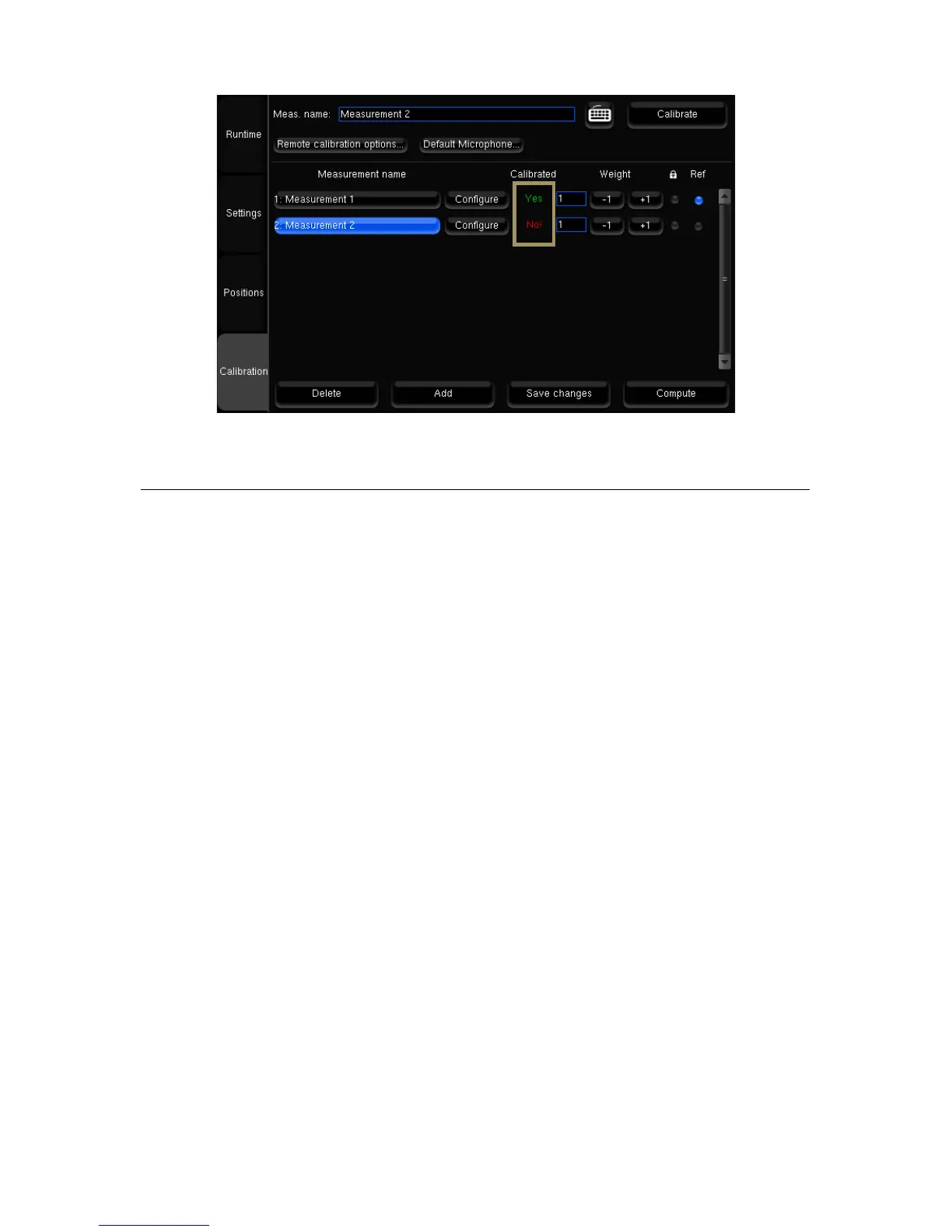
Figure'87:'Calibration'status'
13.6 CHECKING THE SPEAKER SUMMARY AFTER
CALIBRATION
The Optimizer Settings/Positions page displays the measured speaker locations in real-time during calibration.
Three views are provided:
• Top view: The speakers are seen from above;
• Elevation view: The speakers are seen from the listening point. Relative degrees of elevation and azimuth are
displayed;
• Details view: A table listing the measured distance, elevation, azimuth, level, delay etc.
By default, the Optimizer page always displays the reference speaker positions in green. These positions are specified in
the template of the initial speaker layout (2.0, 5.1, 7.1, Atmos, Auro-3D, DTS).



 To Next Page