103
10.5 DECODERS SETTINGS
The different decoders’ settings given below are available through the graphic interface or through the front panel screen
(see above).
GENERAL SETTINGS
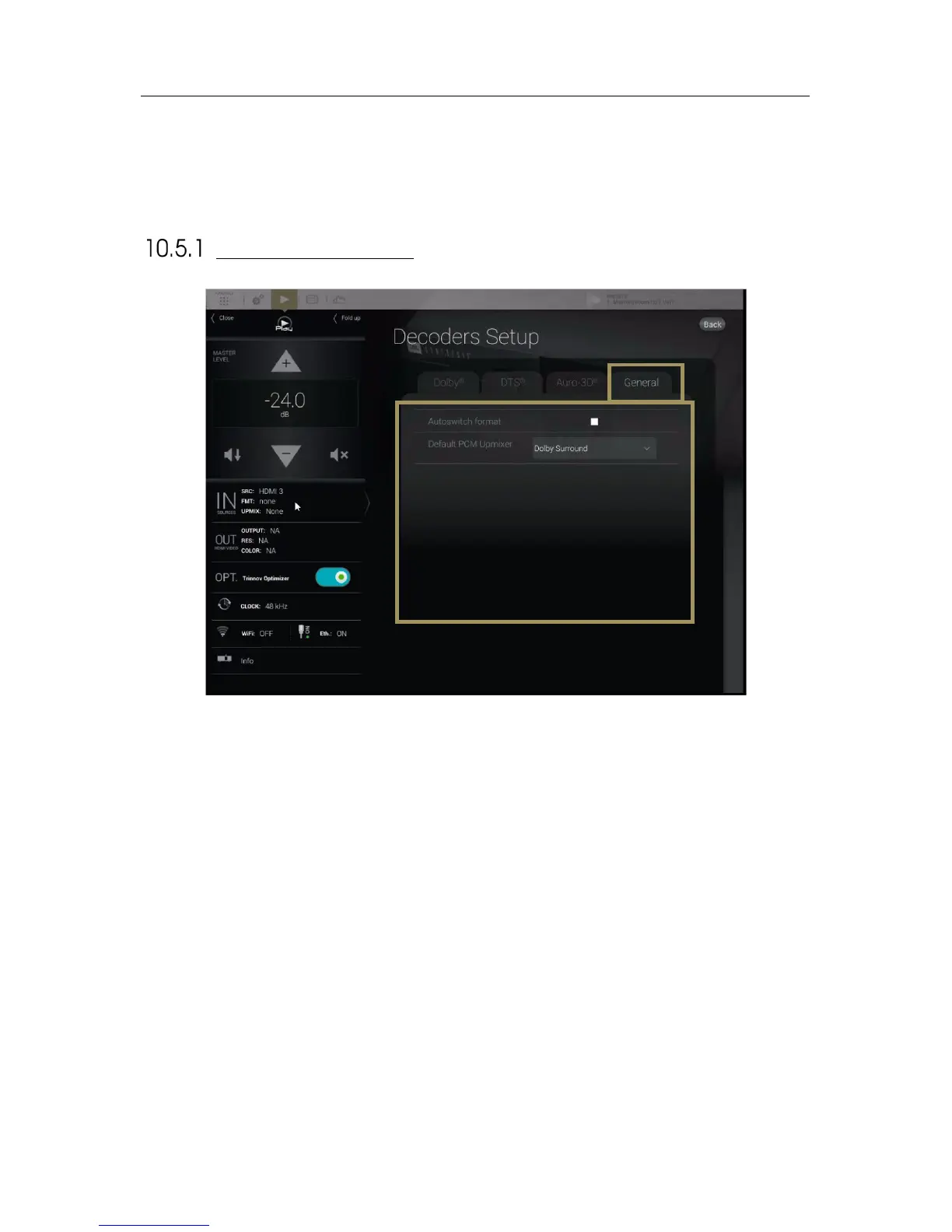
The General tab provides you different settings to configure the decoding behavior of the SDP-75 that does not directly
concern the decoders.
• Autoswitch format : When this option is activated, the SDP-75 will
automatically switch to the input format of the decoder. The SDP-75 virtually
replaces the speakers at their ideal position recommended by the curent
decoder and provides you the best immersive conditions.
If this setting is not enabled, you must manually select a desired source
format in the Setup/Source menu of the Advanced interface.
• Default PCM Up-mixer : The PCM format has no decoder, thus there is no
assign speaker layout. This setting allows the assignment of a default layout
and up-mixer for incoming PCM content.



 To Next Page