102
10.4 USING THE GRAPHICAL INTERFACE
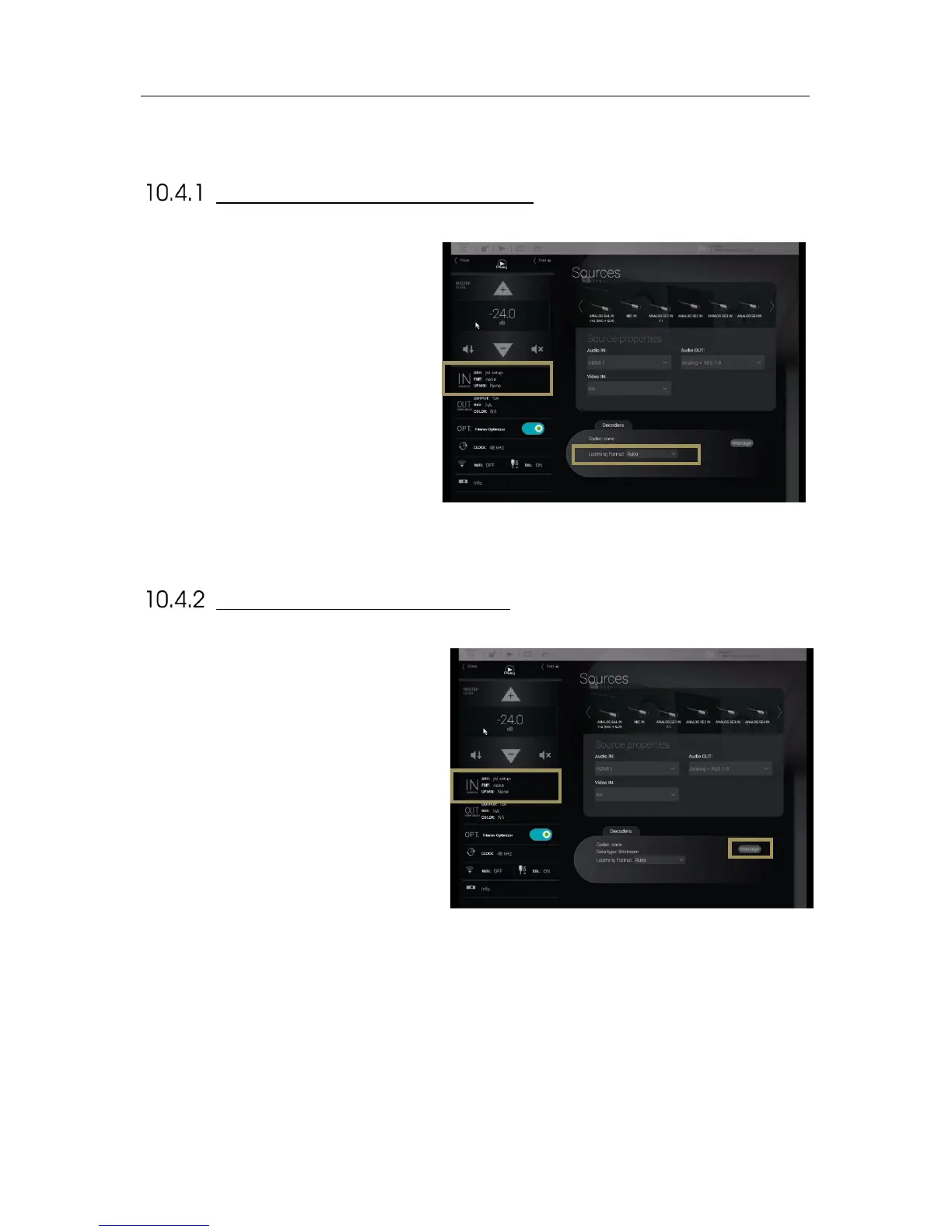
LISTENING FORMAT SELECTION
To activate a surround up-mixer:
1. Click on the “IN sources” menu item of
the lateral menu to go to the Sources
page;
2. Select a Listening Format in the drop
down list.
Figure'68:'The'surround'up-mixer'option'
To configure the decoder parameters for the Dolby,
DTS and Auro-3D decoders:
1. Click on the “IN sources” menu item of the
lateral menu to go to the Sources page;
2. In the Sources page, click on the Manage
button in the Decoders section. This gives
you access to the decoders settings
described below.
Figure'69:'Accessing'the'decoders'setup'from'the'Sources'page'



 To Next Page