93
9 SPECIFY AN ARRAY OF SPEAKERS
With the release of new 3D audio formats, the number of possible speaker positions increases
considerably. Nevertheless, your video library is surely full of “surround” content (5.1 or 7.1).
Furthermore, 3D formats do not all have the same limitation in terms of simultaneous active
speakers.
So it becomes essential to be able to create an array of speakers: use several speakers to play the
same channel. It is also possible to adjust the gain of each speaker of the array to perfectly match
the needs of the Home-Theater; Thereby, the immersion effect is much more impressive!
Similar configurations have been used in commercial cinemas for years.
9.1 SETTING UP AN ARRAY OF SPEAKERS
Once your speaker’s layout has been declared, configured and fully tested, you can now set up your arrays of speakers.
The SDP-75 is able to duplicate the incoming channel from the decoders on several speakers.
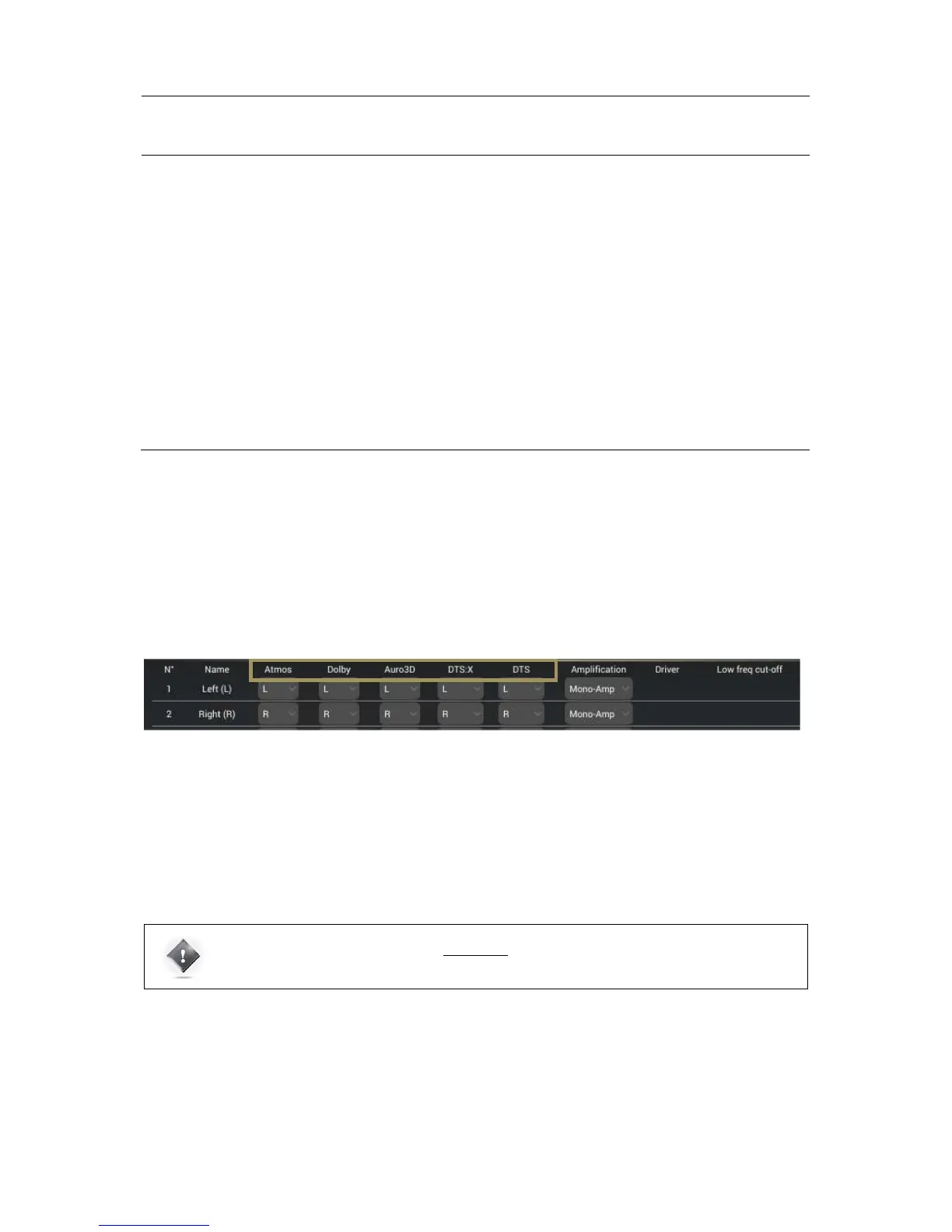
The setup of an array has to be done within the Speaker/Room setup tool, using the mapping column of each decoder.
As explained in the previous chapter Specify a speaker layout, Mapping the channels of different formats section, each
format has its own speaker assignments. You can easily control the number of speakers used by each decoder. Each
column defines the channel used by the associated speaker. In this way, you are able to select the same channel on
several speakers.
In the Speaker/Room setup tool, you can observe five columns giving the details of each decoder’s layout:
• Atmos: Layout used for native Dolby Atmos content and Dolby Surround Up-mixer;
• Dolby: Layout used for Legacy Dolby content;
• Auro-3D: Layout used for Native Auro-3D content and Auro-3D Up-mixer;
• DTS:X: Layout used for native DTS:X content and Neural:X Up-mixer;
• DTS: Layout used for Legacy DTS content.
To specify a speaker layout, please select, in the drop down menu of each speaker, the desired channel that it has to play
for each decoder.



 To Next Page