131
SET FILTERS
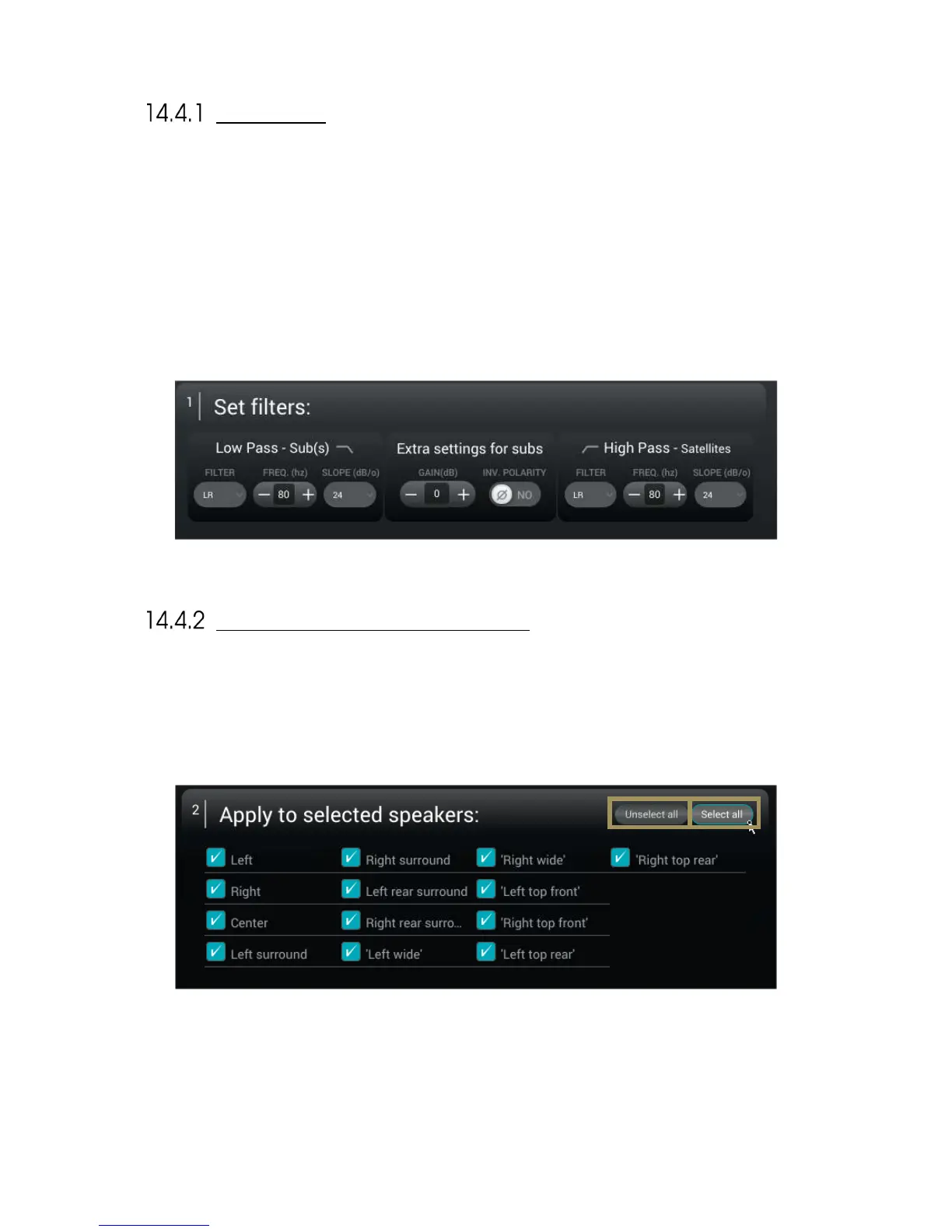
As shown below, this first section is divided in 3 different groups of settings:
• Low Pass – Sub(s) : These settings will define the cutoff frequency under which the signal from the channel will
be redirected and played by the subwoofer(s). You can select the type of filter (Linkwitz-Riley, Bessel or
Butterworth), the cutoff frequency and the slope used by this filter. These settings only apply to the signal
redirected to the subwoofer(s).
• Extra settings for sub(s): These additionnal settings give the possibility to invert the polarity and adjust the gain of
the signal that is redirected to the subwoofer(s). These settings only apply to the signal redirected to the
subwoofer(s).
• High Pass – Satellites: This section will define the low-end cutoff frequency of the signal send to the satellites.
You can here select the type of filter (Linkwitz-Riley, Bessel or Butterworth), the cutoff frequency and the slope use
by this filter. These settings are apply to the signal redirected to the Satellites. 80 Hz, with a 24 dB or greater slope
is generally advised, unless some of the satellites could be damaged if extended to 80Hz. In such cases, Individual
Setup should be used.
APPLY TO SELECTED SPEAKERS
The second section is here to define the group of speakers on which the filters will be applied. The speakers, or satellites,
are only affected by the High Pass filter. The speaker selection is done by checking the box on the left side of each
speaker’s name.
Two buttons are in the Top right corner of this second section:
• Unselect all: Clicking on this button unselects every speaker;
• Select all: Clicking on this speaker selects every speaker.



 To Next Page