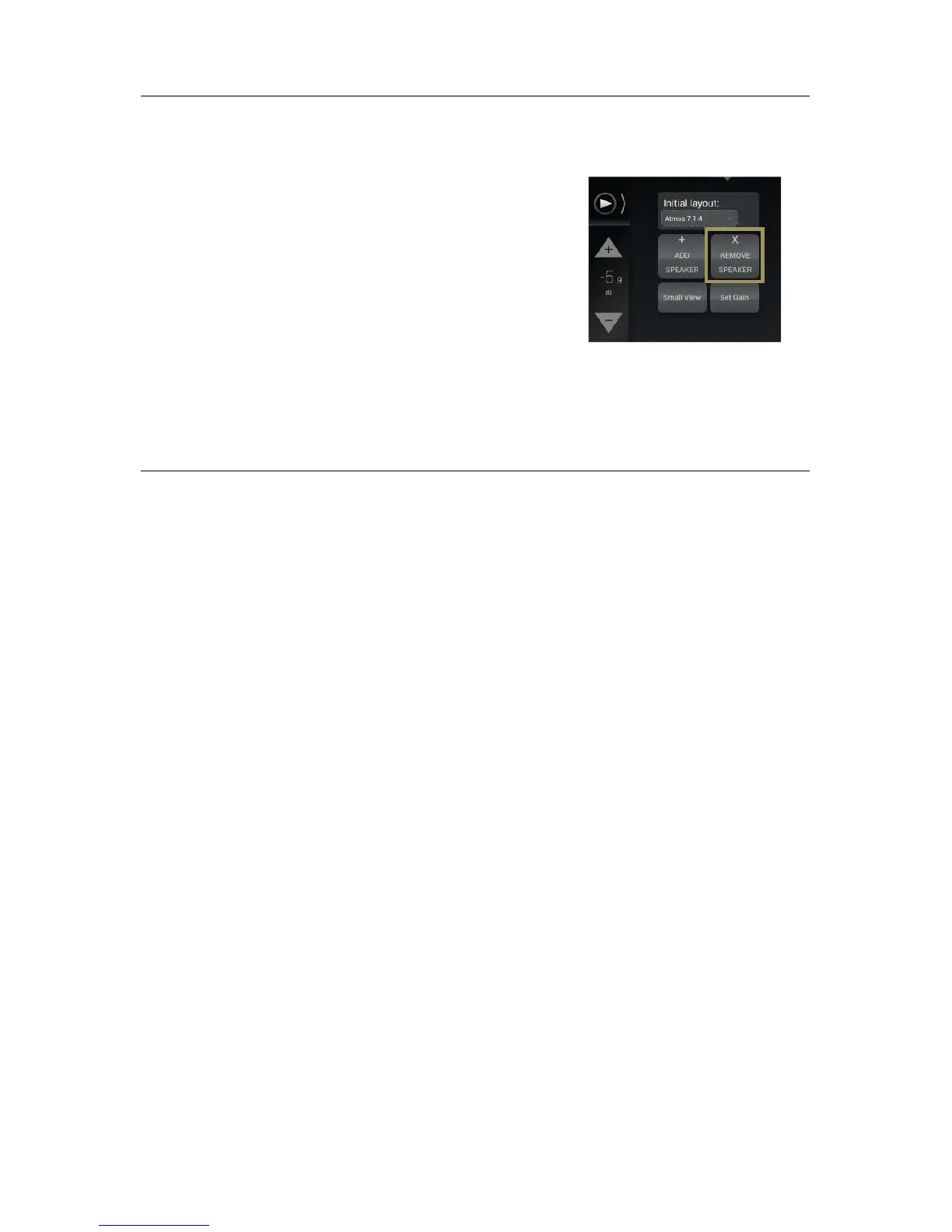
To remove one or more speakers (including subwoofers):
• Click on the speaker you want to remove, either in the 3D
representation or in the list: it will be displayed in yellow.
• Click on the Remove speaker button.
8.8 CONFIGURE THE SETTINGS OF EACH
SPEAKER
Once the complete set of speakers in your system is defined, you can configure the settings of each speaker.
The speaker configuration table located in the lower part of the Speaker/Room setup tool allows you to:
• Manually map the channels of the Dolby, Dolby Atmos, DTS, DTS:X or Auro-3D formats to each speaker;
• Configure the arrays of speakers for Dolby and DTS legacy format (optional) (See Speakers Arrays chapter
bellow);
• Configure the active crossover settings (optional);
• Specify the physical output for each speaker/driver;
• Send pink noise to the assigned physical output in order to verify that the routing of each channel to each
loudspeaker/driver is correct.
The Small View button reduces the 3D view and enlarges the speaker configuration table.
Every speaker can be further configured as follows:



 To Next Page