Section 1 Basic Printer Functions 1-19
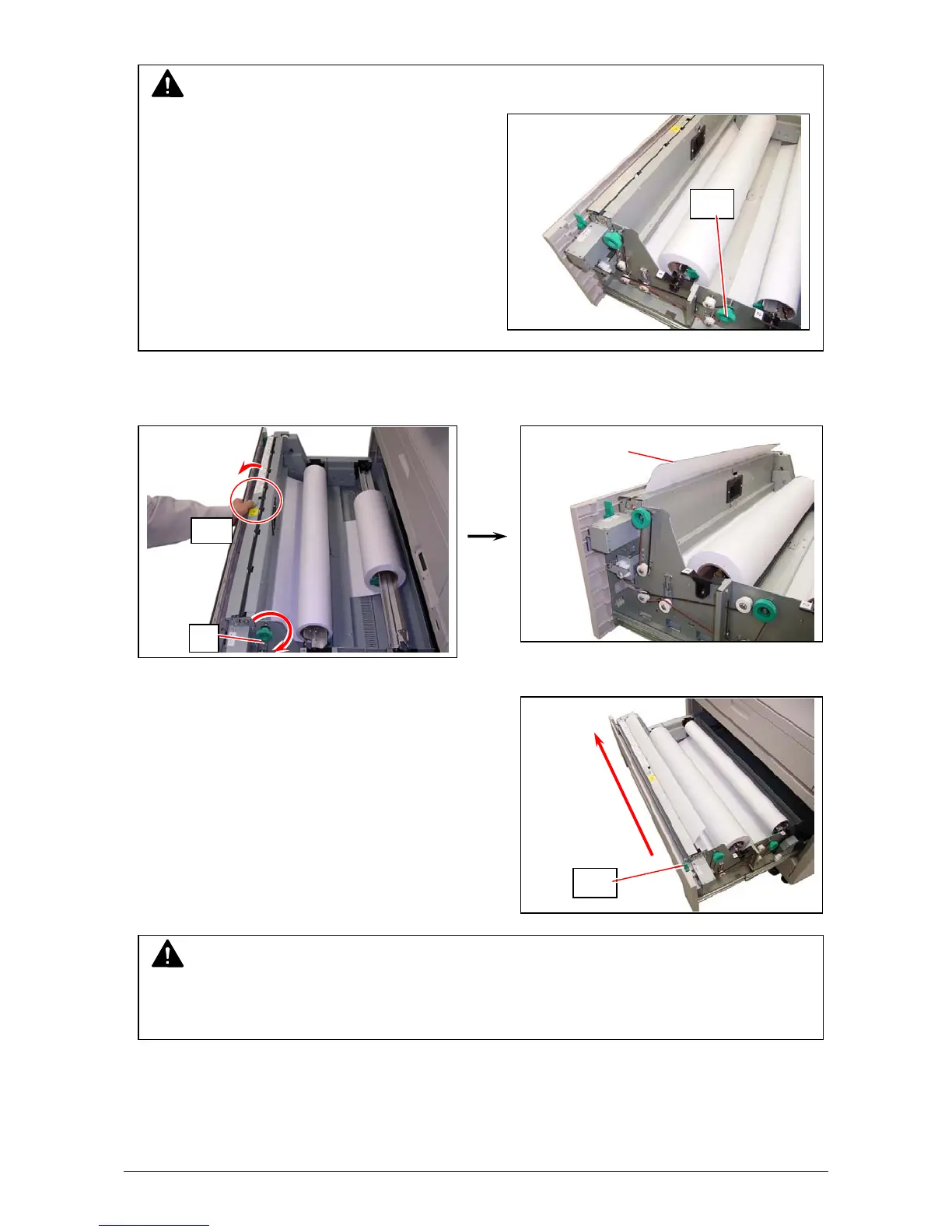
7. When the feeding rollers catch the paper, pull the middle of the Guide Plate 6 (11) out.
Rotate the Paper Feeding Knob (9) again until the leading edge comes out in 8”.
8. Slide the Cutter Knob (12) fully from one side to
another side to cut the leading edge.
Remove the paper portion.
NOTE
For Roll 2, rotate the Paper Feeding Knob
on the rear side (10).
Leading edge
of roll paper
10
12
NOTE
Slide the Cutter Knob completely until it is stopped at the right or left end.
If not, a paper jam may occur.
11
9



 To Next Page