DETAILED CONTROLS AND GAUGES OPERATION
3-34
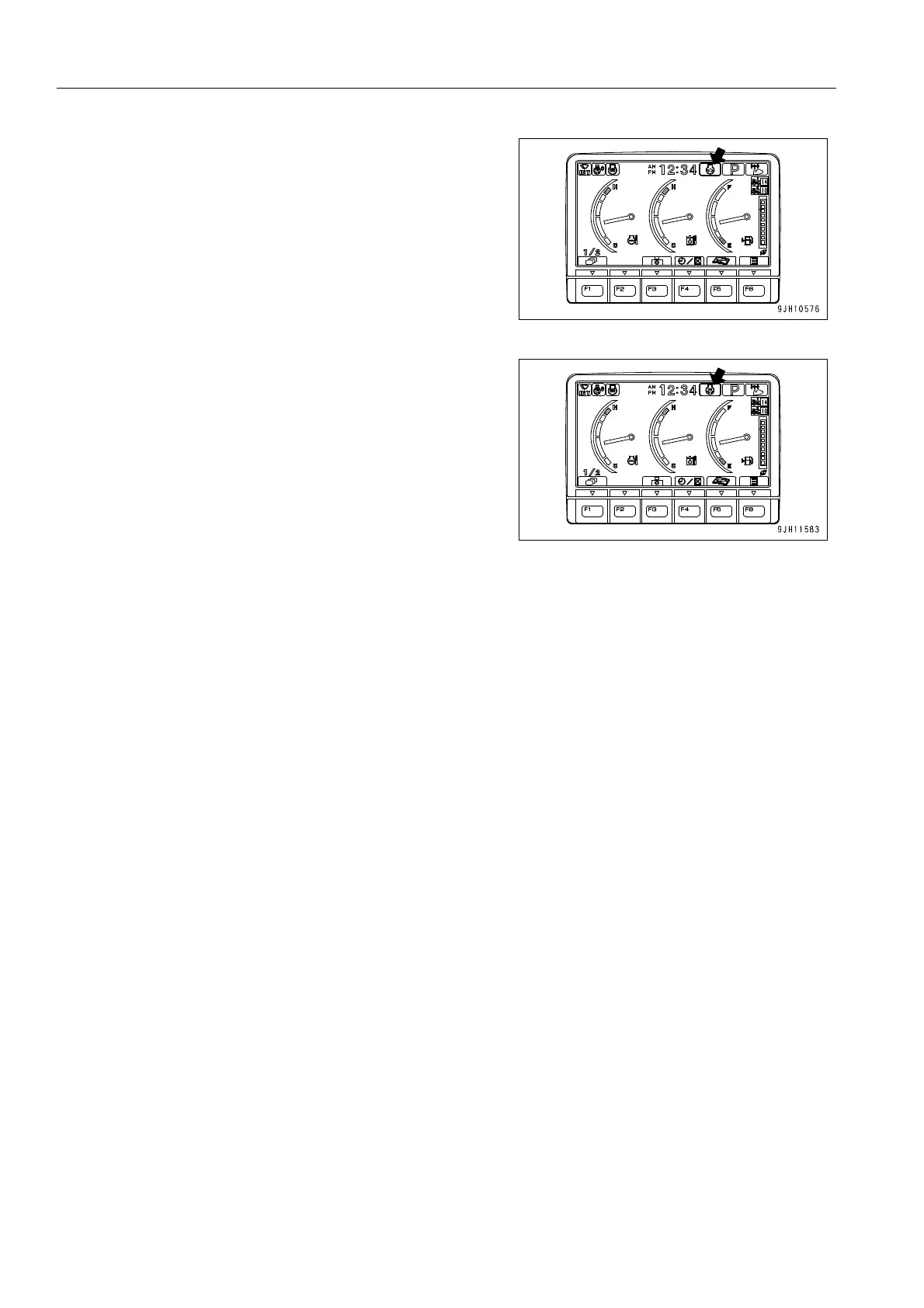
2. On the standard screen, the Auto-deceleration monitor
lights up.
(When the auto-deceleration is OFF, it does not light up.)
q When auto low idle function is ON
q Auto low idle function
This is a function that can be used when the auto-deceleration function is ON. When all the work equipment
control levers and travel levers are returned to neutral during operations, the auto-deceleration function is
actuated, and after approx. 4 seconds, the engine speed drops from the work equipment speed to the idling
speed. In addition, if the auto low idle function is ON, after a further approx. 30 seconds, if the work equipment
control levers and travel levers are kept at neutral, the engine speed will drop to low idling speed. This helps
to reduce wasteful fuel consumption when no operations are being carried out.
When the machine is shipped from the factory, the auto low idle function is set to ON.
The auto low idle function is an additional function of the auto-deceleration function.
If it is desired to turn the auto low idle function ON or OFF, please follow the procedure given in “Auto Low Idle Set-
ting (3-61)“.










 To Next Page