DETAILED CONTROLS AND GAUGES OPERATION
3-44
For details of the content of the warning displays, see “Basic
Check Monitors (3-11)“, “Caution Monitors (3-14)“, “Emergency
Monitors (3-18)“ and “TROUBLES AND ACTIONS (3-240)“.
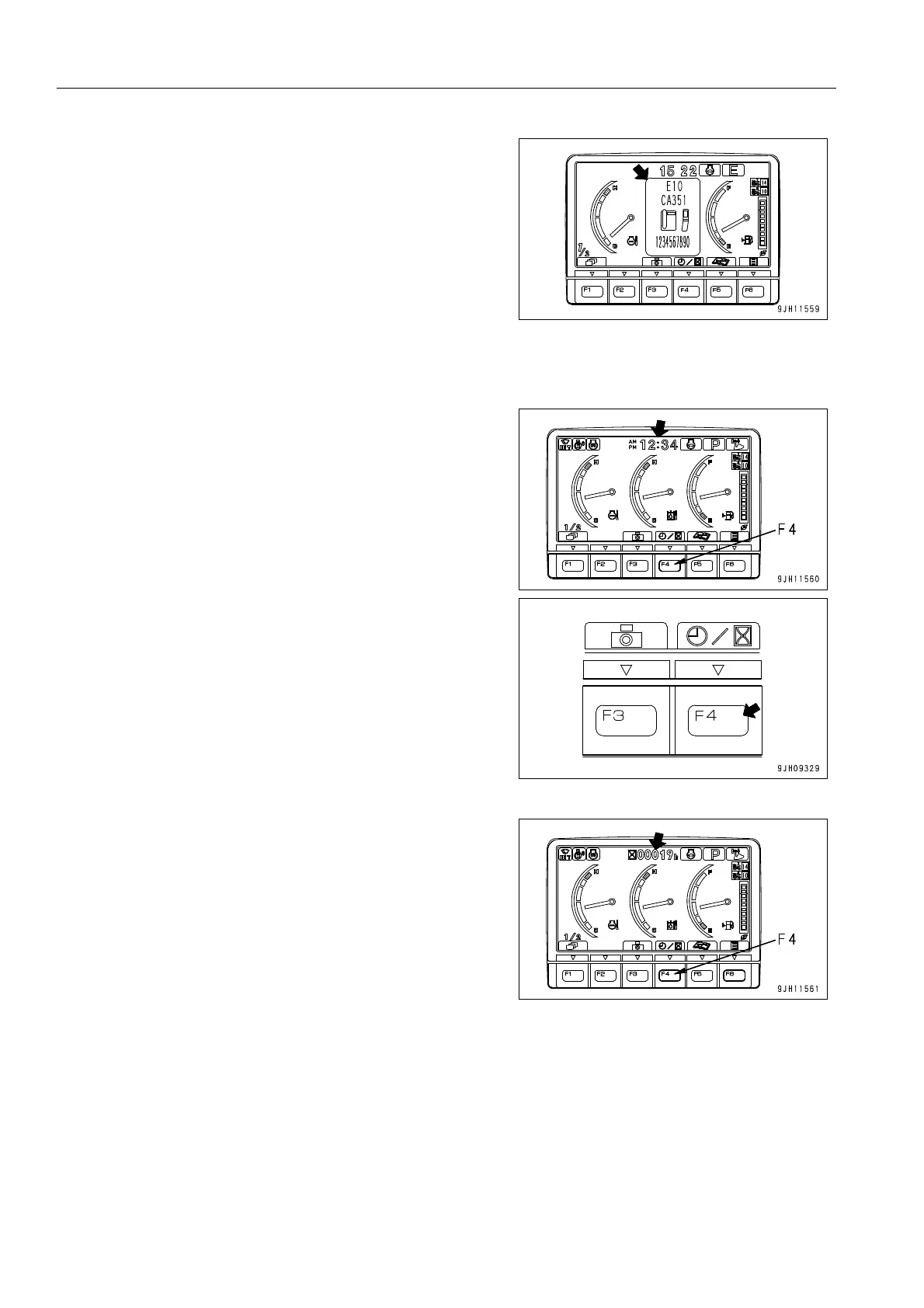
Service Meter/Clock Display Selector Switch 3
On the standard screen, it is possible to press switch F4 to
switch the service meter and clock display at the top of the
monitor display.
q When the time is being displayed, press switch F4 to
switch to the service meter display.
When the service meter is being displayed, press switch
F4 to switch to the time display.











 To Next Page