DETAILED CONTROLS AND GAUGES OPERATION
3-48
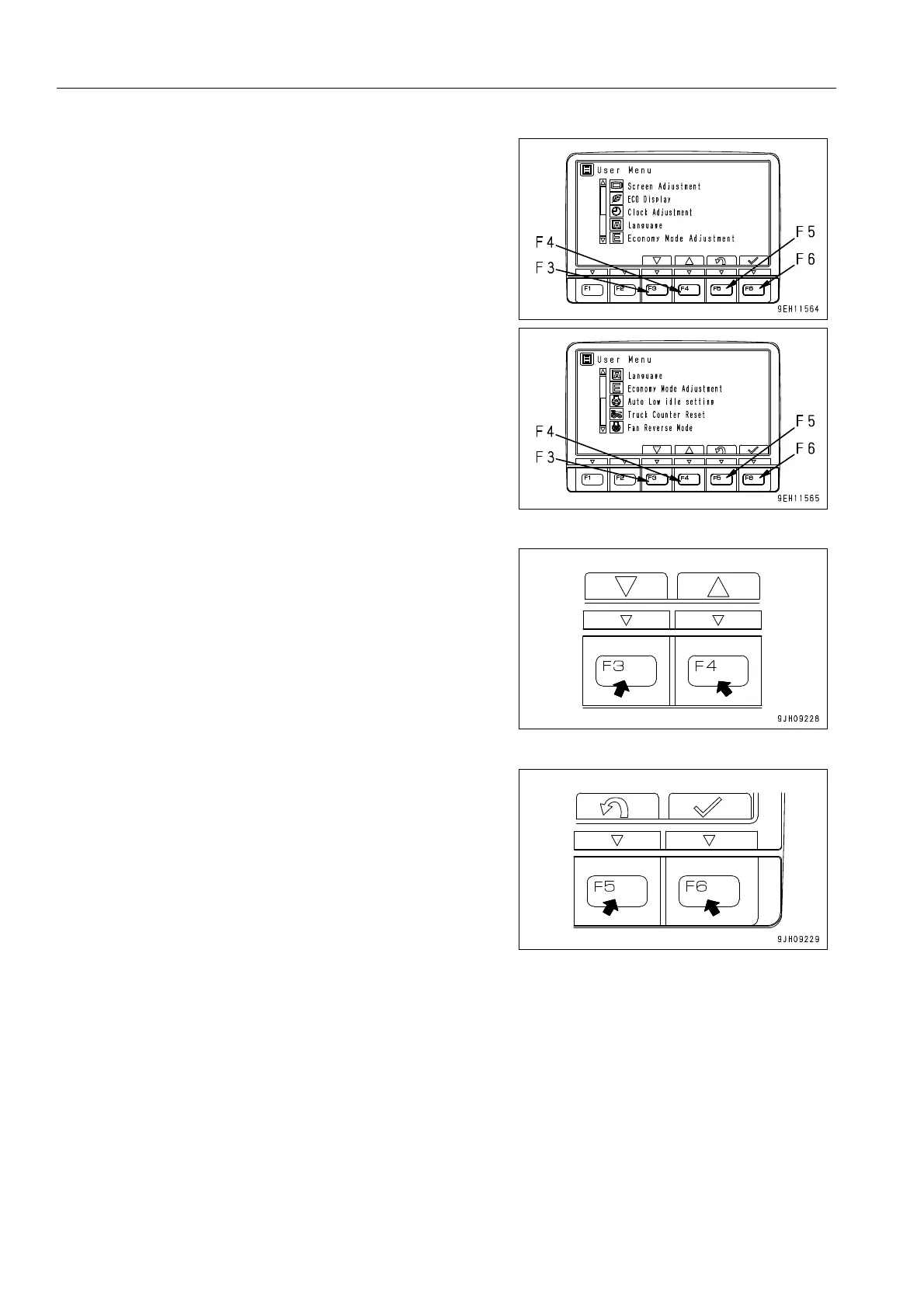
q On the User Menu screen, it is possible to carry out the fol-
lowing operations with switches F3 to F6.
F3: Moves to next item (1 line down). When on the last line, it
moves to the first line on the next page.
F4: Moves to previous item (1 line up). When on the first line, it
moves to the last line on the previous page.
F5: Returns to standard screen.
F6: Switches to setting screen for selected item.
q If no switch is operated for 30 seconds on the user menu
screen, the screen automatically returns to the previous
screen.











 To Next Page