OPERATION DETAILED CONTROLS AND GAUGES
3-49
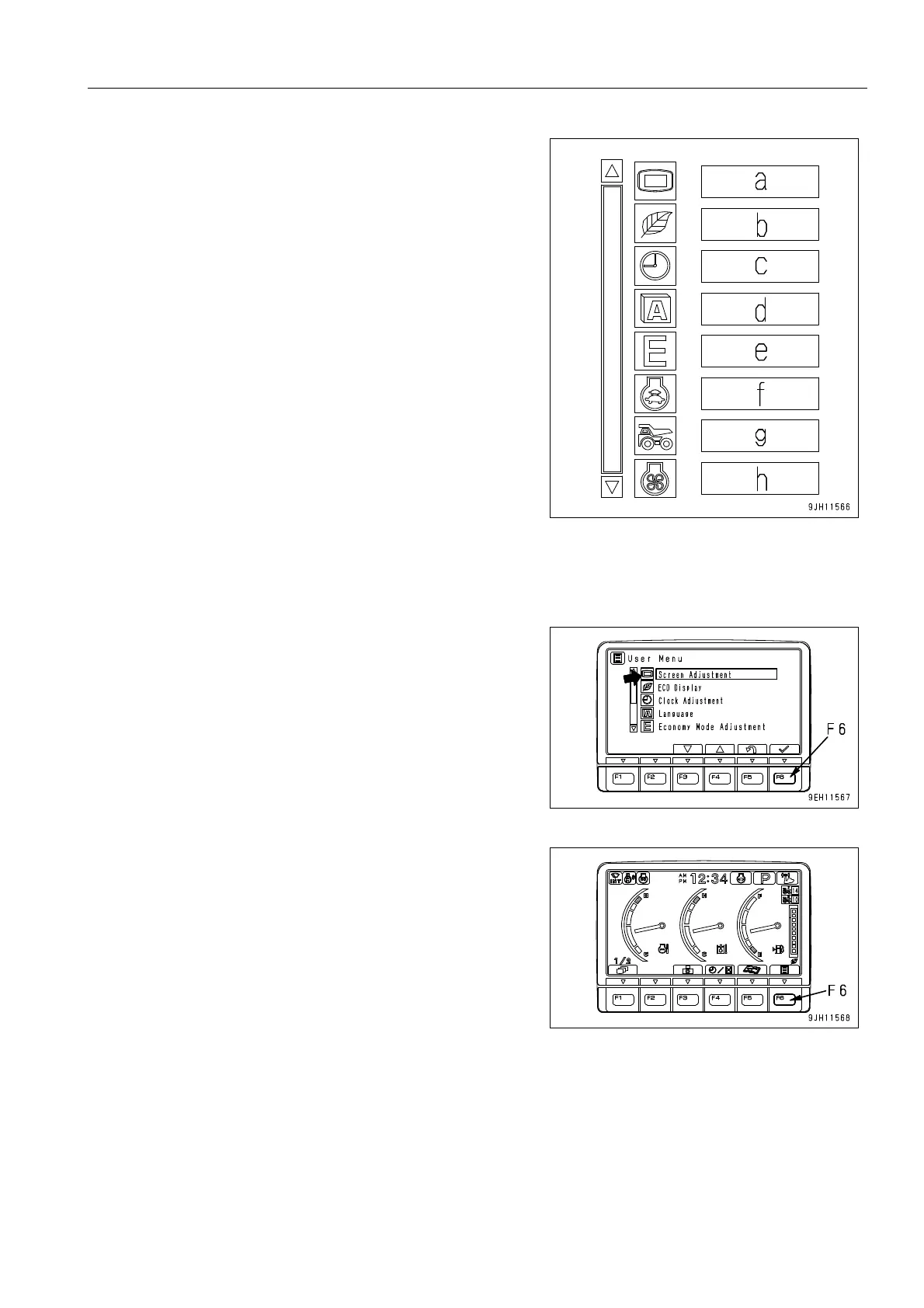
q The following items can be set.
a : Screen adjustment
b : ECO display
c : Time adjustment
d : Language selection
e : Economy mode adjustment
f : Auto Low-idle setting
g : Truck counter reset
h : Fan reverse mode
The operation for setting a - h is as follows.
Adjusting Screen
Use this screen adjustment menu to adjust the brightness, con-
trast, and back light of the screen.
1. On the standard screen, press switch F6.











 To Next Page