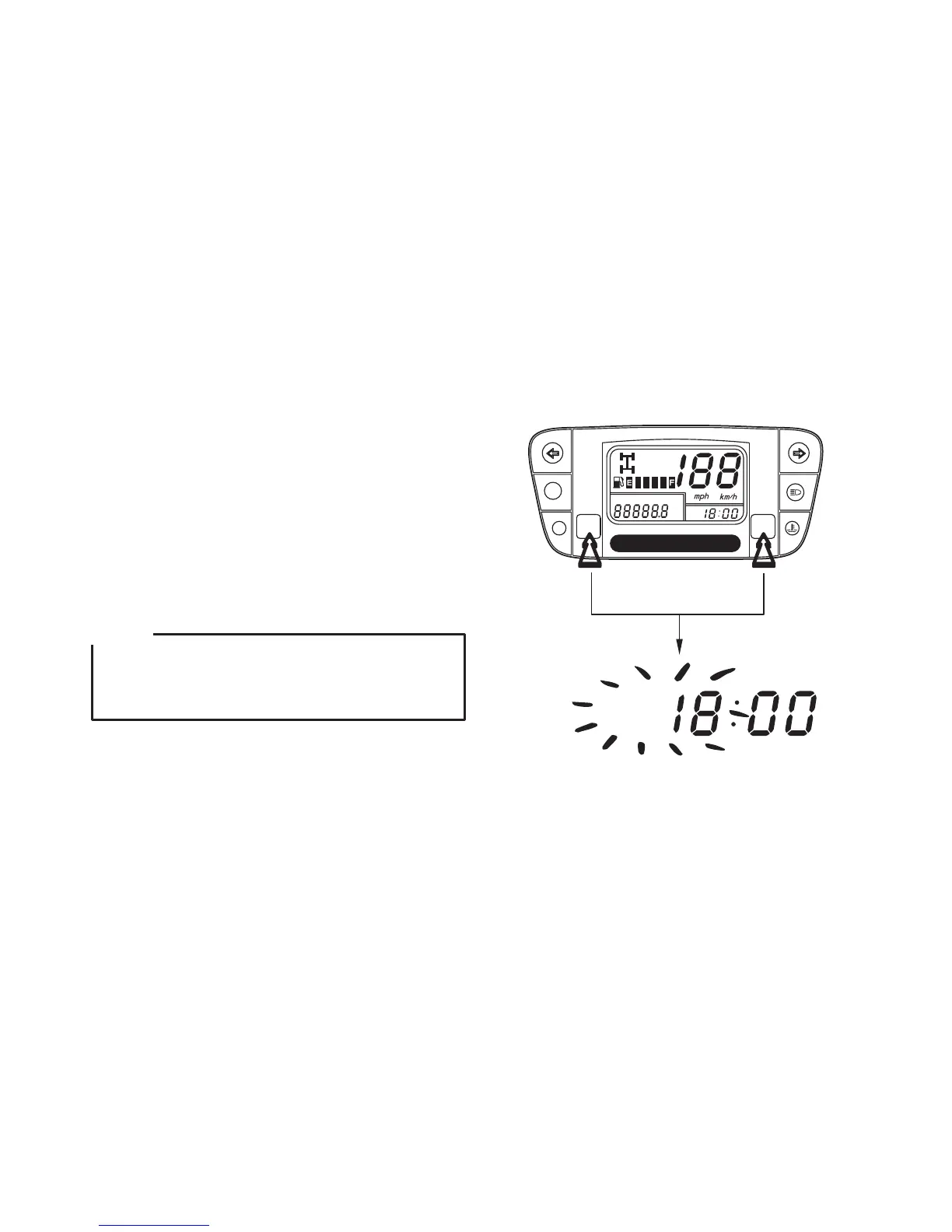
(5) Digital clock
Show the time (hours and minutes) while the
ignition is ON.
To adjust the time manually, proceed as follows:
1. Turn the ignition switch ON.
2. Press and hold SET button for more than 2
seconds to select ODO mode.
3. Press and hold both the MODE button and
SET button in the same time for more than 2
seconds. The clock will be set in the adjust
mode with the hour display flashing.
24
Digital clock can be adjust in ODO mode only,
never select TRIP A or TRIP B mode when you
want to adjust your digital clock.
NOTE:
ODO
mile
km
PM
2WD
4WD
SET
MODE
P RNH L
PM



 To Next Page