10. DRIVE PULLEY/DRIVEN PULLEY/CLUTCH
10-3
MXU 500
LEFT CRANKCASE COVER
REMOVAL/INSTALLATION
REMOVAL
Remove the left footboard (refer to the
“FRAME COVERS” section in the chapter
2).
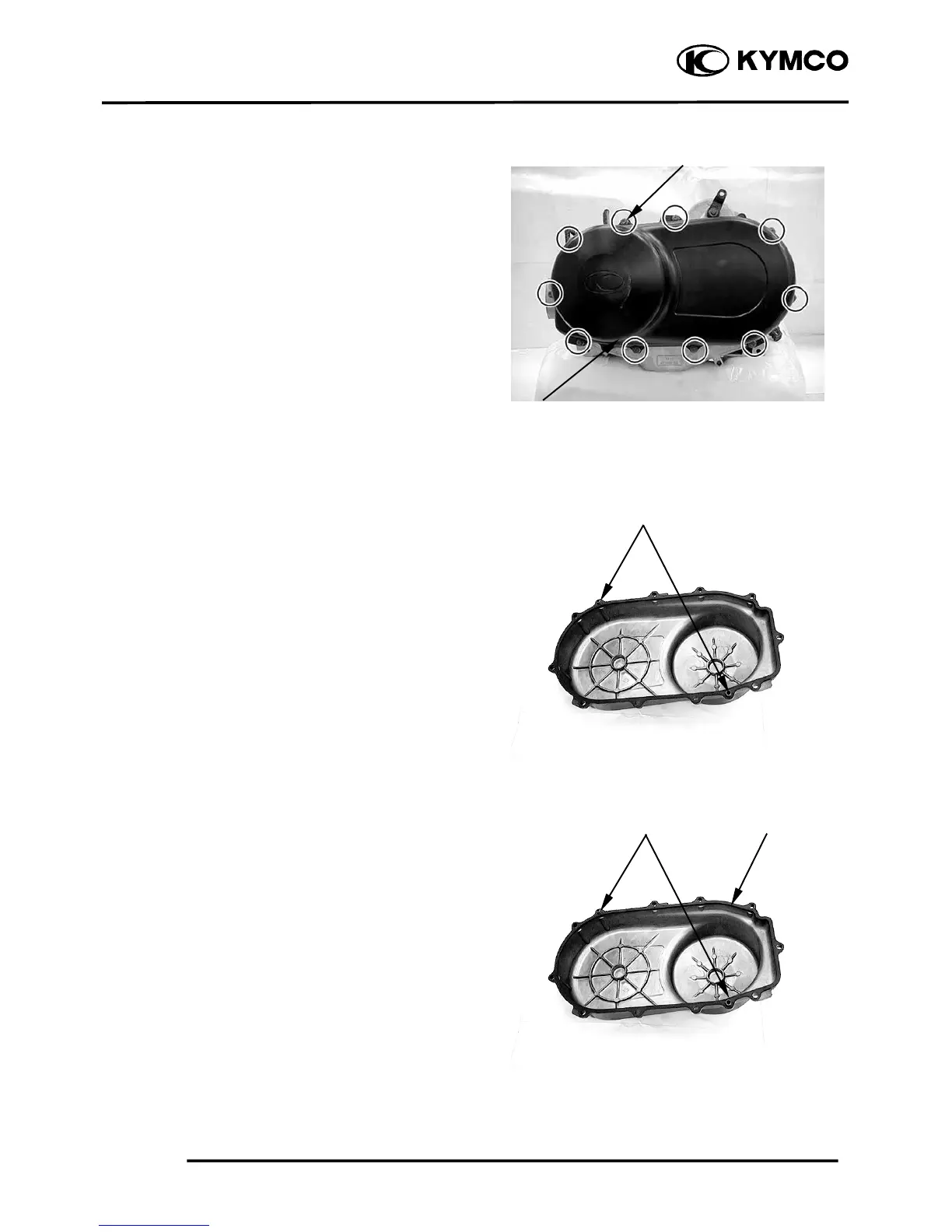
Remove the ten bolts, remove the left
crankcase cover and rubber gasket.
.
Remove the two dowel pins.
INSTALLATION
Install the rubber gasket onto the left
crankcase cover.
Install the two dowel pins onto the left
crankcase cover.
Left Front Cover
Bolts
Dowel Pins Rubber Gaske



 To Next Page