Job Accounting
4-15
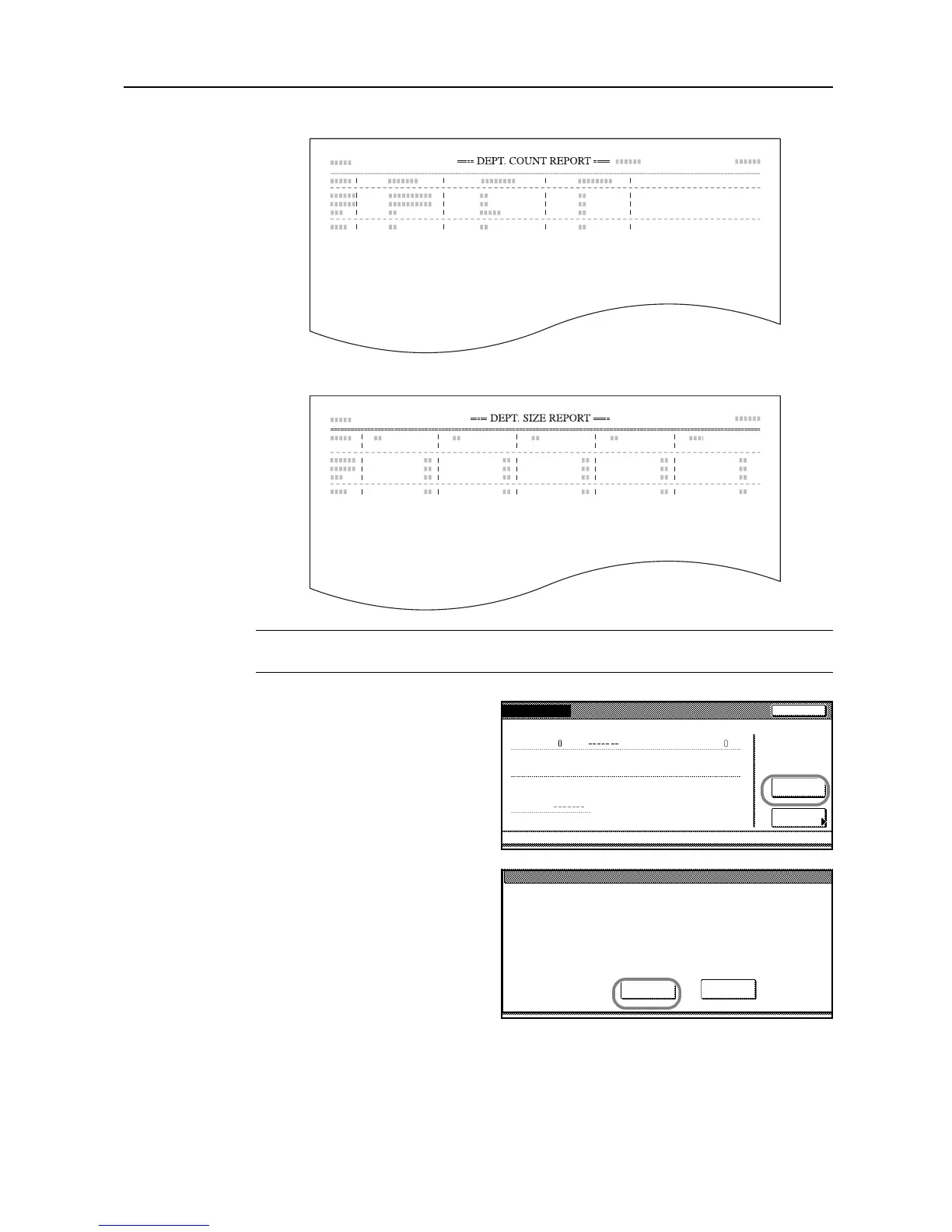
By function: copying and printing managed separately ([Each] is selected)
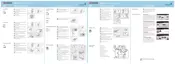
By paper size
NOTE: Specify which type of report is printed in the Copy/Printer Output Management of the job
accounting default settings.
4
To reset the copy volume, press
[Counter clear].
5
Press [Yes].
6
Press [Close]. The touch panel will return to the Job Accounting screen.










 To Next Page