Copying Functions
1-12
3
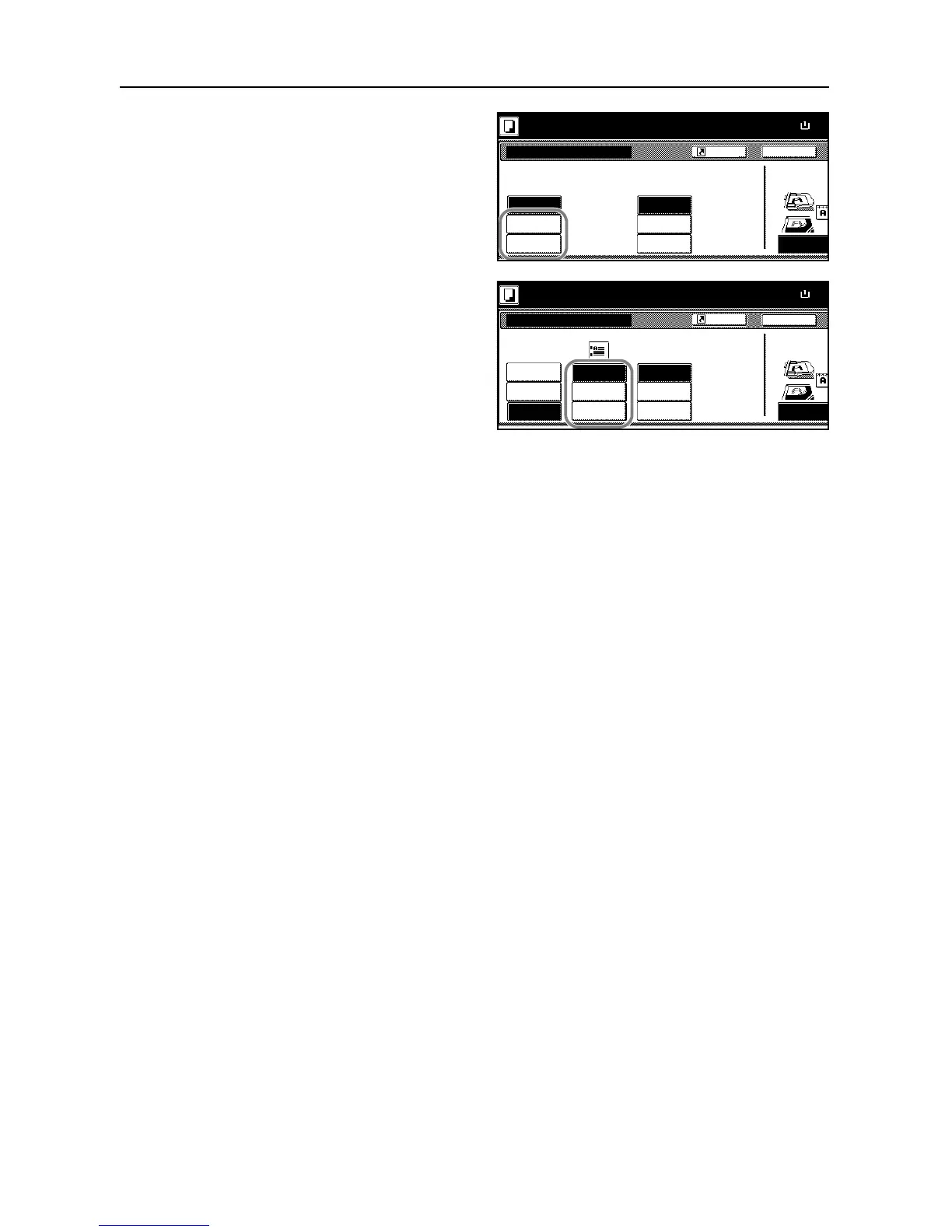
Press [1 staple] or [2 staples].
4
Select the staple position.
5
Place the originals in the document processor or on the platen and press the Start key.
If the original is placed on the platen, Scan next original(s) will be displayed. Place the next original
and press the Start key.
After scanning all originals, press [Scanning finished] to start copying.










 To Next Page