X75HD/X75SD Installation and Operation Manual 267
Appendix C: Servicing
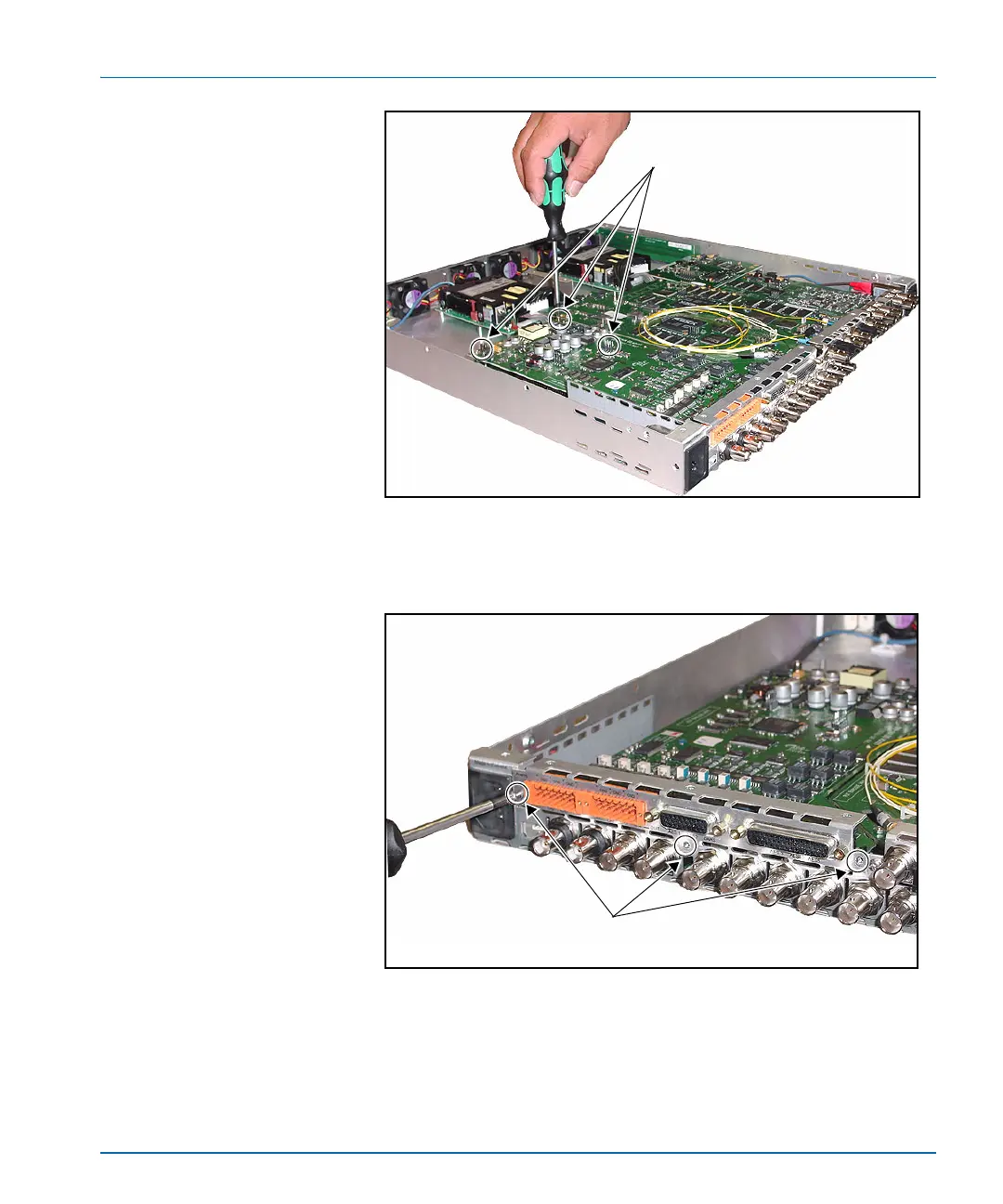
Figure C-8. Securing the Module to the Main Board
8. Screw the back panel into place using the screws removed in step 2.
Figure C-9. Securing the Back Connector to the Frame
9. Replace the chassis cover using the original screws. See page 261
for more information on replacing the cover.
Securing the module to the
main board
Screw the module to the main
board via the three standoffs.
Securing the back
connector to the frame
Screw the back connector to
the frame in three locations.



 To Next Page