X75HD/X75SD Installation and Operation Manual 291
Appendix C: Servicing
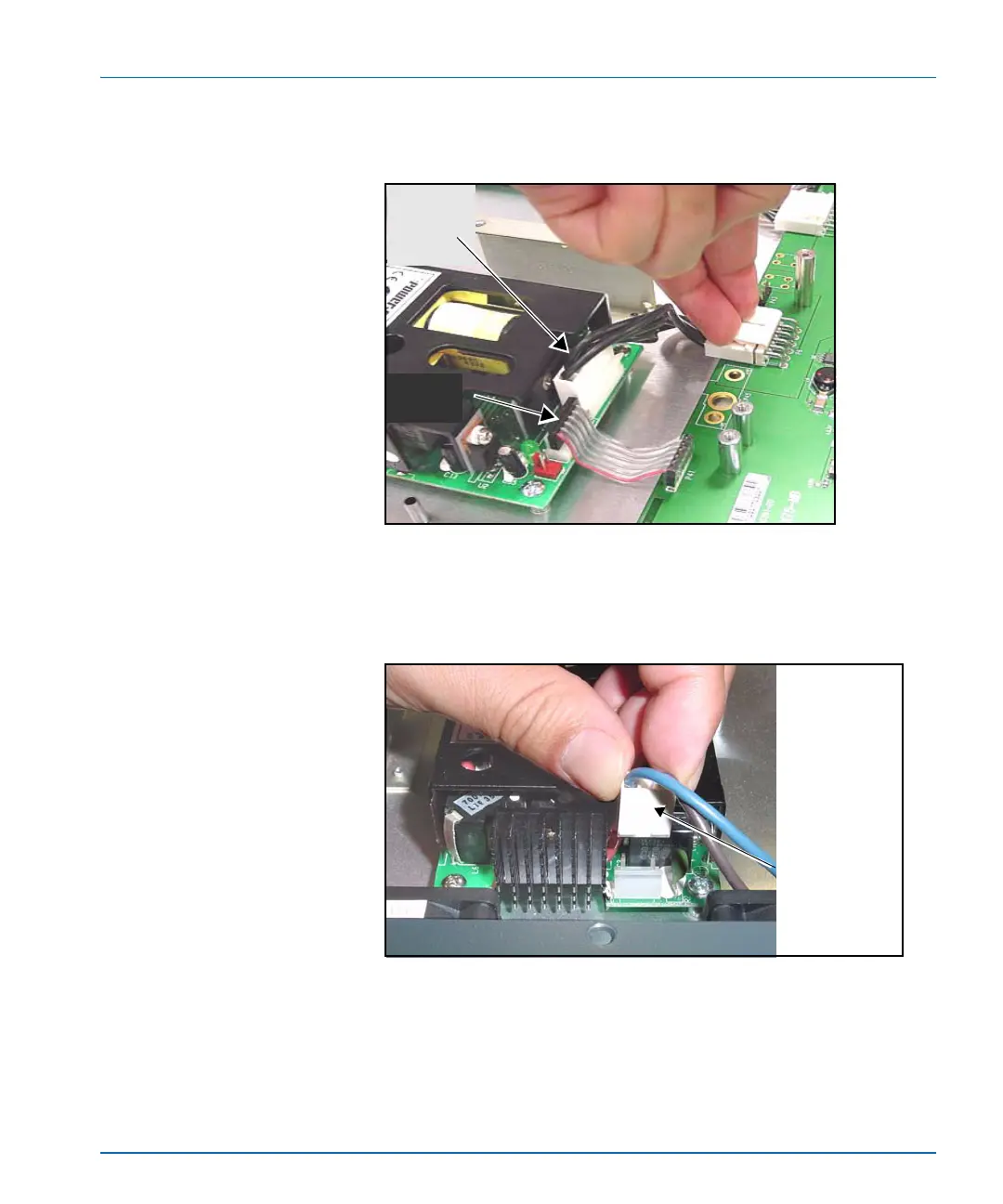
3. Remove the main DC power cable and secondary DC ribbon cable
that connect the power supply. (See Figure C-26.)
Figure C-26. Removing the DC and Ribbon Cables
4. Disconnect the polarized AC cables from the power supply.
(See Figure C-27.)
Figure C-27. Removing AC Cable from Power Supply
Remove
main DC
power
cable
Remove secondary
DC ribbon
connector
AC cable
connector
Remove the
connector
from power
the supply.



 To Next Page