308 X75HD/X75SD Installation and Operation Manual
Appendix D: Software
Using the Software Upgrade Progress Tab
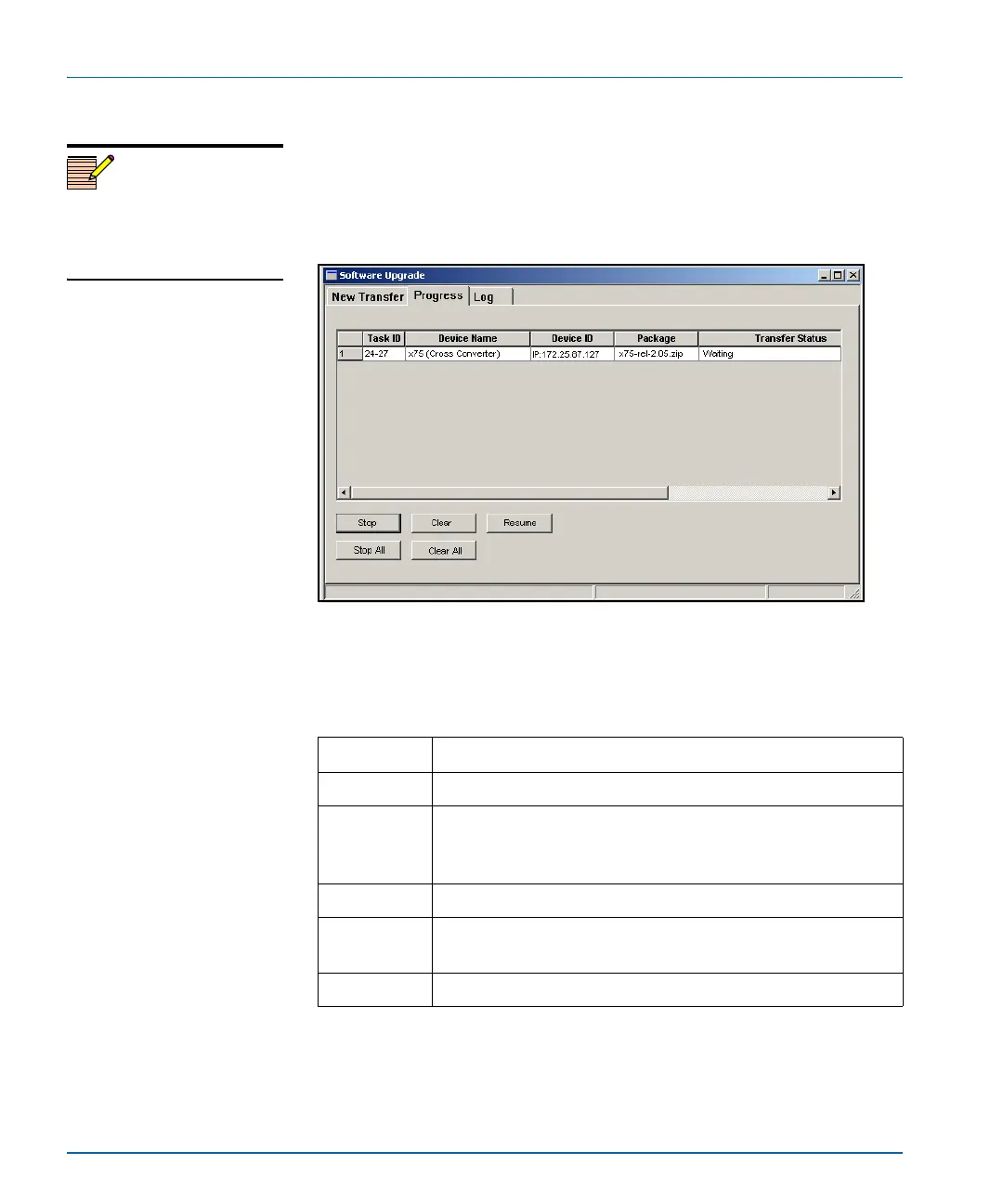
Use the Progress tab to monitor the status of all the transfer requests in
the queue. The grid displays the status of each transfer task, with each
row in the grid representing a single device-package combination
(transfer task).
Figure D-3. Progress Tab of the Software Upgrade Window
Table 1-2 below describes the five buttons on the Progress tab.
Note
The Resume button is always
unavailable in this release. Its
functionality will be
implemented in a future release.
Table D-1. Progress Tab Buttons
Button Description
Stop Aborts a selected transfer task
Clear Removes a selected transfer task from the grid; the task must
be in a Waiting to Resume, Aborted, Failed, or Completed
state in order for this button to be enabled
Stop All Aborts all tasks in the queue; you will be asked to confirm
Clear All Removes all stopped tasks from the queue; these tasks must
be either Waiting to Resume, Aborted, Failed, or Completed
Resume Restarts a task that is in the “Waiting to Resume” state



 To Next Page