X75HD/X75SD Installation and Operation Manual 309
Appendix D: Software
Using the Log Tab
The Log tab displays a running log of all the transfer operations
completed since application startup. It contains information such as the
package filename, versions being transferred, start times, errors during
transfer, and so on. The log text is selectable, allowing you to copy and
paste log information to another application.
Software Upgrade Options
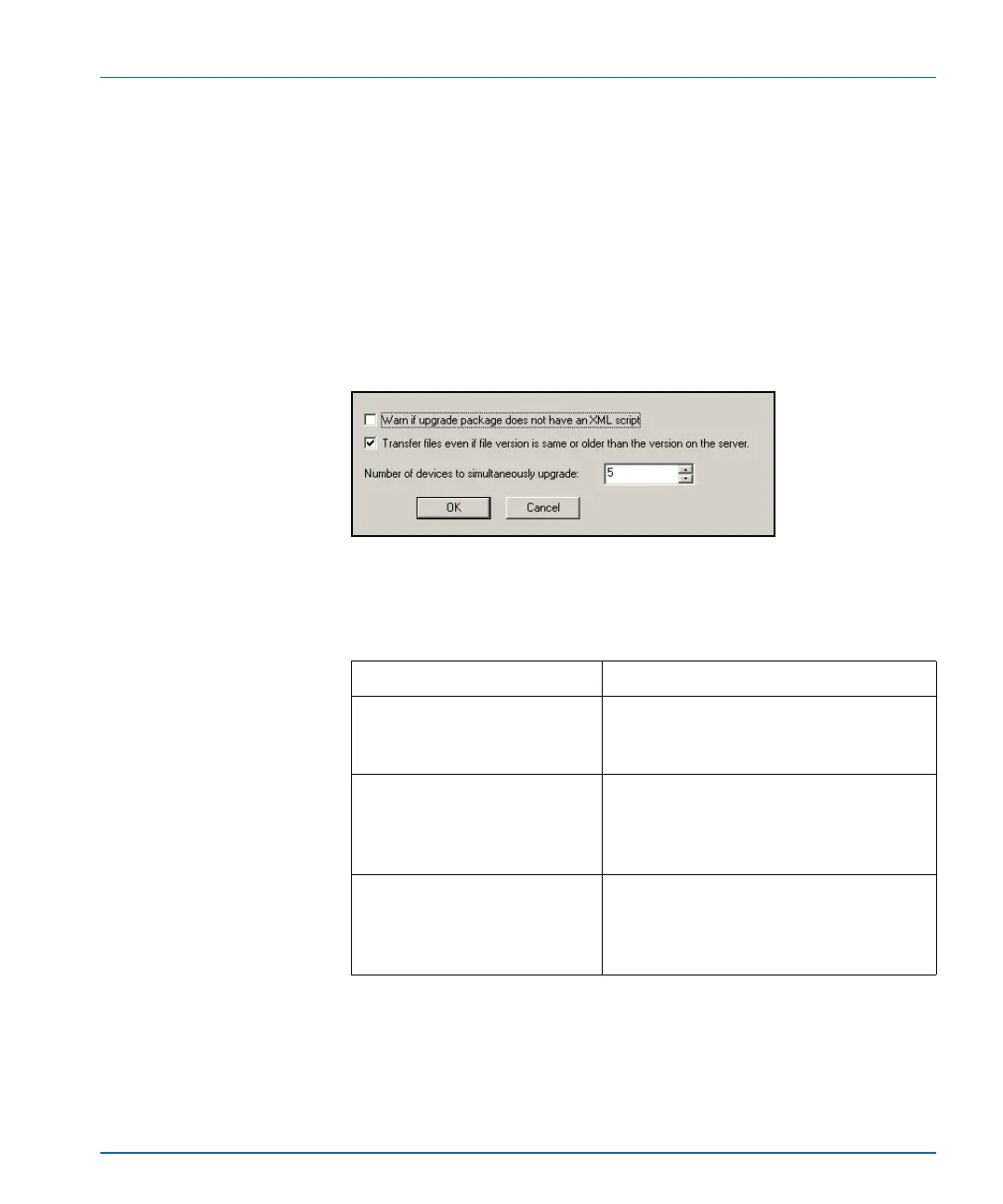
Right click in the Software Upgrade window to open an Options
window.
Figure D-4. Software Upgrade Options Window
Table D-2. Software Upgrade Options
Option Result
Warn if upgrade package does
not have an XML script
File transfer is not supported without an
XML script, so this will warn you before
aborting.
Transfer files even if file
version is same or older than
the version on the server
When this is checked, you can potentially
upgrade the software to an older revision.
However, this may be useful for returning
to your backed up version.
Number of devices to
simultaneously upgrade
Limits the number of files that can be
added to the table on the New Transfer tab
to the number in the window, which you
can change.



 To Next Page