312 X75HD/X75SD Installation and Operation Manual
Appendix D: Software
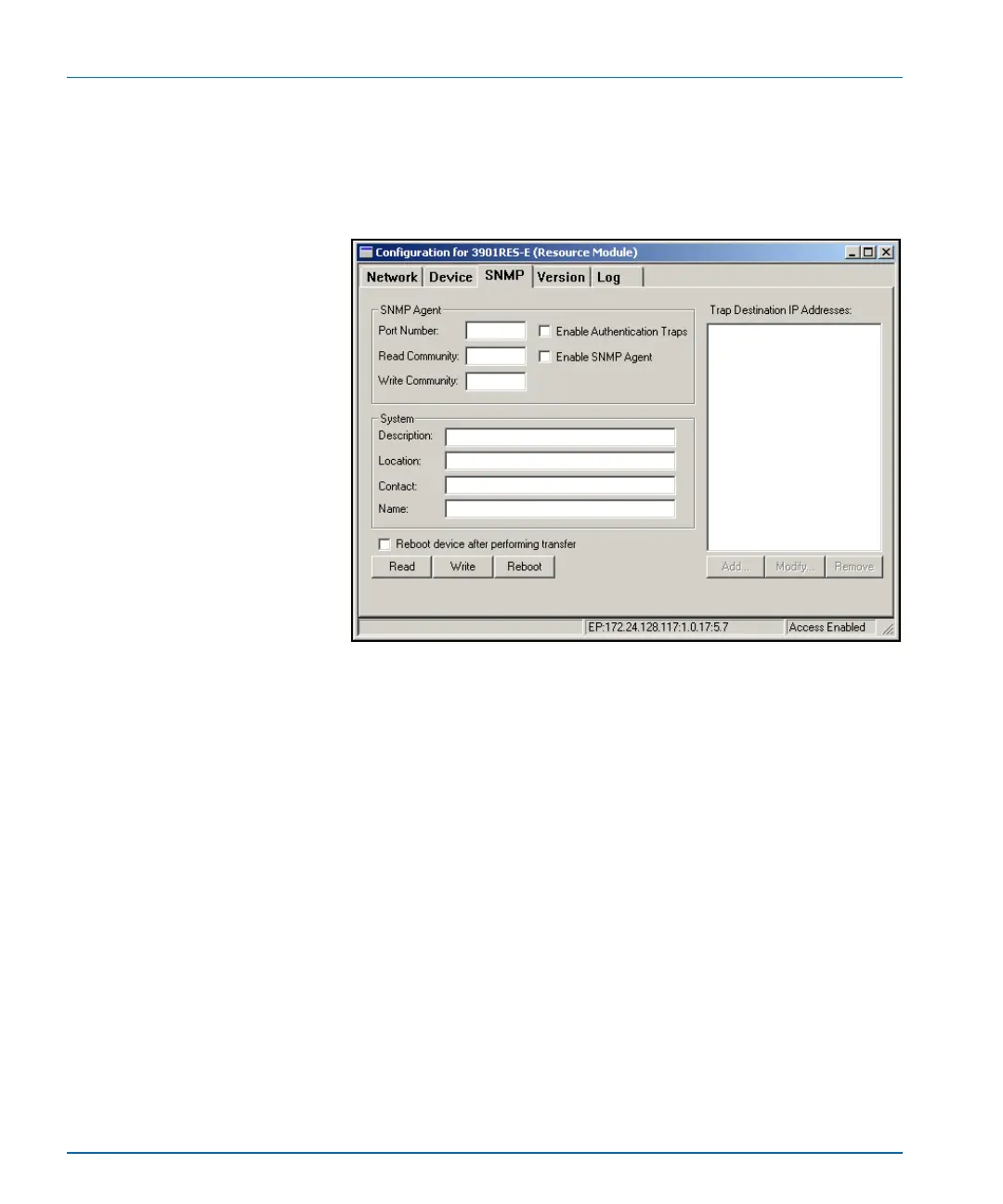
2. Click the SNMP tab, and then click the Read button.
The CCS network polls the module and retrieves its current
settings. It fills in all the fields on the SNMP tab of the
Configuration window with the settings that are on the device.
Figure D-5. SNMP Tab on device Configuration Window
If the Read function fails, your license key may not be entered
correctly. See “Activating Your SNMP License Key” on page 311.


 To Next Page