Colortran Encore Control Console
Software Version 3.05
34
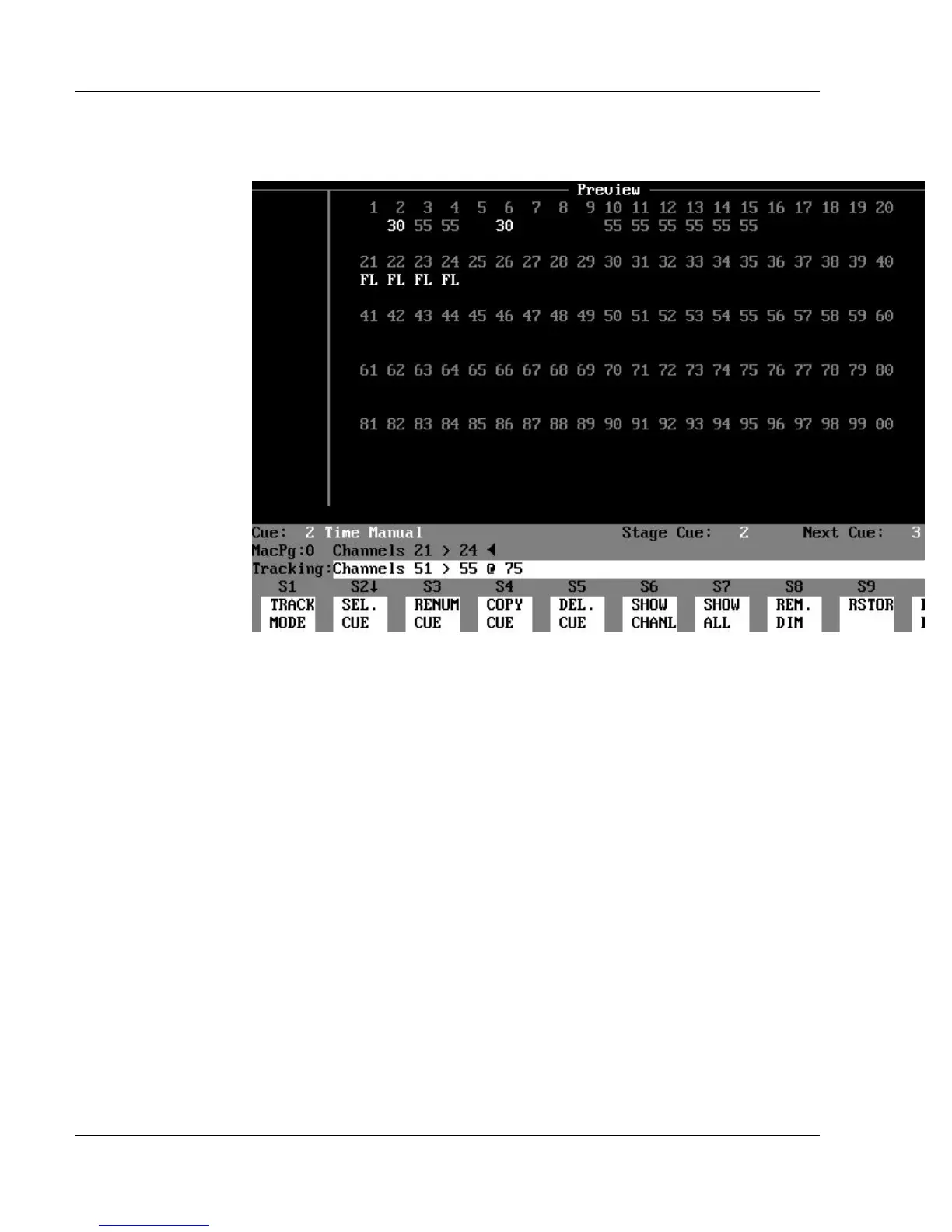
The Preview Display (a blind display)
Figure 3.6, Preview Display
Purpose of the Preview Display: The Preview display shows the
recorded channel levels of a cue. Cues may be created and edited in the
Preview display. This is referred to as working in the "blind," because none of
the channel levels shown in this display can be seen as light output on the stage
while in the Preview display. Any edits to channel levels or cue attributes are
automatically recorded as they are entered (the Record Cue command is not
necessary to create or edit cues in the Preview display).
Contents of the Preview Display: The Preview display shows the
channel levels of any recorded cue. The upper part of the display shows
channels and their respective levels. The channel numbers are located above
the levels, and appear in the following colors:
?? cyan = Normal channels
?? magenta = Automated channels



 To Next Page