Colortran Encore Control Console
Software Version 3.05
38
The Submaster Display (a blind display)
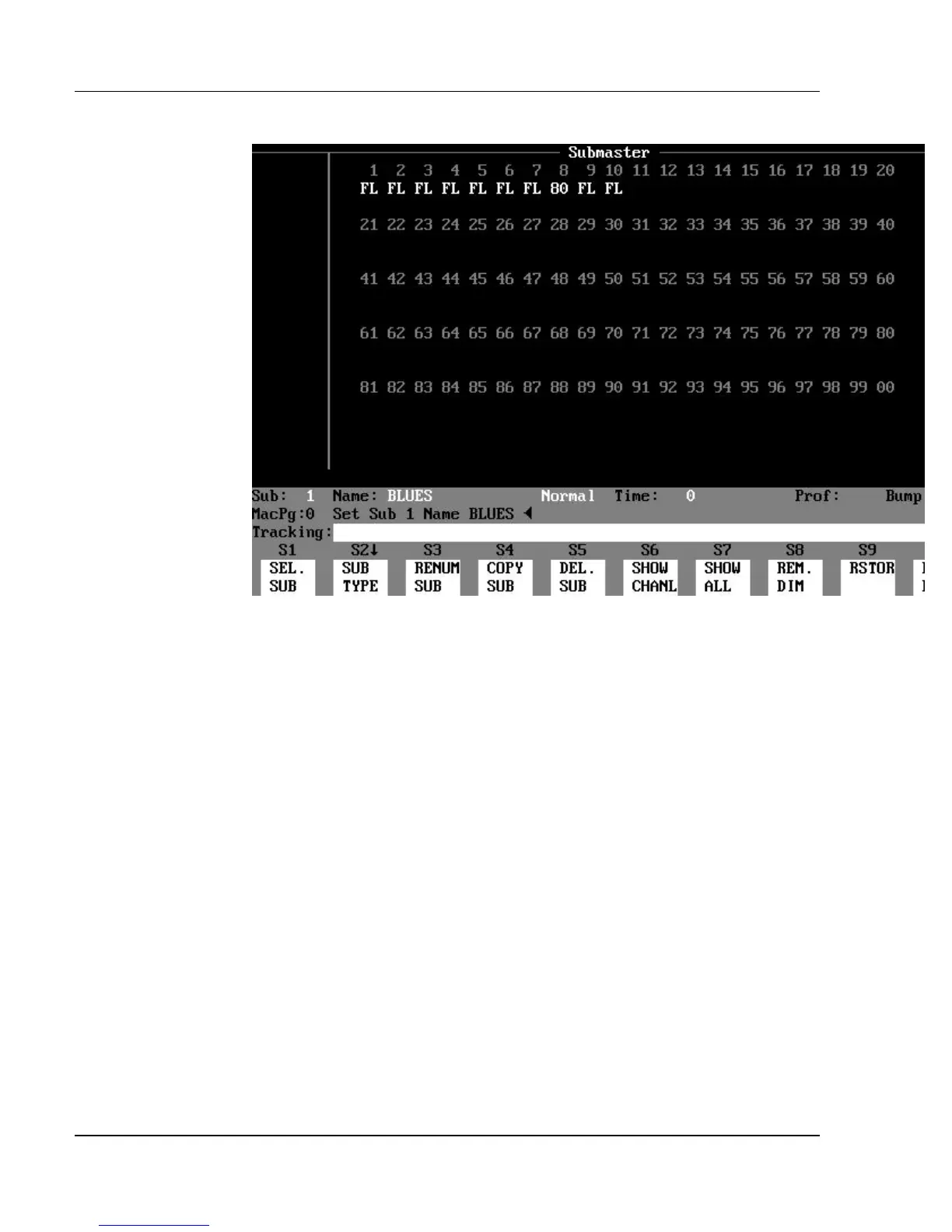
Figure 3.8, Normal Submaster Display
Purpose of the Submaster Display: The Submaster display
shows the channel levels assigned to each normal submaster, or shows
information defining inhibitive or effect submasters. Use the submaster display
to create and edit submasters. Any edits to channel levels or submaster
attributes in the Submaster display are recorded as they are entered (the Record
Sub command is not necessary to create or edit subs in the Submaster display).
There are three different types of submasters:
?? Normal submaster
?? Inhibitive submaster
?? Effect submaster
Contents of the Normal Submaster Display: The upper part
of the Normal Submaster display contains the channels and levels of a normal
submaster. (See Figure 3.8.) The channel numbers appear above their
respective levels. The channel numbers, located above the levels, appear in the
following colors:
?? cyan = Normal channels
?? magenta = Automated channels



 To Next Page