MERLIN LEGEND Communications System Release 6.1
Feature Reference
555-661-110
Issue 1
August 1998
Features
Page 62Automatic Line Selection and Ringing/Idle Line Preference
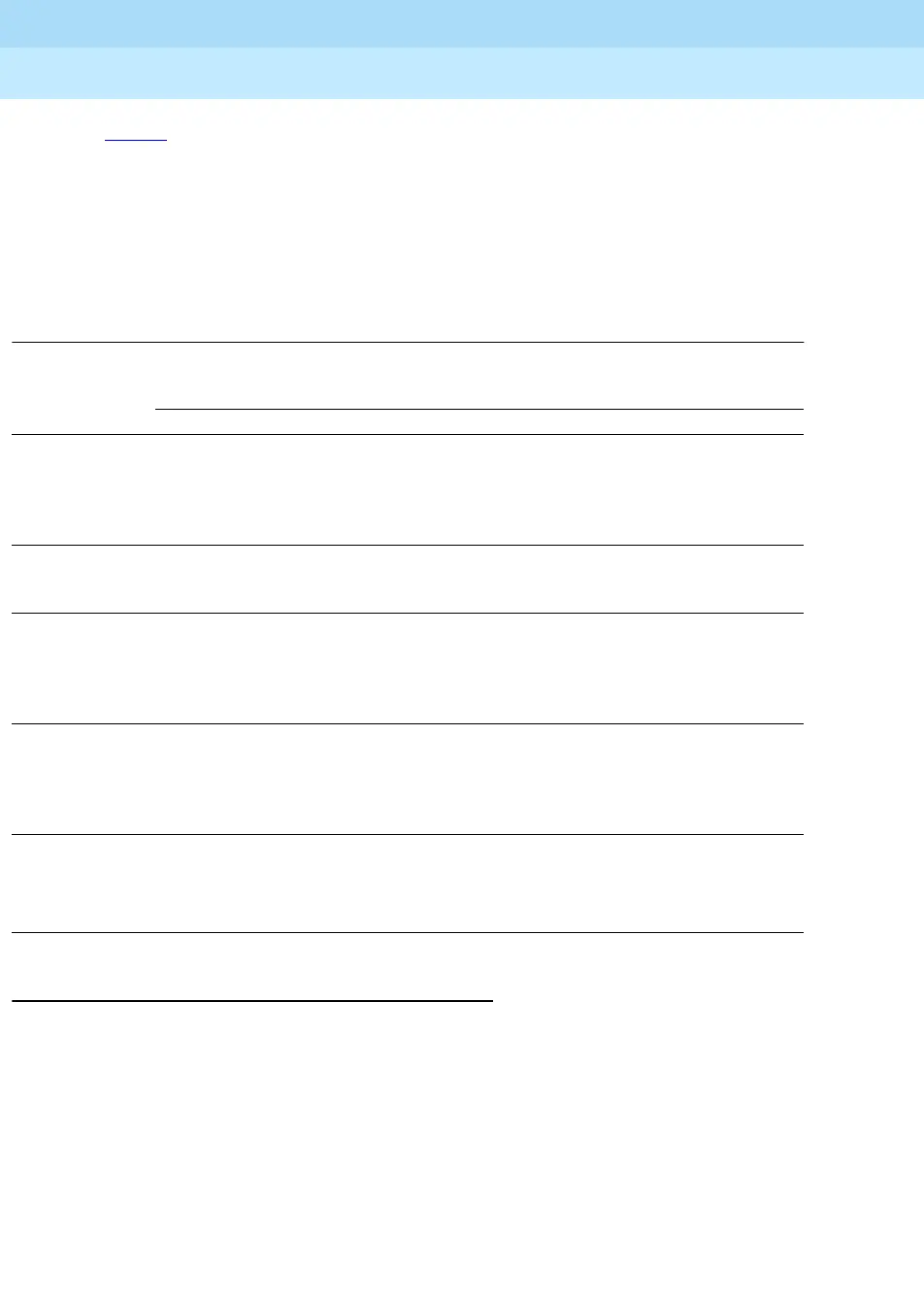
Table 2 shows the factory-set ALS sequence for each kind of telephone according
to operating mode. When Ringing/Idle Line Preference is on, buttons are selected
in the order shown. For multiline telephones, including operator consoles, the
factory-set sequence begins with the lower left button, moves up in the first
column of buttons, then moves to the bottom of the next column on the right, and
finally moves up until the maximum of eight buttons is included in the sequence.
When outside line buttons are part of the sequence, they are selected in numeric
order (by default, 801, 802,…), up to the maximum number of lines shown.
Table 2. Factory-Set Automatic Line Selection Sequence
SA R, ICOM R = SA Ring, ICOM Ring
SA V, ICOM V = SA Voice, ICOM Voice
SA 0, ICOM 0 = SA Originate Only, ICOM Originate Only
Considerations and Constraints 2
Outside line buttons and SA or ICOM buttons can be included in the ALS
sequence. However, inside and outside lines should not be interleaved. A typical
sequence would consist of all desired SA or ICOM buttons, followed by all desired
outside line buttons.
When personal line or Pool buttons are assigned to a single-line telephone or
other tip/ring device (such as a fax machine) connected to a 012 module, a 016
module, or a Multi-Function Module (MFM), the buttons are automatically added
to the ALS sequence.
Mode
Telephone Hybrid/PBX Key Behind Switch
Multiline (MLX
or Analog)
3.SA O
2.SA V
1.SA R
3. Line 3
2. Line 2
1. Line 1
8. Line 8
7. Line 7
6. Line 6
5. Line 5
4. Line 4
1. Prime line
Single-Line 3.SA O
2.SA R
1.SA R
2.ICOM R
1.ICOM R
1. Prime line
Direct-Line
Consoles
(MLX or
Analog)
5. Line 3
4. Line 2
3. Line 1
2.SA V
1.SA R
8. Line 6
7. Line 5
6. Line 4
3. Line 3
2. Line 2
1. Line 1
8. Line 8
7. Line 7
6. Line 6
5. Line 5
4. Line 4
3. Line 3
2. Line 2
1. Prime line
8. Line 8
7. Line 7
6. Line 6
5. Line 5
4. Line 4
Queued Call
Console
5.Call 5
4.Call 4
3.Call 3
2.Call 2
1.Call 1





 To Next Page