Section 4 – MOMENT LIMITER (OVERLOAD DETECTOR) Mini-Crawler Crane M A E D A
4-74 1/2019 MC405C-3
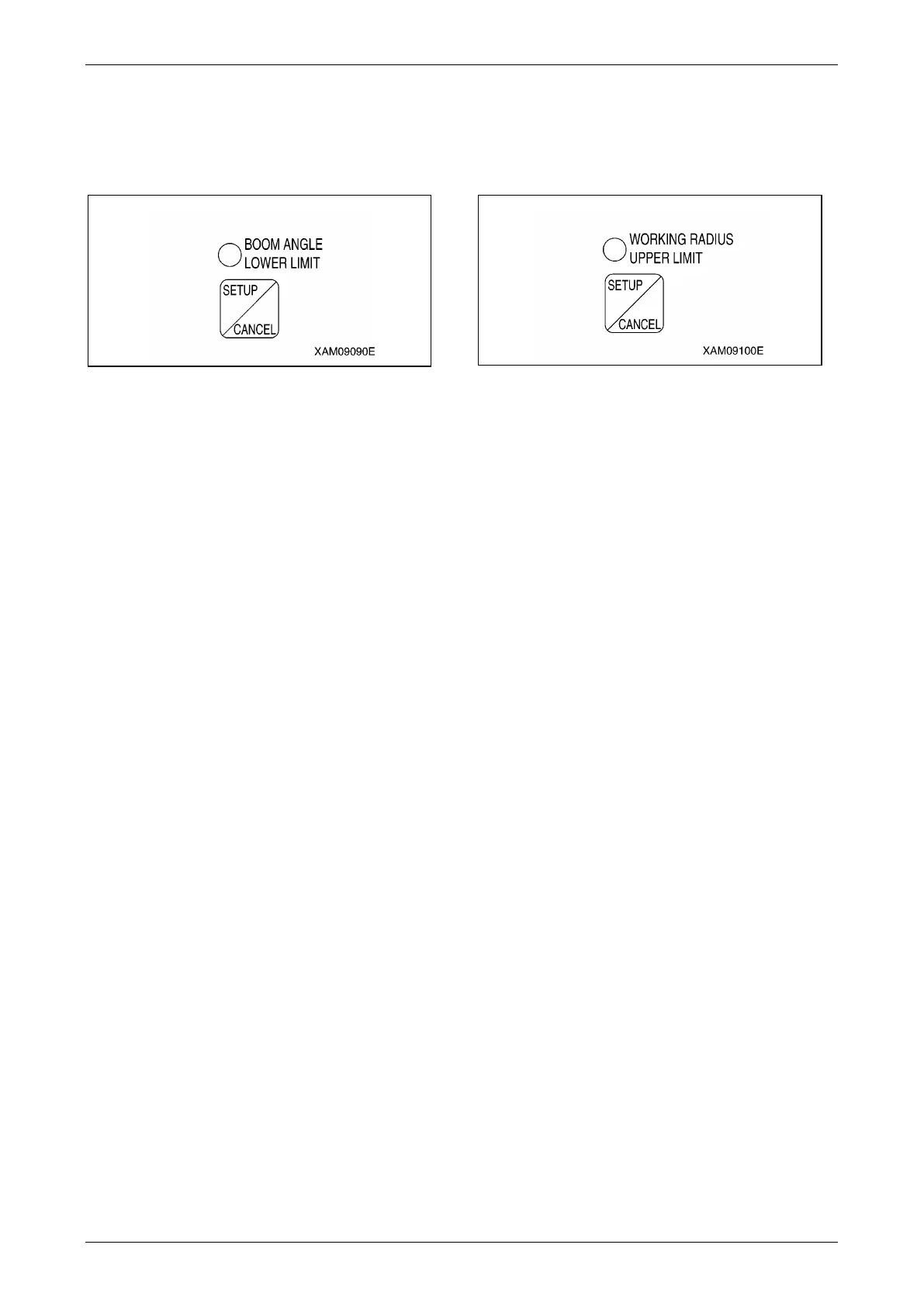
Boom Angle Lower Limit Switch and
LED (Orange)
Use this switch to set or cancel the boom angle
lower limit.
Fig. 4-190
Setup
With no lower limit value being set, set the boom
to the angle you would like, and press the switch
for 2 seconds.
The boom angle at this point is set as the lower
limit.
At the same time, the LED lights up indicating
that the lower limit value was set.
To enable this setting, turn the key switch to the
"ON" position again after turning it to the "OFF"
position, or raise the boom by "7 degrees" or
more from the set boom angle to get out of the
pre-warning zone while the engine is being
started.
NOTICE: Be sure to verify that the boom
automatically stops at the set angle before
performing the actual operation. If the boom does
not stop automatically, re-set the boom angle
using the procedure above.
When the boom reaches the pre-warning zone or
stops at the lower limit with the boom angle lower
limit set, the boom angle lower limit LED flashes.
Cancel
With the lower limit value being set (LED ON),
press the switch for 5 seconds.
The current lower limit value setting will be
cleared. At the same time, the LED goes off
indicating that the lower limit value setting is
cleared.
NOTICE: The setting and cancelling will not
repeat even if you keep the switch pressed for
more than 2 seconds. Let your hand go off the
switch and press the switch again.
Working Radius Upper Limit Switch and
LED (Orange)
Use this switch to set or cancel the working
radius upper limit.
Fig. 4-191
Setup
With no upper limit value being set, set the boom
to the working radius you would like, and press
the switch for 2 seconds.
The working radius at this point is set as the
upper limit.
At the same time, the LED lights up indicating
that the upper limit value was set.
To enable this setting, turn the key switch to the
"ON" position again after turning it to the "OFF"
position, or reduce the working radius by "1.3 m"
or more from the set working radius to get out of
the pre-warning zone while the engine is being
started.
NOTICE: Be sure to verify that the boom
automatically stops at the set working radius
before performing the actual operation. If the
boom does not stop automatically, re-set the
working radius using the procedure above.
When the boom reaches the pre-warning zone or
stops at the upper limit with the working radius
upper limit set, the working radius upper limit
LED flashes.
Cancel
With the upper limit value being set (LED ON),
press the switch for 5 seconds.
The current upper limit value setting will be
cleared. At the same time, the LED goes off
indicating that the upper limit value setting is
cleared.
NOTICE: The setting and cancelling will not
repeat even if you keep the switch pressed for
more than 2 seconds. Let your hand go off the
switch and press the switch again.



 To Next Page